Bambu Lab Cloud vs LAN Mode: Privacy, Speed, and Feature Comparison
Deciding between Bambu Lab's Cloud and LAN modes for your 3D printer? We break down the privacy implications, speed differences, and feature availability to help you make an informed choice.
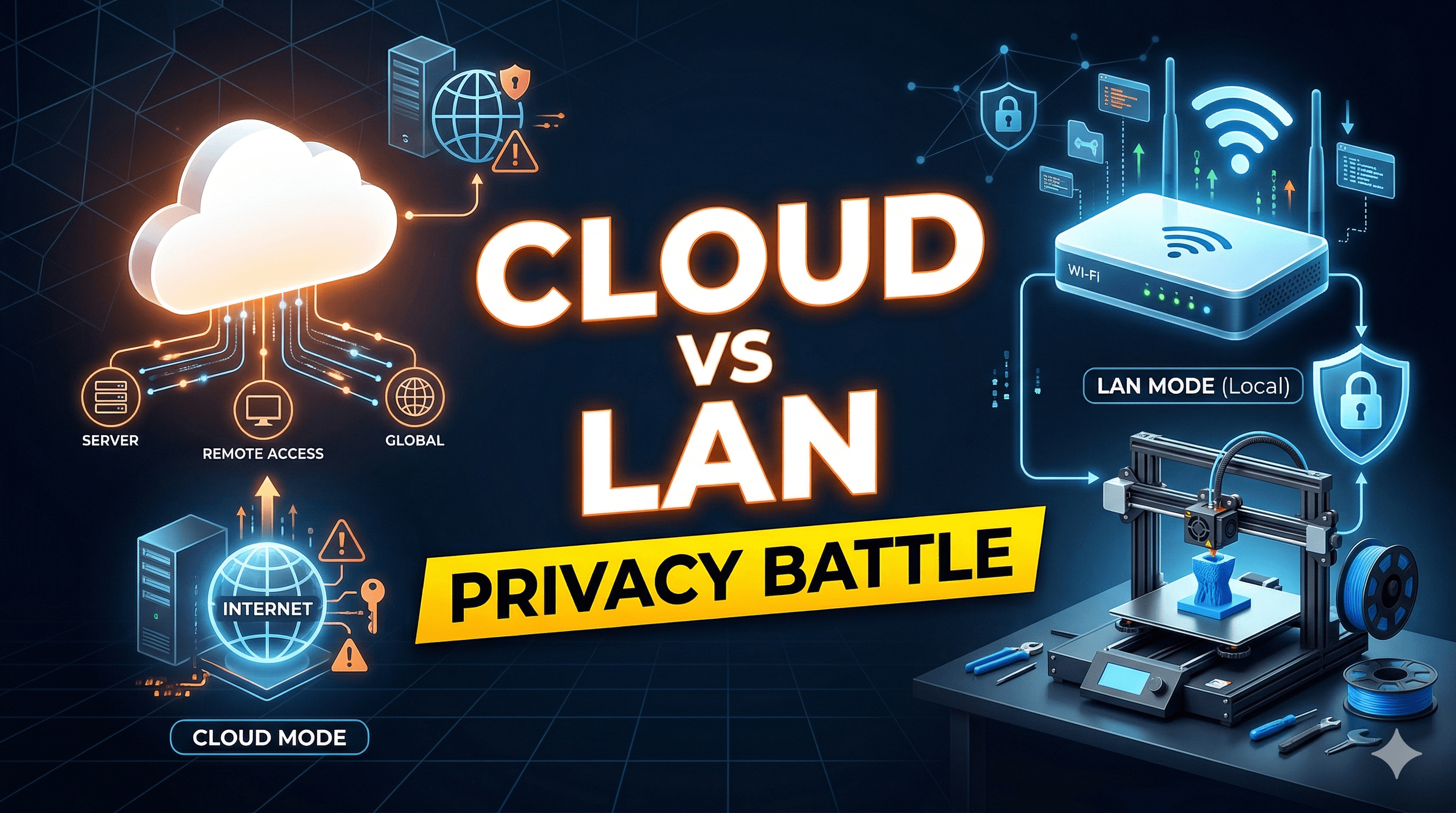
Ever had that gut-wrenching feeling? You're out, maybe grabbing some chai, and your phone buzzes with a notification from your Bambu Lab printer – "Error: Clog Detected!" or worse, "Print Failed!" My heart sinks every single time, even after all these years running Artopia Collections. But then, there's the other side: being able to peek at the print through the camera feed from miles away, restarting it, or even kicking off a new job while stuck in traffic on the ORR. That, my friends, is the magic and the mystery of Bambu Lab's Cloud Mode. But what if I told you that convenience comes with a trade-off, one that many of us in the small business world, especially here in India, are thinking deeply about? I’m talking about LAN Mode – the lesser-known, often misunderstood, but incredibly powerful alternative. Let's dive deep into Bambu Lab Cloud vs. LAN Mode: Privacy, Speed, and Feature Comparison, because honestly, it’s not just a technical choice; it’s a business decision.
When Bambu Lab burst onto the scene, it was like a breath of fresh air. I remember thinking, "Finally, a printer that just works." My trusty Creality Ender 3 (which I still have, bless its heart, even if it's more of a dust collector now) was a constant battle of leveling and tweaking. The Bambu Lab X1 Carbon, then later the P1S, felt like flying a fighter jet after driving a bullock cart. But the thing is, a huge part of that "just works" magic relies on their robust cloud infrastructure. You download Bambu Studio, you log in, you slice, you hit print, and boom – your printer, even if it's hundreds of kilometers away (which isn't ideal for a business, but you get my drift), just starts chugging along. The integrated camera feed on my X1C, or even the external one I hooked up to my P1S, streams beautifully to the Bambu Handy app on my phone. It’s brilliant for managing multiple printers and projects when I'm out meeting clients or sourcing materials.
The Sweet & Sour of Bambu Lab Cloud Mode
Let's be real, Cloud Mode is what most people use, and for good reason. It’s incredibly convenient. I can send a print job to my X1C from my laptop, head downstairs for lunch, and monitor its progress on my phone. If I get an urgent order, I can quickly slice a model, send it to the printer, and have it running before I even get back to the workshop. That kind of flexibility is priceless for a small business like Artopia Collections, especially when you're churning out custom parts or intricate models for clients. The seamless firmware updates, the print history, the easy access from any internet-connected device – it all just works. And when you're running a business, time is money, right?
But here’s where the "sour" part comes in, and it's a big one for me: privacy. When you're dealing with client designs, prototypes, or even just your own unique products (like some of the custom home decor items we make, check them out at Artopia Collections Products), the idea of that data passing through third-party servers can be unsettling. Bambu Lab says they only collect operational data, but how much is "operational"? Is my specific G-code file stored somewhere? Are my camera feeds archived? They've clarified things, and for the most part, they seem to be responsible, but the sheer volume of data going back and forth, especially when dealing with multiple printers (I’ve got an X1C, a P1S, and an A1 Mini now), makes you wonder.
Another sticking point: internet reliability. Here in India, sometimes our internet can be a bit... temperamental, right? Jio Fiber is usually rock solid for me, but there have been days. If Bambu Lab’s servers have a hiccup, or my local internet decides to take a vacation, my printers basically turn into very expensive paperweights in Cloud Mode. No remote access, sometimes even local sending of print jobs fails because it needs to "authenticate" through the cloud. I've had jobs fail simply because the internet blinked out for a minute. That's not great when you have deadlines looming and a client waiting for their custom miniature set or architectural model. So, yeah, convenience, but at what cost to control and data security?
Embracing the Local: Bambu Lab LAN Mode
This is where LAN Mode steps in, and honestly, it’s been a bit of a revelation for me. When you enable LAN Mode on your Bambu Lab printer (and it's super easy, just a few taps on the screen), you basically cut off the printer's direct connection to Bambu Lab's cloud servers for most operations. Your printer becomes a local network device, like your smart TV or your Wi-Fi camera.
The biggest, most undeniable advantage? Privacy. Everything stays on your local network. Your G-code files, your camera feeds (if you access them locally), your print commands – they all travel only within the confines of your workshop or home network. For projects involving sensitive intellectual property, or for clients who are particularly wary of their designs being "out there" (and many are, especially in the industrial design space), LAN Mode is non-negotiable. It gives me peace of mind knowing that my client's proprietary designs for, say, a new drone component prototype, aren't being routed through servers halfway across the world.
Speed is another huge plus. Ever tried sending a massive, multi-gigabyte G-code file over the cloud? It can sometimes feel like it’s taking forever, especially if your internet upload speed isn't great. In LAN Mode, that file shoots across your local network to the printer in seconds. It’s a noticeable difference, particularly if you're frequently printing large, complex models. And the camera feed, accessed locally through Bambu Studio or even a third-party tool if you're tech-savvy, feels snappier, with less latency.
Reliability, oh, reliability! In LAN Mode, once the print job is sent to the printer, it's essentially independent of your internet connection. If your ISP decides to play hide-and-seek, your printer keeps humming along. This has saved my bacon more than once. I once had a massive 24-hour print going, and midway through, the neighborhood internet went kaput for hours. My X1C just kept printing because it was in LAN Mode and had received the file already. Cloud Mode would have definitely thrown a fit and possibly paused the print, if not completely failed.
But it's not all rainbows and sunshine with LAN Mode. There are definite trade-offs. The most significant one is the loss of remote access via the Bambu Handy app. If I’m out meeting a client in Bengaluru and I need to check on a print or send a new one, I can’t just pull up the app and do it. I have to be on the same local network as the printer. This means either physically being in my workshop or setting up a VPN to remotely access my local network – which adds a layer of complexity not everyone is comfortable with. Firmware updates also become a manual process, requiring you to download the firmware and upload it directly to the printer via its local IP. It’s not difficult, but it’s certainly less "set it and forget it" than Cloud Mode.
Feature Showdown: Cloud vs. LAN
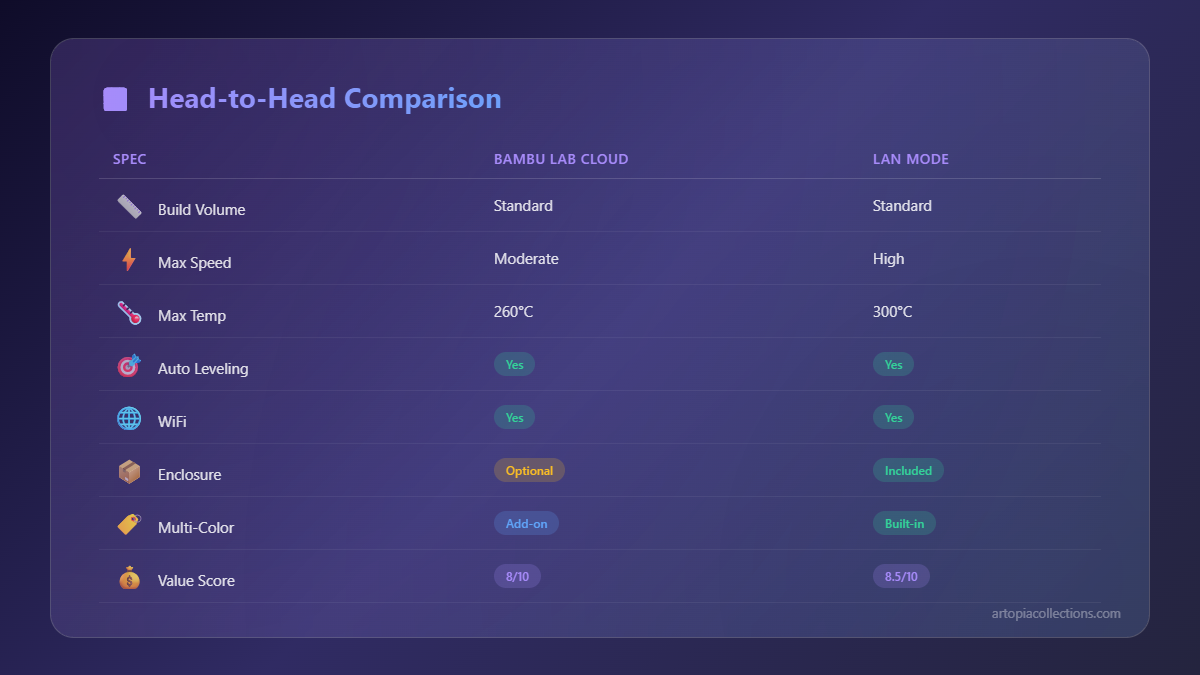
Let's quickly compare some key features, not as a formal list, but just to give you a sense:
- Remote Control & Monitoring: Cloud Mode is the undisputed champion here. Full control and live camera feed from anywhere with an internet connection. LAN Mode? Only when you're on the same local network, or via a VPN workaround.
- Print History & Management: Cloud Mode automatically logs all your prints, errors, and progress in the Bambu Handy app and Bambu Studio. Super handy for tracking. LAN Mode essentially means you manage this yourself.
- Firmware Updates: Cloud Mode pushes updates seamlessly to your printer with a simple click. LAN Mode requires manual download and local upload.
- File Transfer Speed: LAN Mode usually wins, especially for large files, as it's purely local network speed. Cloud Mode depends on your internet's upload speed and Bambu's server load.
- Privacy & Data Security: LAN Mode is king. Your data stays local. Cloud Mode means trusting Bambu Lab with your operational data and potential G-code or camera feeds.
- Reliability (Internet Dependence): LAN Mode is far more robust against internet outages once the print job is sent. Cloud Mode is heavily dependent on continuous internet connectivity for many functions.
For my business, where I use a variety of filaments like eSun PLA+, Overture PETG, and even some local Indian brands I source from small distributors (some of them amazing, honestly, and often more affordable – you can find some great options like PLA filament on Amazon.in here), managing my stock and print jobs is crucial. While Cloud Mode's convenience is tempting for quick jobs, the privacy aspect of LAN Mode weighs heavily when dealing with client intellectual property. My Bambu Lab P1S, which cost me around ₹75,000, and the X1 Carbon, closer to ₹1,20,000 when I bought it, are significant investments. Protecting the work they produce is paramount.
My Hybrid Approach & Recommendations for Fellow Enthusiasts/Entrepreneurs
So, what’s my takeaway, running a small 3D printing business here in India? It’s not an either/or situation. I use a hybrid approach, and I think that’s what makes the most sense for many of us.
For quick, non-sensitive internal projects, prototyping my own ideas for Artopia Collections, or just printing fun stuff for friends and family, I often keep my printers in Cloud Mode. The convenience of remote monitoring and control from my phone is just too good to pass up. If I'm traveling or just need to keep an eye on things from outside the workshop, it’s invaluable. For instance, I recently ordered a new set of nozzles and tools (like this 3D printing tool kit, always good to have spares!) and used Cloud Mode to print a storage solution for them before they even arrived.
However, for any client project – and I mean any – where confidentiality is a concern, where I'm printing prototypes, custom jigs, or anything that might be proprietary, my printers go straight into LAN Mode. Period. It's an extra step to enable it, but the peace of mind is worth it. I just make sure I have a good, stable local network set up. I've even considered setting up a dedicated local server for logging print data and potentially streaming camera feeds within my network, just to replicate some of Cloud Mode's features locally, though that’s a project for another day!
The key is understanding your needs. Are you a hobbyist printing figurines for fun? Cloud Mode is probably your best friend. Are you a small business owner dealing with sensitive client data? Then you absolutely need to understand and utilize LAN Mode. Don't just blindly stick to the default. Bambu Lab printers, whether it's the high-end X1C, the workhorse P1S, or the adorable A1 Mini (which I love for smaller, quicker jobs!), are powerful tools. Knowing how to wield them, especially their connectivity options, makes all the difference.
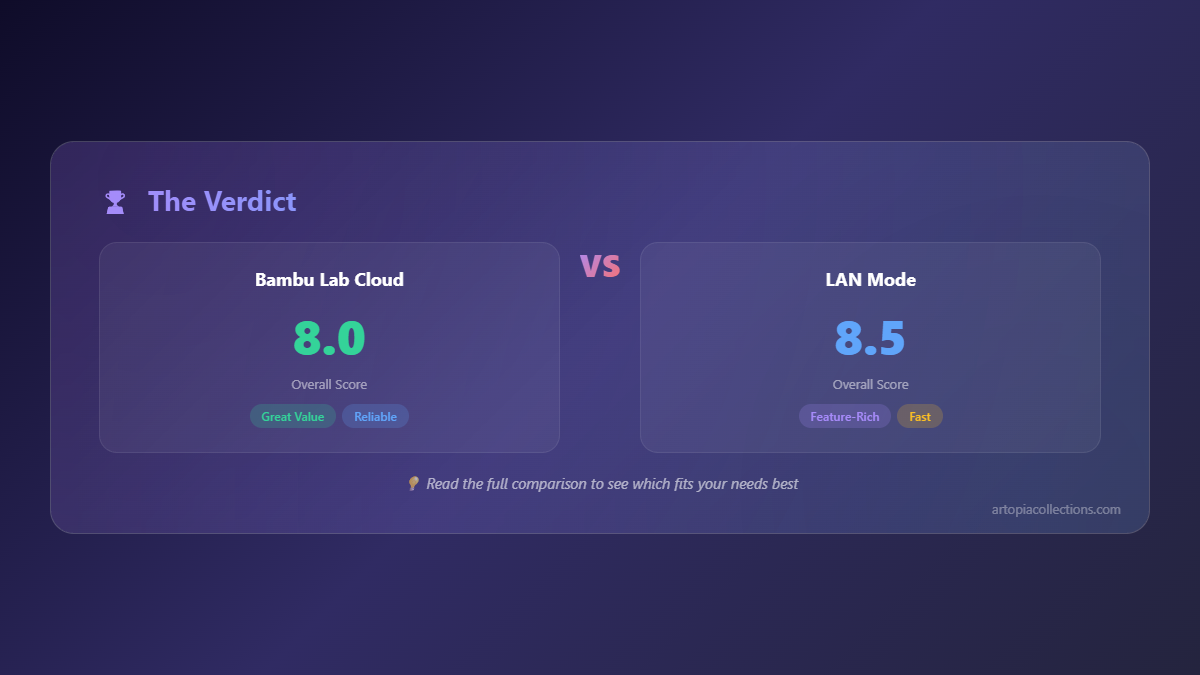
Ultimately, it boils down to balancing convenience with control and privacy. Bambu Lab has given us the choice, and that's fantastic. As entrepreneurs and makers, it's our responsibility to make informed decisions that protect our work, our clients, and our peace of mind. So, next time you're about to hit print, take a moment to think: Cloud or LAN? The answer might surprise you, and it might just save your business (or at least your sanity).


