3D Printing Safety: Fumes, Fire Risks, and How to Stay Safe
3D printing offers incredible possibilities, but safety must always be a top priority. This post details common risks like hazardous fumes and fire, providing essential tips to keep you safe.
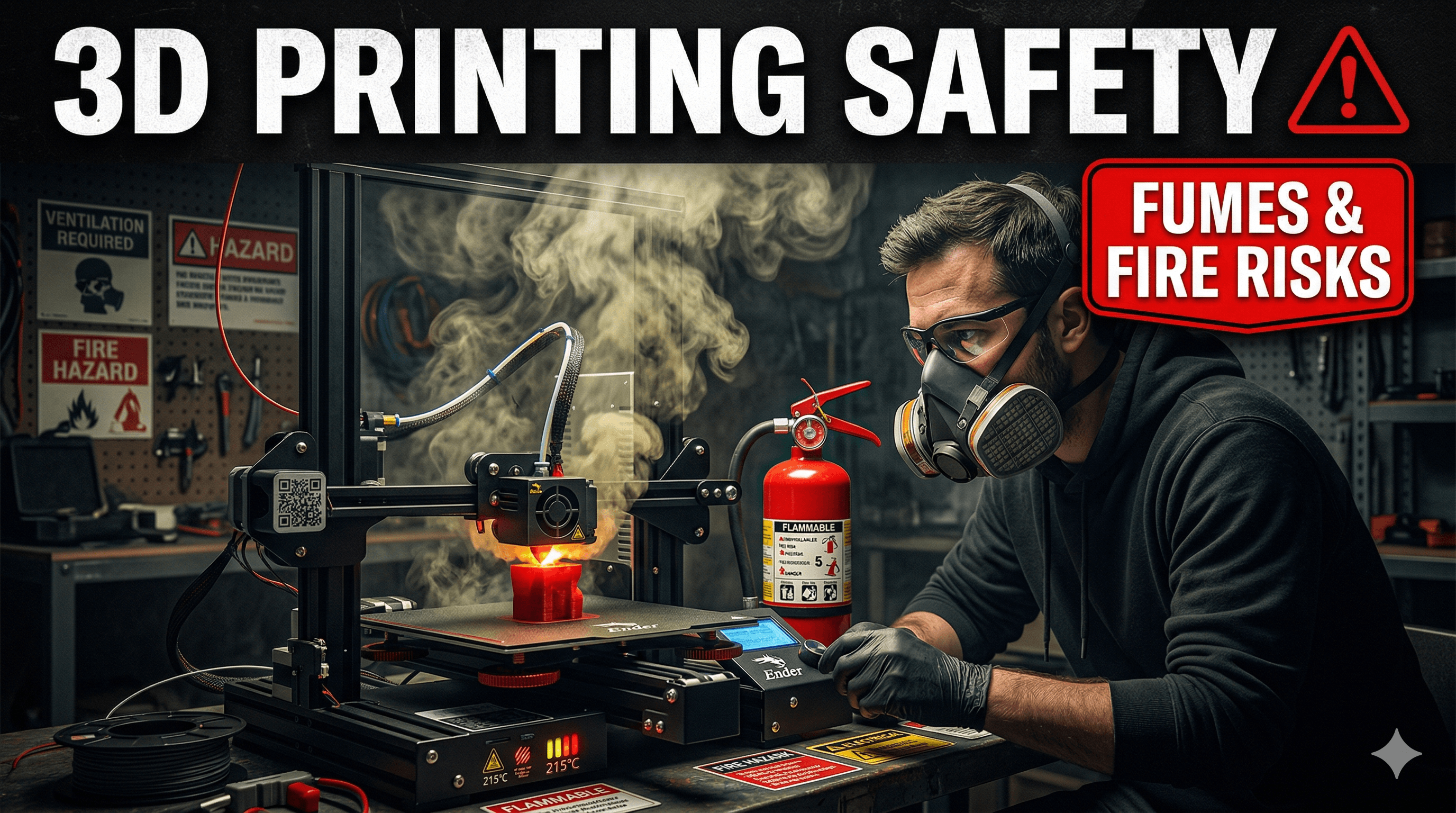
3D Printing: It's Magic, But Let's Talk About Keeping It Safe, Shall We?
There's nothing quite like the hum of a 3D printer, that rhythmic dance of the print head, slowly, meticulously bringing your digital dreams to life layer by glorious layer. It's pure magic, isn't it? One minute you've got an idea, a design on your screen, and the next, it's a tangible object sitting right in front of you. That feeling, that sheer joy, is why I got into this business with Artopia Collections, and honestly, it still gives me a thrill every single time. But, and this is a big "but," as much as I love this technology, we've gotta be real about something super important: safety. We're talking about melting plastic at hundreds of degrees Celsius and moving parts, often left running for hours. So, yeah, while the magic is real, the risks, especially from fumes and fire, are too. And ignoring them? That's just asking for trouble, my friend.
Those Pesky Fumes: What's in the Air?
When you're melting plastic, whether it's PLA, ABS, PETG, or those fancy flexibles, stuff gets released into the air. It's not always visible, but trust me, it's there. We're talking about Volatile Organic Compounds (VOCs) and ultrafine particles (UFPs). Now, before you panic and throw your printer out the window (please don't!), let's put it in perspective. PLA, which is derived from cornstarch, is generally considered the safest and least odorous. It's what most of us start with, and it's what I use for a good chunk of my ArtOPIA Collections pieces. But even PLA isn't entirely harmless if you're breathing it in all day, every day, in a closed-off space. I mean, I've personally had days where I've done a marathon printing session with PLA in my workshop, and by evening, I've felt a bit of a dull headache. Coincidence? Maybe. But I'm not taking chances.
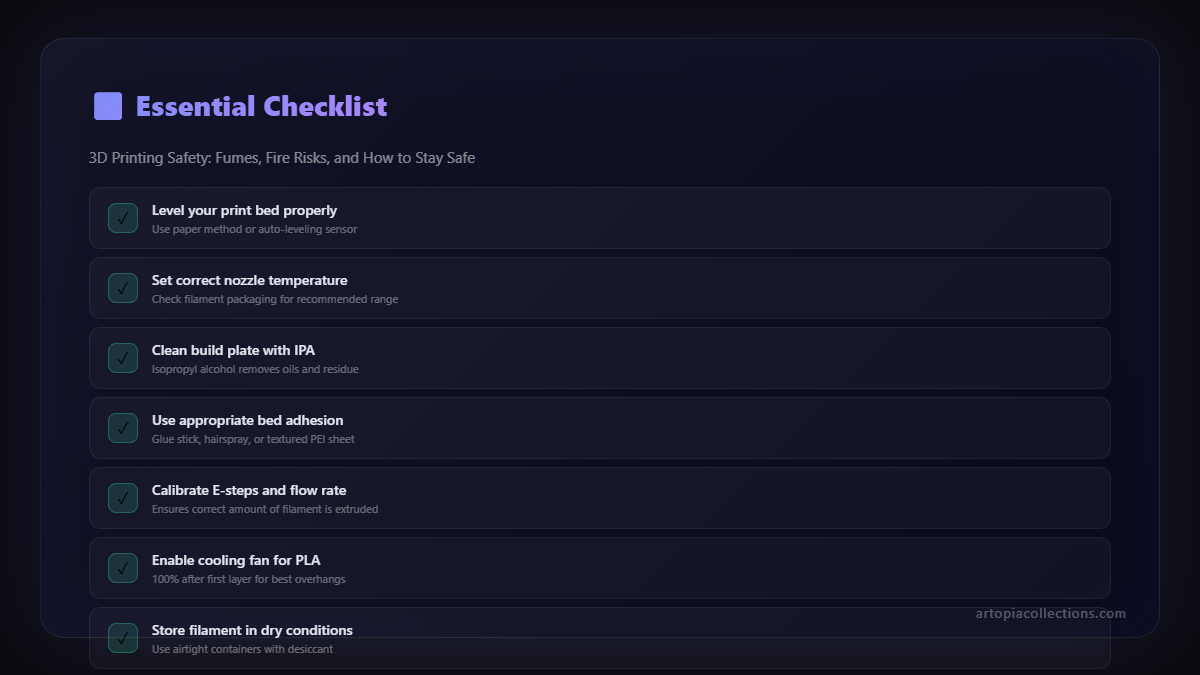
Now, step up to ABS â that's the stuff LEGO bricks are made of. It's strong, durable, but oh boy, does it have a smell! It releases significantly more VOCs and UFPs than PLA, and you can really smell it. PETG is somewhere in between. Then you get into the more exotic stuff like Nylon, PC, or even certain composites, and the fume situation can get even more intense. The thing is, long-term exposure to these particles and compounds isn't great for your lungs or overall health. Think respiratory irritation, headaches, maybe even more serious stuff down the line. We only get one set of lungs, right?
Keeping Your Lungs Happy: Ventilation is Your Best Friend
So, what's the deal? How do we enjoy our passion without turning our workspace into a toxic fume chamber? Here's what I do, and what I recommend to everyone who asks:
- Ventilation, Ventilation, Ventilation! This is numero uno. If you can, print in a well-ventilated room. Open a window, get a fan going to draw air out. Even a simple exhaust fan can make a world of difference. Don't put your printer in your bedroom, especially if it's a small room with no airflow. That's just asking for trouble, honestly.
- Enclosures: Your Printer's Little Home. An enclosure is basically a box around your printer. It helps keep the temperature stable for better prints (especially with ABS), but more importantly for safety, it helps contain those fumes. You can buy printers with built-in enclosures, like the Bambu Lab X1C or the Creality K1, which are getting super popular here in India, even if they cost a pretty penny (starting around â¹90,000 - â¹1,50,000 for a Bambu). Or, you can make a DIY enclosure using an IKEA Lack table, which many folks, including myself, have done for our Ender 3s or Prusa Mini clones. Once you have an enclosure, you can even duct out the air to a window using a simple inline fan and some flexible tubing. It's surprisingly effective!
- Air Purifiers: Filtering the Nasty Stuff. A good air purifier with both a HEPA filter (for particles) and an activated carbon filter (for VOCs) can be a game-changer. I picked up a decent one for about â¹8,000 a while back, and I run it whenever my printer is going, especially with those longer, bigger prints. You don't need a super fancy industrial one, but something robust enough to handle the room size. Look for brands like Coway, Philips, or even some local Indian brands are making good ones now. Just make sure it explicitly mentions activated carbon for VOCs.
- Filament Choice: Be Mindful. For general everyday printing, stick to PLA. It's easier to print, less smelly, and safer. If you absolutely need the properties of ABS or other high-fume materials, make sure your ventilation and enclosure game is strong.
The Fiery Dragon: 3D Printing Fire Risks
Okay, this is the scarier one, and thankfully, it's much rarer, but the consequences can be devastating. A 3D printer, at its core, is an appliance with moving parts, heating elements, and electrical components. When things go wrong, fire is a real possibility. IâÂÂve heard horror stories from fellow makers, seen photos online of burnt-out printers and even entire workshops. It makes my stomach churn just thinking about it, because itâÂÂs a constant reminder that weâÂÂre dealing with serious power here.
What Causes Printer Fires?
Basically, most printer fires boil down to a few key culprits:
- Faulty Wiring or Components: Cheap power supplies, poor quality connectors, incorrectly crimped wires â these are ticking time bombs. A loose wire can arc, overheat, and ignite nearby plastic.
- Thermal Runaway: This is probably the scariest one. It's when your printer's firmware loses control of the hotend or heated bed temperature. The heater keeps pumping out heat, unregulated, reaching temperatures far beyond safe operating limits, and boom â meltdown, fire. Modern, reputable printers *should* have thermal runaway protection built into their firmware, which detects this issue and shuts everything down. But older or cheaper printers (especially some of the very early, very budget ones you might find for under â¹10,000-â¹12,000) might lack this critical safety feature.
- User Error/Modifications: We all love to tinker, right? But messing with wiring, upgrading parts without proper knowledge, or using incompatible components can introduce risks.
- Unattended Prints: Leaving a printer running for 10 hours while you're at work or sleeping soundly â that's a huge risk. If something goes wrong, you won't be there to catch it immediately.
- Poor Quality Filaments: While rare, extremely cheap, impure filaments could potentially have lower ignition points or release more volatile compounds under extreme heat, though this is less common than electrical issues.
Fighting the Dragon: How to Stay Safe from Fire
Just like with fumes, there are concrete steps you can take to drastically reduce fire risks:
- Buy Quality Printers & Components: This is non-negotiable. Don't cheap out on your printer, especially if it's going to be running for hours on end. Brands like Creality (Ender 3 V2, K1), Prusa, Anycubic, and now Bambu Lab generally have good safety standards. And if you're buying replacement parts, go for reputable suppliers. A cheap power supply might save you a few hundred rupees (say, â¹500 instead of â¹1500), but could cost you your house. Not worth it.
- Ensure Thermal Runaway Protection: Seriously, if you have an older or super budget printer, research if it has thermal runaway protection. If not, and if you're comfortable with it, consider updating your firmware. It's a lifesaver.
- Regular Maintenance & Inspection: Give your printer a once-over periodically. Check for loose wires, frayed cables, scorching around connectors, or any signs of wear and tear, especially around the hotend and heated bed. Clean out dust. Make sure everything is tight and secure.
- Fire Detection & Suppression:
- Smoke Detectors: Install a smoke detector in your printing area. A basic one costs around â¹500-â¹1000. It's such a small investment for peace of mind.
- Fire Extinguisher: Keep an ABC dry chemical fire extinguisher nearby. These are good for electrical fires. You can get a small 2kg one for about â¹1,500-â¹2,500 on Amazon India. It's a must-have. Don't wait until you need it!
- Automatic Fire Suppression: For enclosed printers, you can even get small automatic fire suppression balls or stickers that deploy if the temperature inside the enclosure gets too high. These can be found for â¹1,000-â¹3,000.
- Never Leave Prints Truly Unattended: This is *my* golden rule. If I'm doing a long print (say, more than 2-3 hours), I'm either in the same room, or I have a camera set up to monitor it remotely. If I have to leave the house, the printer gets paused or shut down. It's just not worth the risk. I know, I know, sometimes you just want that print done overnight, but trust me, waking up to a fire isn't a fun alternative.
- Proper Placement: Place your printer on a stable, non-flammable surface, away from anything combustible like curtains, paper, or solvents. Don't overload power strips.
A Few More Quick Tips from My Workbench
Beyond the big two (fumes and fire), here are a couple of other things I always keep in mind:
- Read the Manual: Yeah, I know, boring. But seriously, your printer's manual has important safety info.
- Kids and Pets: If you have them around, make sure they understand not to touch the hot parts or moving mechanisms. The build plate can stay hot for a long time, and those motors move fast!
- Workspace Cleanliness: Keep your printing area tidy. Clutter can be a fire hazard, and loose tools can get caught in moving parts.
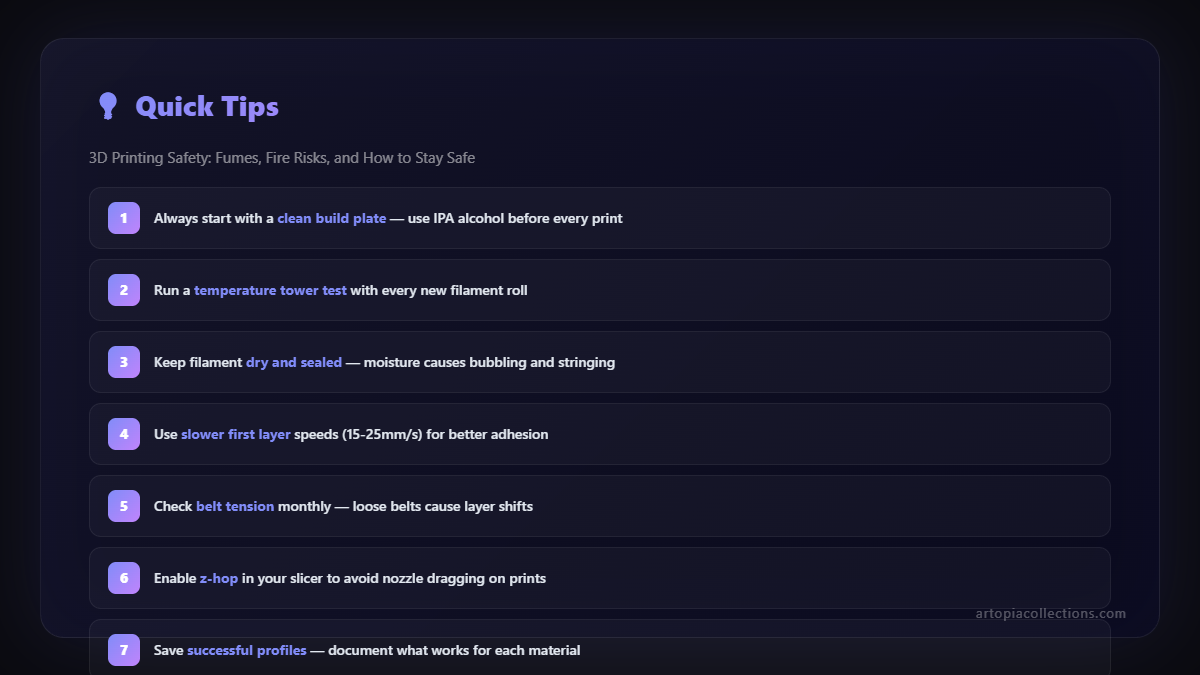
- Proper Filament Storage: Store your filament in dry, cool conditions. Moisture can ruin filament, causing poor prints, and in extreme cases, overly damp filament can sometimes cause issues during printing, though this is more about print quality than direct safety. For example, I swear by brands like eSUN and Overture â theyâÂÂre reliable and readily available here. You can usually snag a good quality 1kg roll of eSUN PLA for around â¹1,500-â¹2,000 on Amazon.in.
Why All This Fuss? It's About Passion, Not Fear!
Look, I'm not trying to scare you away from 3D printing. Far from it! My business, Artopia Collections, revolves around this amazing technology. But being a responsible maker means understanding the tools we use. It's about respecting the process and taking simple, proactive steps to ensure our safety and the safety of our loved ones and our property. This isn't about fear-mongering; it's about empowering you with knowledge so you can enjoy your 3D printing journey safely and confidently. Because when you're safe, you can print more, create more, and keep that magical feeling alive without any nagging worries in the back of your mind.
So, go on, print that next masterpiece, but do it smart, do it safe. Your future self (and your lungs, and your house!) will thank you for it!