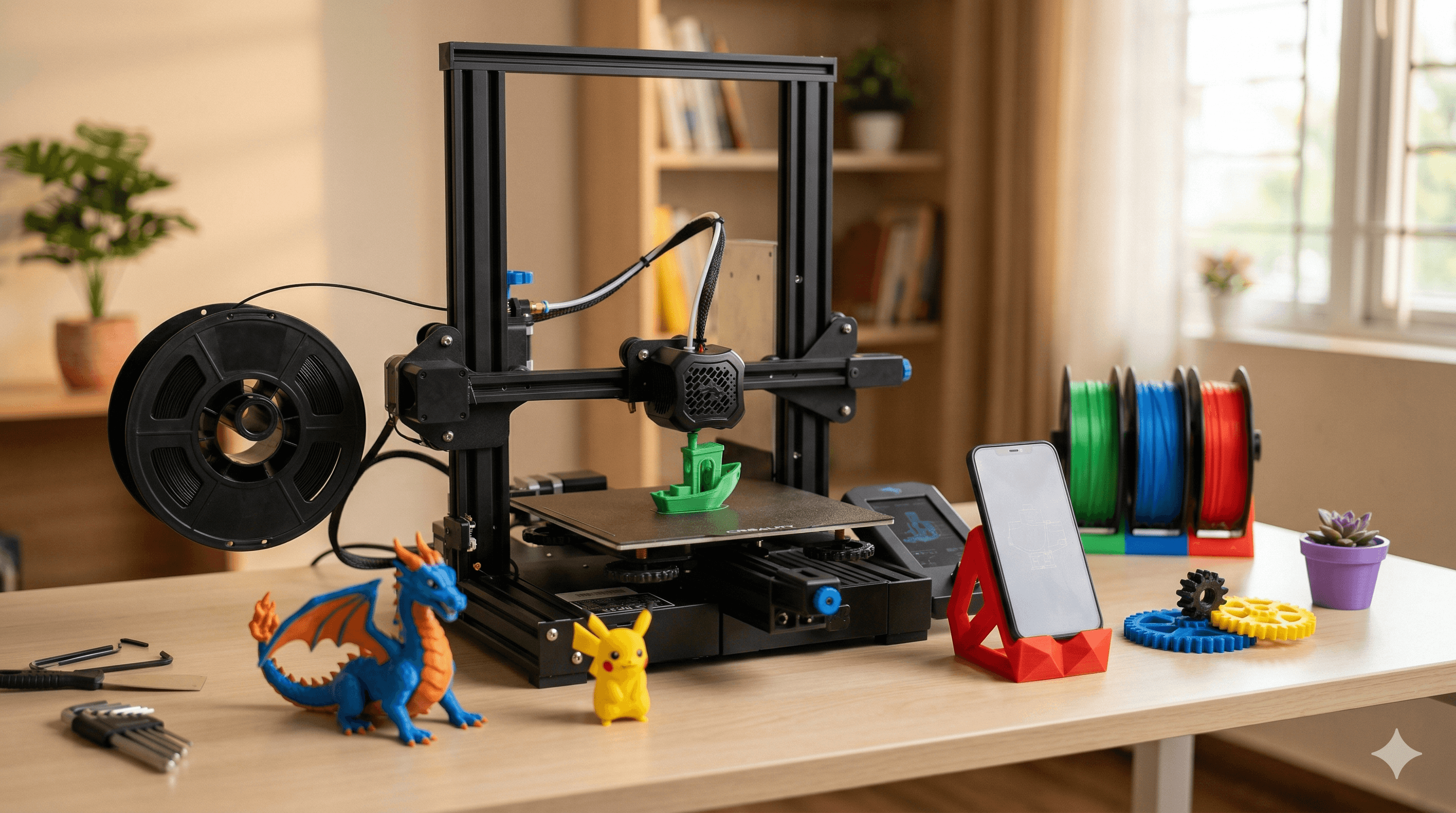
Best 3D Printers for Schools and Education in India 2026
Explore our curated list of the best 3D printers specifically chosen for Indian schools and educational settings in 2026. We review models based on ease of use, durability, and educational impact.
Chalo, let's talk about something that gets my gears spinning, literally and figuratively: 3D printing in schools here in India! You know, sometimes I look at the incredible projects we churn out at Artopia Collections, and I just think, "Man, every kid deserves a shot at this magic." We're heading into 2026, and honestly, if our schools aren't embracing 3D printing yet, they're seriously missing out on shaping the innovators of tomorrow. This isn't just about printing a little plastic toy; it's about igniting curiosity, teaching problem-solving, and basically, making learning *fun* again. And let's be real, who doesn't want that for our kids?
I've been knee-deep in this world for years, running my little business right here, and I've seen printers come and go, technologies evolve, and the price points become way more accessible. So, when schools or educators approach me asking, "Vidyut, which 3D printer should we get?" my eyes just light up. ItâÂÂs not a one-size-fits-all answer, especially with the diverse budgets and needs across our amazing country. But based on my hands-on experience, the feedback I get from fellow enthusiasts, and what makes sense for an educational setup, IâÂÂve got some solid recommendations for you for 2026. Think of me as your friendly neighbourhood 3D printing consultant, but without the hefty fee, eh?
Why 3D Printing is a Game-Changer for Indian Schools
Before we dive into the machines themselves, let's quickly touch on the 'why.' Because, the thing is, you can't just throw technology at kids and expect miracles. You need a purpose. And 3D printing has so many! ItâÂÂs not just about STEM, though itâÂÂs brilliant for that. ItâÂÂs about:
- Hands-on Learning: Forget memorizing textbook diagrams! Students can design and print a human heart model for biology, a gear system for physics, or even historical artifacts for social studies. It makes abstract concepts tangible.
- Problem-Solving & Design Thinking: Got a problem? Design a solution! This fosters critical thinking and iterative design â skills crucial for any future career. "My prototype failed? Okay, why? How can I improve it?" That's real learning.
- Creativity & Innovation: From designing custom keychains to creating parts for robotics projects, the possibilities are endless. It gives students a powerful tool to bring their wildest ideas to life.
- Future-Ready Skills: We're living in a world increasingly driven by digital fabrication. Exposing students to this technology early gives them a massive head start. They'll understand CAD software, manufacturing processes, and material science.
- Interdisciplinary Learning: Art, science, math, history, engineering â 3D printing touches almost every subject. It's truly cross-curricular.
So, yeah, it's a big deal. Now, letâÂÂs talk brass tacks: what kind of printers are best suited for our Indian classrooms?
Key Considerations When Choosing a 3D Printer for Schools
Here's the deal, when you're buying for a school, it's different from buying for a hobbyist at home. You need robust, reliable, and relatively easy-to-maintain machines. And, let's be honest, budget is always a huge factor here in India. You also need to think about safety, especially if younger kids are going to be around these machines. So, when I evaluate a printer for a school, I'm looking at:
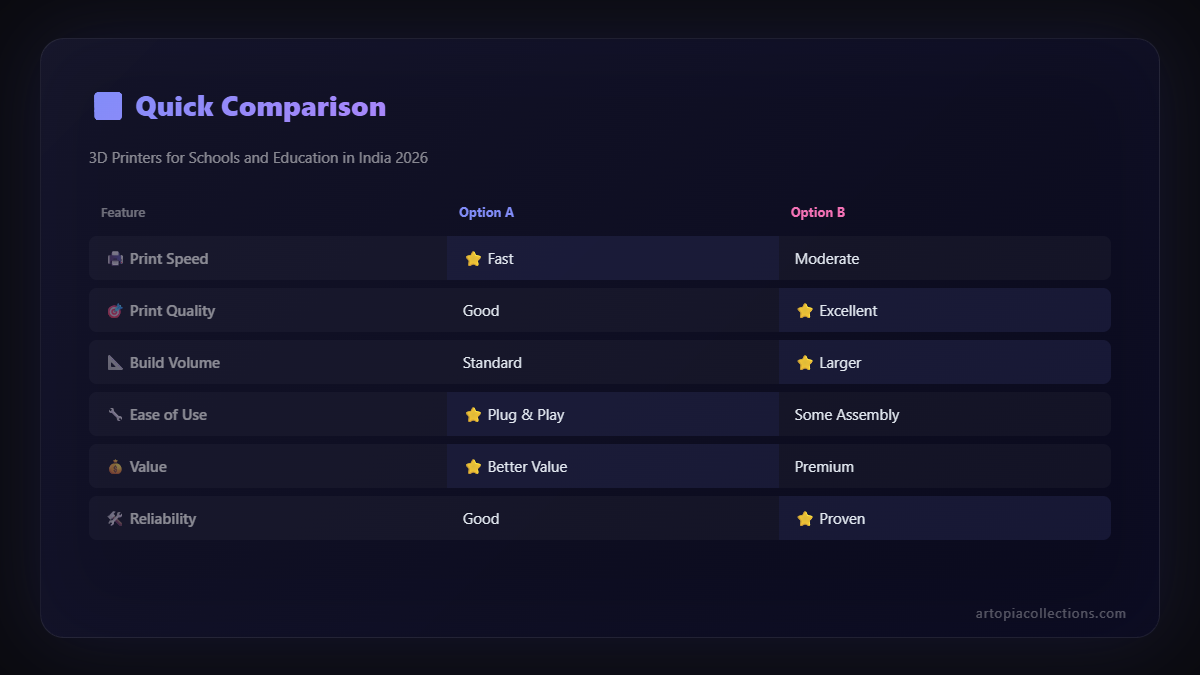
- Budget: This is often the primary driver. I'll cover options across different price points.
- Ease of Use & Learning Curve: Teachers and students might not be 3D printing gurus. The printer should be intuitive to operate and maintain.
- Safety Features: Enclosed print chambers, automatic shutdown, and reliable hotends are important.
- Durability & Reliability: These machines are going to see a lot of use, possibly by many hands. They need to withstand that.
- Print Quality & Consistency: Good prints mean less frustration and more successful projects.
- Availability of Spares & Support in India: Crucial! You don't want to wait months for a part.
- Filament Compatibility & Cost: PLA is generally recommended for schools due to safety and ease of use. How readily available is it?
Alright, letâÂÂs get to the good stuff. My top picks for 2026, keeping all these factors in mind!
Best 3D Printers for Schools and Education in India 2026
1. The Budget-Friendly Workhorse: Creality Ender 3 Series (Ender 3 V3 SE/KE)
If you're looking to dip your toes into 3D printing without draining the entire school's activity fund, the Creality Ender 3 series is, hands down, where you should start. Specifically, the newer iterations like the Ender 3 V3 SE or the Ender 3 V3 KE are fantastic. For a price point often ranging between â¹20,000 to â¹30,000 (though prices fluctuate, always check!), you get an incredible amount of value.
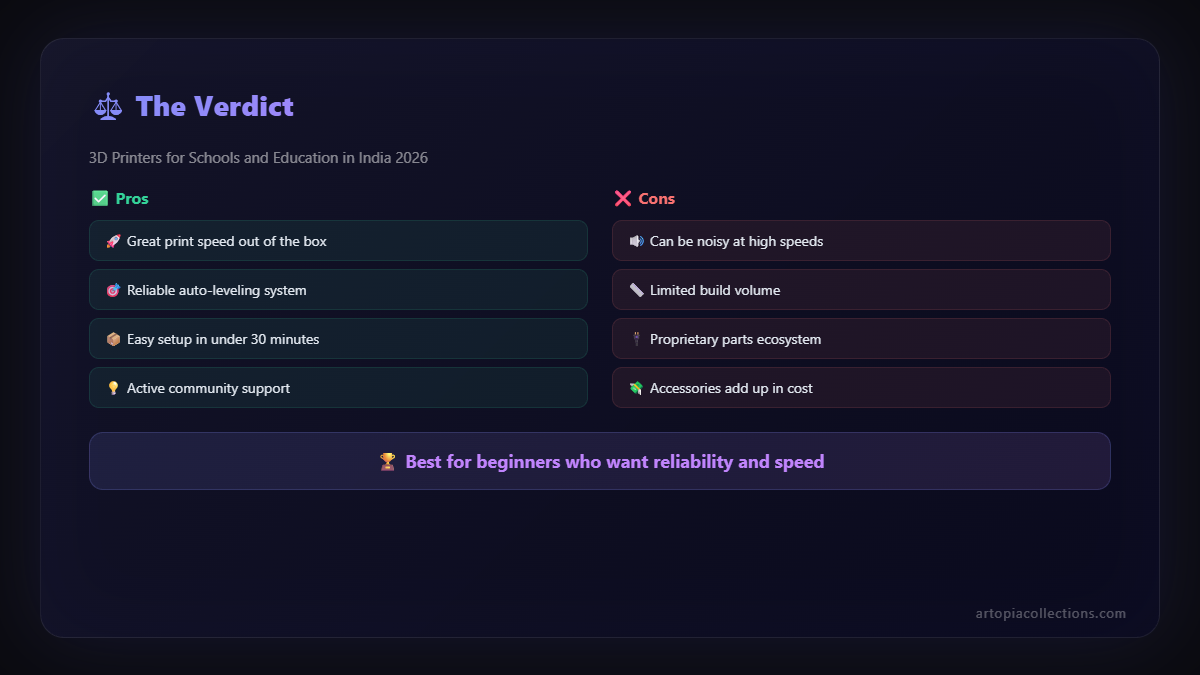
Why it's great for schools:
- Cost-Effective: You can likely get 2-3 of these for the price of one higher-end machine, allowing more students hands-on time simultaneously.
- Easy to Assemble & Use: The V3 SE, for instance, comes mostly pre-assembled. Auto-bed leveling (CR-Touch) means less fiddling around, which is a HUGE plus for educators who already have a million things to do.
- Reliable: Creality has refined this design over years. They are known to be quite robust once set up correctly.
- Massive Community & Support: There's a colossal global and Indian community around Ender 3 printers. Forums, YouTube tutorials, local service centres â you'll never be stuck for help.
- Open Source: This allows for modifications and a deeper understanding of the machine itself, which is great for advanced students.
Things to consider:
They are generally open-frame printers, so supervision is key, especially with younger children, to ensure little hands don't touch the hot nozzle. Print speeds are decent, but not lightning fast. But honestly, for most school projects, that's perfectly fine. You might need to teach a bit about maintenance, like cleaning the print bed or occasionally tightening a belt, but it's all part of the learning curve.
2. The Mid-Range Speedster: Anycubic Kobra 2 Neo / Pro
Stepping up a little in budget, say into the â¹30,000 to â¹45,000 range, you start getting into machines that offer a bit more speed and often a few more creature comforts. The Anycubic Kobra 2 Neo or Pro models are excellent candidates here. Anycubic has really upped their game, and these machines are becoming very popular.
Why it's great for schools:
- Faster Printing: These models boast significantly higher print speeds than older entry-level machines. This means more projects can be completed in a shorter amount of time, which is a big advantage when you have limited class time.
- User-Friendly: They often feature full auto-leveling and better user interfaces (touchscreens are common). This makes them even easier for teachers and students to get started with.
- Good Print Quality: Generally, you'll get very clean and consistent prints right out of the box with minimal tweaking.
- Sturdy Build: Anycubic printers are known for their decent build quality, which translates to better durability in a school environment.
Things to consider:
Like the Enders, these are also open-frame. While faster, they might consume a bit more power during peak operation. Availability of local service might be slightly less widespread than Creality, but Anycubic has a strong online presence and good international support that often extends to India.
3. The Speed & Reliability King (Compact Edition): Bambu Lab A1 Mini
Okay, so now we're talking about a printer that truly shifts the paradigm. If a school can stretch its budget a bit, say into the â¹45,000 to â¹60,000 bracket, the Bambu Lab A1 Mini (or even its larger A1 sibling) is an absolute game-changer. Bambu Lab has taken the 3D printing world by storm with its incredible speed, reliability, and ease of use.
Why it's great for schools:
- Unparalleled Speed: We're talking seriously fast prints. This means students can iterate designs much quicker, or multiple groups can finish projects in one session.
- "Just Works" Reliability: Bambu Lab printers are famous for their out-of-the-box performance. Less troubleshooting means more teaching and learning.
- Advanced Features: Features like active noise cancellation, automatic flow calibration, and vibration compensation mean almost perfect prints every time.
- AMS Lite (Optional Multi-Color Printing): The A1 Mini has an optional AMS Lite system for multi-color printing, which is mind-blowingly cool for creative projects and a huge draw for students. Imagine printing a vibrant, multi-coloured topographical map!
- Enclosed Electronics: While the print area is open, the core electronics are well-protected, which adds to durability.
Things to consider:
The price point is higher, making it a bigger investment. While user-friendly, the advanced features might take a little more to fully utilize. The filament system (AMS Lite) is proprietary, but standard spools of PLA still work great. Support is mostly online, but their global community is rapidly growing. Honestly, if budget allows, this is my top recommendation for a future-proof school setup.
4. The Enclosed & Safe Option: Voxelab Aquila C2 / S2 (Enclosed Mods)
Sometimes, safety is the absolute priority, especially for younger kids or in high-traffic areas. While fully enclosed printers tend to be more expensive, you can get a lot of value from printers like the Voxelab Aquila C2 or S2 (which are very similar to Ender 3s) and then add an enclosure. These typically fall in the â¹25,000 - â¹35,000 range for the printer, plus a few thousand for a decent enclosure.
Why it's great for schools:
- Enhanced Safety: An enclosure keeps curious fingers away from hot parts and moving mechanisms. It also contains any fumes (though PLA is generally very safe and low-fume).
- Temperature Stability: For some advanced materials (though not common in schools), an enclosure helps maintain a stable print environment, leading to better print quality.
- Reduced Noise: The enclosure also dampens the sound, which can be beneficial in a classroom setting.
- Cost-Effective Enclosure: You can buy ready-made enclosures or even build one with clear acrylic sheets, keeping costs down compared to printers that come enclosed from the factory.
Things to consider:
ItâÂÂs an extra step to set up the enclosure. Also, monitoring prints inside an enclosure might require a camera setup if it's not transparent enough. Voxelab is a sub-brand of FlashForge, known for robust machines, and their printers generally perform well for the price.
Filament for Schools: Keep it Simple, Keep it PLA!
For educational environments, I cannot stress this enough: **stick to PLA filament.** Here's why:
- Non-Toxic & Low Odor: Made from renewable resources like corn starch, PLA is safe for indoor use and produces minimal, often pleasant, odour during printing.
- Easy to Print: It's very forgiving, requiring lower temperatures and generally less prone to warping. This means fewer failed prints and less frustration for students and teachers.
- Affordable & Widely Available: You can find good quality PLA filament from numerous brands like eSUN, Overture, Eryone, and several Indian manufacturers. Prices typically range from â¹1,000 to â¹1,800 per kg, depending on brand and colour. Buying in bulk can get you even better deals.
- Biodegradable: It's more environmentally friendly than other plastics like ABS.
I usually recommend buying a variety pack of colours to spark creativity! And hey, if you ever need specific colours or custom filament solutions, give us a shout at Artopia Collections; we often have unique offerings!
Slicing Software & Curriculum Integration
Choosing the right printer is just one part of the puzzle. You also need software to translate 3D models into printable instructions (thatâÂÂs called "slicing"!) and, of course, ideas for how to use it in the classroom.
- Cura: This is a free, open-source slicing software from Ultimaker. ItâÂÂs incredibly powerful, user-friendly, and compatible with almost every 3D printer out there. ItâÂÂs my go-to recommendation for schools.
- PrusaSlicer: Another excellent, free, and open-source option, known for its advanced features and great print quality.
- Tinkercad: For 3D design itself, especially for younger students, Tinkercad (web-based and free) is absolutely brilliant. ItâÂÂs intuitive, block-based, and makes learning CAD super approachable. For older students, Fusion 360 (free for students/educators) is an industry-standard option.
For curriculum, think project-based learning. Instead of just learning about gears, students design and print their own gear systems and test them. Instead of just looking at historical monuments, they recreate miniature versions. The potential is limitless!
Maintenance & Support in India
The biggest fear for many schools is "What if it breaks down?" And that's a valid concern. Here's my take:
- Basic Maintenance: Teach staff and students basic upkeep â cleaning the print bed, checking for loose screws, keeping the filament dry. Most issues are minor.
- Online Communities: The Indian 3D printing community is vibrant! Facebook groups, Reddit forums â you'll find tons of people willing to help troubleshoot.
- Local Retailers/Service: Brands like Creality have a growing network of resellers and service providers across India. Always check if your chosen printer has local support before buying. Some online sellers offer after-sales service too.
- DIY Repairs: Most FDM printers are quite modular. With a little guidance (YouTube is your friend!), many parts can be replaced easily. Spare parts are also quite readily available online.
My Final Thoughts for 2026
Look, the future is already here, and 3D printing isn't just a niche hobby anymore; it's a foundational technology. Equipping our schools with these tools isn't an expense; it's an investment in our children's future. ItâÂÂs about moving beyond rote learning and fostering true innovation, curiosity, and practical skills.
For most Indian schools, IâÂÂd still lean towards the Creality Ender 3 V3 SE/KE as the go-to starting point due to its fantastic value and community support. But if the budget permits, honestly, just splurge a little for a Bambu Lab A1 Mini. The reliability and speed will save so much time and frustration, letting educators focus on teaching rather than troubleshooting. Whichever you choose, the most important step is to just get started. The excitement on students' faces when they see their digital designs come to life in plastic is truly priceless.
So, teachers, principals, PTA members â let's bring this magic into every classroom. If you have any questions or need a hand planning your school's 3D printing journey, you know where to find me. Happy printing, everyone!