Best Slicers for 3D Printing in 2026: Cura vs PrusaSlicer vs OrcaSlicer
Choosing the right 3D printer slicer is crucial for successful prints. This post dives deep into Cura, PrusaSlicer, and OrcaSlicer, helping you decide which software is best for your projects in 2026.
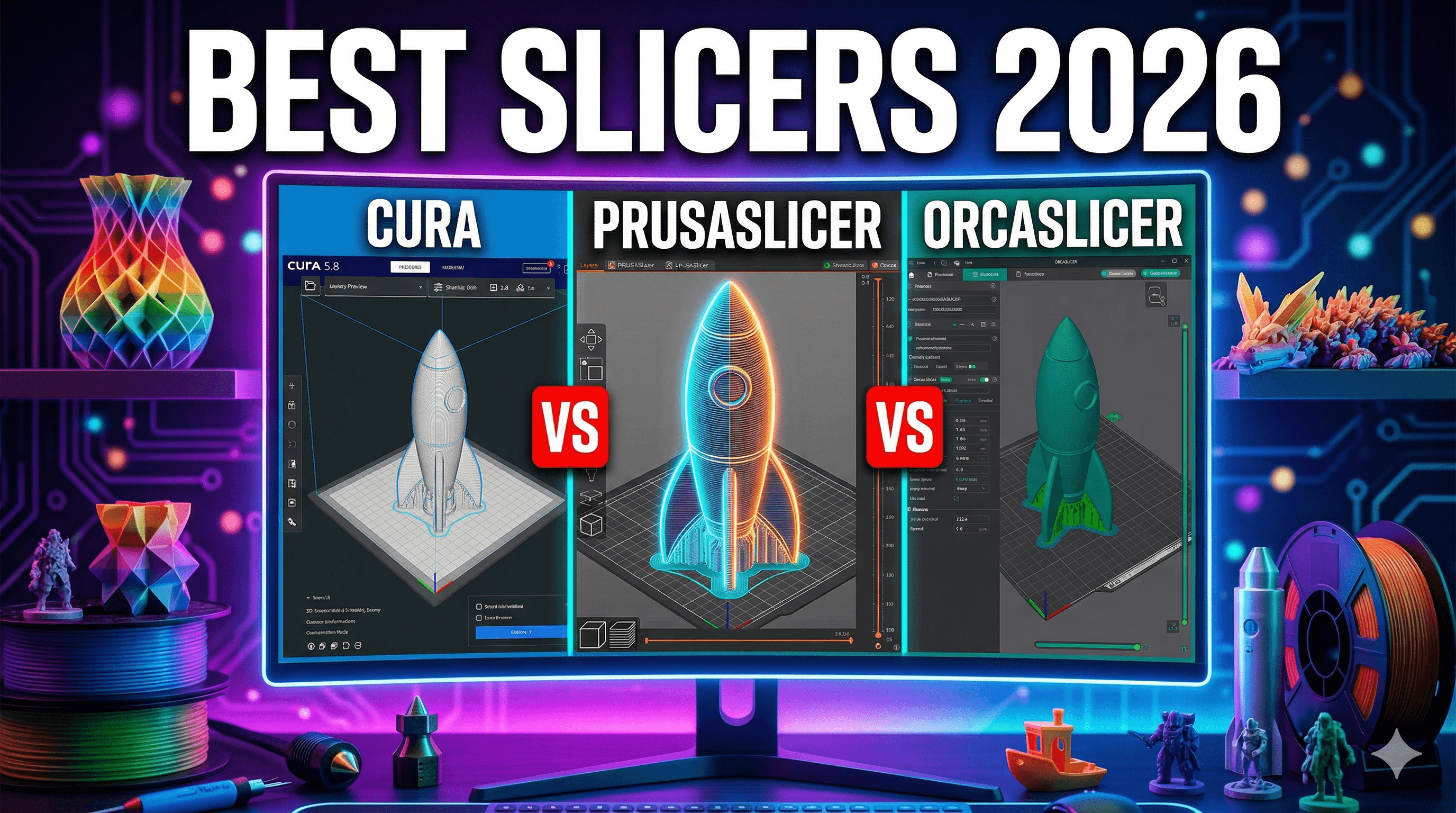
Best Slicers for 3D Printing in 2026: Cura vs PrusaSlicer vs OrcaSlicer â My Indian Business Perspective!
Dude, if youâÂÂre like me, youâÂÂve spent countless hours â probably more like *days* â staring at a failed print, wondering what went wrong. Was it the bed adhesion? The nozzle temp? Or, the often-overlooked culprit, the humble slicer? Honestly, I used to just pick whatever came with my printer, thinking, "Eh, it slices, right?" Oh, how naive I was back when I first started Artopia Collections, my little 3D printing business here in Bengaluru. The truth is, your slicer isn't just a utility; it's the conductor of your 3D printing orchestra, and picking the right one can literally make or break your prints, your sanity, and let's be real, your bottom line in this competitive Indian market. We're talking about saving filament that costs â¹900-â¹1500 a kilo for good quality PLA â that adds up fast!
It's 2024, heading into 2026 (I like to plan ahead!), and the landscape of 3D printing slicers has evolved dramatically. What was "good enough" a couple of years ago might be holding you back now. For my business, where I'm constantly churning out custom prototypes, intricate architectural models, and even fun stuff like these 3D printed art pieces, the slicer is paramount. It determines print quality, speed, material usage, and ultimately, customer satisfaction. I mean, who wants to pay for a print that looks like a spaghetti monster after waiting days for it?
My Slicer Journey: From Noob to Nerd
When I kicked things off with my trusty old Ender 3, it was all about Cura. Everyone used Cura, right? It was the default, the easy choice. And for a long time, it served me well. But as my business grew, and I started adding more complex printers like the Creality K1 (that speed, man!) and even considered a Prusa, I realized one slicer wasn't going to cut it. I needed more control, more features, and honestly, something that felt less like fighting software and more like collaborating with it.
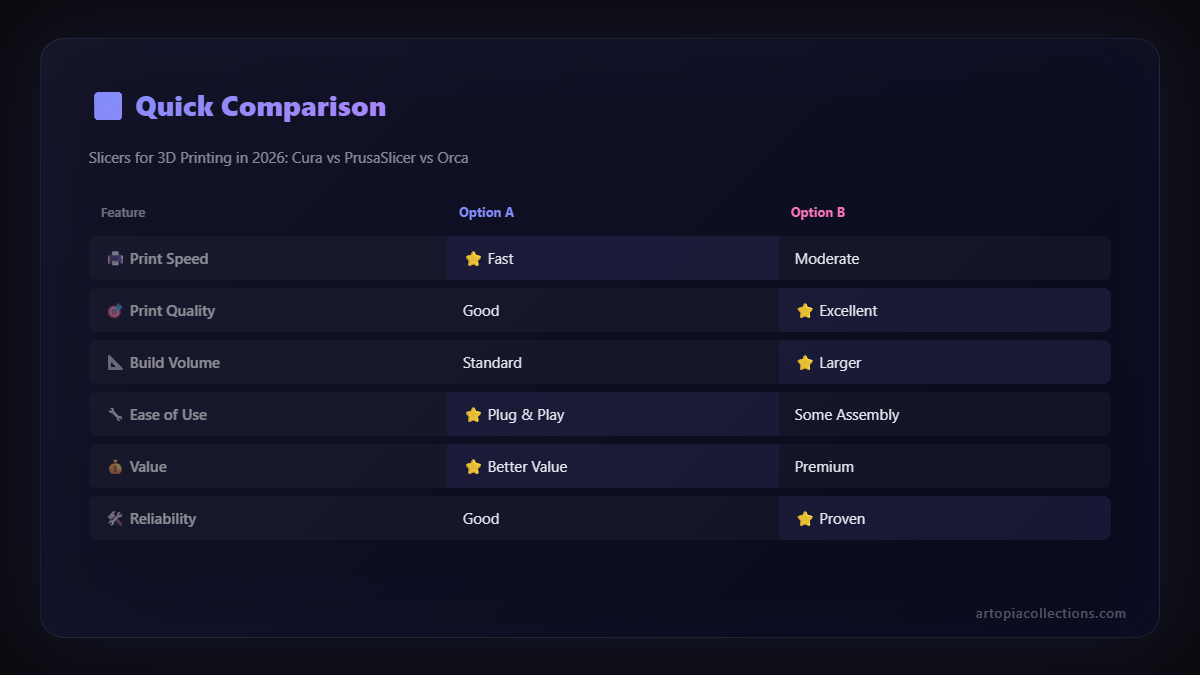
So, I dove deep, experimenting with settings, breaking prints, fixing them, and basically living and breathing slicer profiles. IâÂÂve seen versions of Cura come and go, watched PrusaSlicer grow from a niche tool to a powerhouse, and recently, I've been absolutely blown away by OrcaSlicer. Each has its own personality, its quirks, and its superpowers. LetâÂÂs break 'em down, shall we?
Ultimaker Cura: The Veteran Workhorse
Cura. Ah, Cura. ItâÂÂs like that comfortable old pair of jeans you just canâÂÂt get rid of. ItâÂÂs been around the block, itâÂÂs reliable, and everyone knows it. For a lot of people, especially those just dipping their toes into the 3D printing world, Cura is the first stop, and for good reason.
What I love about Cura:
- User-Friendly Interface: Honestly, for beginners, itâÂÂs probably the easiest to get started with. You can just load your model, hit "slice," and you're good to go. The basic settings are clear, and the advanced ones are tucked away until you need them.
- Massive Community Support: Seriously, if you have an issue with Cura, someone else has had it too. There are thousands of forum posts, YouTube tutorials, and custom profiles out there. This is a HUGE plus, especially when you're troubleshooting late at night.
- Extensive Printer Compatibility: Pretty much every FDM printer under the sun has a profile in Cura. My Ender 3 V2 and even my Creality K1 (though I use others for that now) had decent out-of-the-box profiles, which is a lifesaver for a small business that can't spend hours tweaking.
- Plugins Galore: Cura has a marketplace for plugins that can extend its functionality in really useful ways, from calculating print costs (super important for my business!) to custom support generation tools.
Where Cura sometimes falls short (for me, personally):
- Can Be Overwhelming: While it starts simple, once you start diving into the "Custom" settings, it's a rabbit hole of hundreds of options. It's great for control, but it can feel like drinking from a firehose.
- Support Generation: This is a big one. While Cura has improved, its tree supports, though innovative, can sometimes be a pain to remove or just not generate optimally for really intricate models. I've had more than a few prints ruined by supports fusing to the model.
- Speed & Performance: Sometimes, especially with very complex models or when running multiple instances, Cura can feel a bit sluggish. It's not a deal-breaker, but when you're trying to slice a dozen models for an order, every second counts.
- Quality vs. Speed Trade-offs: Getting truly optimized, high-quality prints *and* fast prints out of Cura can require a lot of tinkering, and sometimes it feels like a compromise.
For everyday, reliable prints, especially on my older Ender machines, Cura is still a fantastic choice. I often recommend it to friends just starting out. You can grab some quality PLA filament on Amazon.in and be printing within minutes, thanks to Cura's ease of use.
PrusaSlicer: The Precision Engineer
When I got serious about print quality and started eyeing more sophisticated prints for clients, I knew I needed to look beyond Cura. ThatâÂÂs when I really gave PrusaSlicer a fair shake. And man, am I glad I did. ItâÂÂs developed by Prusa Research, the guys who make those legendary Prusa i3 printers, so you know itâÂÂs built by people who understand hardware and software integration.
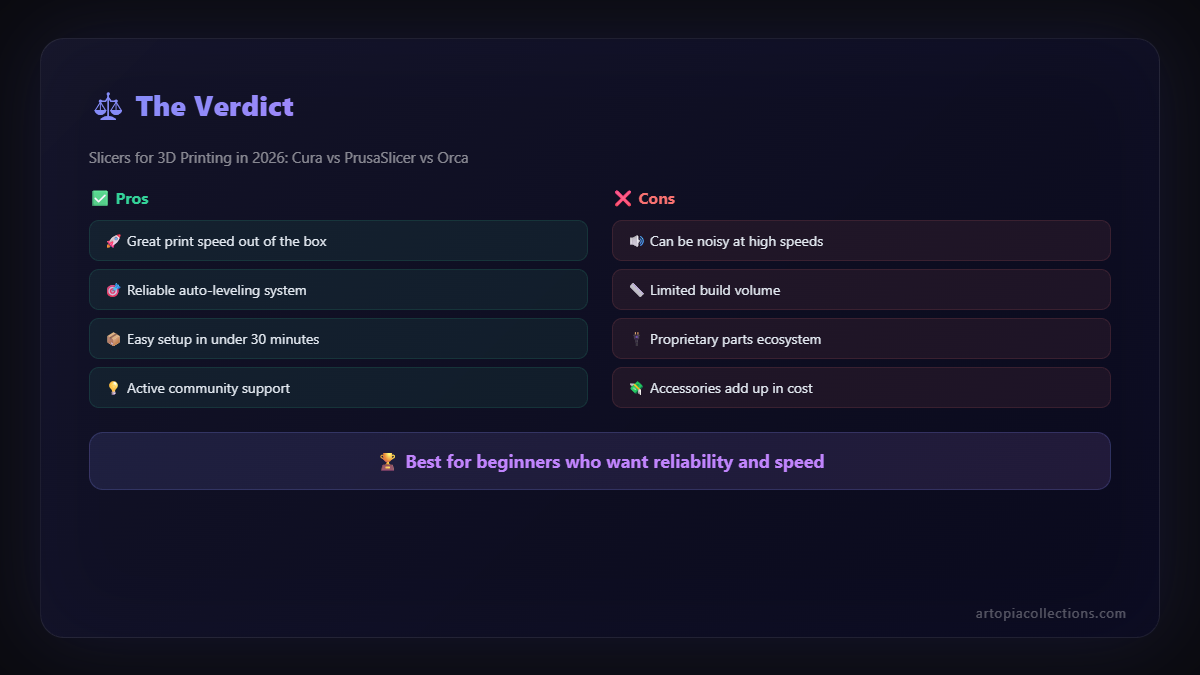
Why PrusaSlicer is a game-changer:
- Fantastic Print Quality: This is where PrusaSlicer really shines. Its algorithms for infill, perimeters, and particularly its ironing feature, often result in unbelievably smooth and consistent prints. The variable layer height, allowing you to print fine details where needed and coarser layers elsewhere, is genius for efficiency without sacrificing quality.
- Organic Supports: Oh my god, the organic supports! They are a dream. They use less material, are stronger, and are incredibly easy to remove, leaving minimal marks. For models with complex overhangs, this feature alone is worth using PrusaSlicer. ItâÂÂs saved me so much post-processing time and filament.
- Input Shaping & Pressure Advance: For Klipper users, these features are becoming essential. PrusaSlicer integrates these beautifully, allowing you to push your printer to higher speeds while maintaining excellent quality. My Creality K1 benefits immensely from this.
- Multimaterial Printing Support: If you're into multicolor printing with an MMU or similar system, PrusaSlicer is built for it from the ground up.
- Clear, Logical UI (once you get it): While it might not be as "friendly" as Cura initially, once you understand PrusaSlicer's layout, it's incredibly logical. The settings are well-organized, and the tooltips are genuinely helpful.
My minor gripes with PrusaSlicer:
- Initial Learning Curve: It's not steep, but coming from Cura, some things felt a little different. It takes a bit of getting used to, especially if you're deep in the weeds of custom profiles.
- Less Community for Non-Prusa Printers: While it supports many printers, finding highly optimized, community-vetted profiles for non-Prusa machines can sometimes be a bit harder compared to Cura. You often have to do more tuning yourself, which is fine for me now, but could be daunting for a new user.
- No Plugin Ecosystem: Unlike Cura, there isn't a robust plugin marketplace. What you see is pretty much what you get, although what you get is already excellent.
PrusaSlicer is my go-to for anything that absolutely needs to be perfect. For client commissions, intricate designs, or anything where quality is paramount over sheer print speed, it's unbeatable. I've even converted some of my friends who run small print farms to it, just for the organic supports alone. The time saved in post-processing easily offsets any initial learning time. ItâÂÂs definitely earned its spot on my main screen.
OrcaSlicer: The New Kid with All the Tricks
Okay, so OrcaSlicer. This is the one that's really shaking things up, and honestly, itâÂÂs probably my favourite for the bulk of my business work right now. It's a fork of Bambu Studio, which itself is a fork of PrusaSlicer. So, it takes the best bits from both worlds and then adds a whole bunch of awesome features, especially for advanced users and those running Klipper or Bambu Lab printers.
Why OrcaSlicer is making waves (and winning my heart):
- Advanced Calibration Features: This is the killer app for me. OrcaSlicer has built-in calibration tests for things like flow rate, pressure advance, temperature towers, and more. It helps you dial in your filament profiles with incredible precision. This means less wasted filament, fewer failed prints, and consistently better results. For a business, this is pure gold. Imagine spending â¹500 on a new fancy PETG filament and knowing you can quickly calibrate it perfectly.
- Speed & Performance: It feels incredibly snappy. The slicing engine is fast, and the UI is responsive. It inherits the speed optimizations from Bambu Studio, which are designed to make high-speed printers sing.
- Klipper Integration: If you're running Klipper (and you really should be if you want to push your printer's limits), OrcaSlicer plays wonderfully with it. The printer profiles are excellent, and the integration for things like bed leveling meshes and start/end G-code is seamless.
- Multi-Material Excellence: Again, like PrusaSlicer, it handles multi-material setups brilliantly. If you're dabbling in multicolor prints, you'll love it.
- Improved Supports & UI Elements: It takes the best of PrusaSlicer's supports and often refines them. Plus, it has some really thoughtful UI improvements and extra tools that just make life easier.
Things to be aware of with OrcaSlicer:
- Steeper Learning Curve (Initially): Because it packs so many features, it can feel a bit overwhelming at first. It's definitely not for the absolute beginner who just wants to press "print."
- Community is Growing: While it's gaining traction incredibly fast, the community isn't as vast as Cura's yet. You might run into a niche issue that hasn't been widely discussed, but honestly, the developers are super active and helpful.
- Still Under Active Development: This is a pro and a con. It means new features are constantly being added, but also occasionally you might hit a minor bug. Nothing major in my experience, but something to keep in mind.
For my day-to-day business operations, especially with my Creality K1 and my heavily modified Ender 3s running Klipper, OrcaSlicer is my superstar. The calibration tools alone have saved me so much time and material. ItâÂÂs truly built for efficiency and quality for those who want to push their machines. If you're considering upgrading your printer, or even just optimizing your existing one, a good set of 3D printer tools and accessories alongside OrcaSlicer can seriously elevate your game.
The Slicer Showdown: Who Wins in 2026? (My Personal Take)
So, after all that, which one is "the best"? The thing is, there's no single "best" slicer. It's like asking which is the best tool in a mechanic's shop â you need different ones for different jobs. But if you twist my arm (and you guys always do!), here's my breakdown for someone like me, running a small business here in India:
- For Absolute Beginners (or when IâÂÂm feeling lazy): Ultimaker Cura. It's just so easy to get started. Load model, select basic settings, print. It's reliable for standard prints, and the community support is unmatched. If you're gifting a printer to someone, tell them to start here.
- For Uncompromising Quality & Specific Features (like organic supports): PrusaSlicer. When a client absolutely needs a flawless finish, or if a model has super tricky overhangs, I fire up PrusaSlicer. The organic supports alone make it a winner for those complex pieces. Its variable layer height is also a feature I use frequently for prints where aesthetics matter.
- For Business Efficiency, Advanced Calibration, & Klipper Users (my daily driver): OrcaSlicer. This is it. For me, the integrated calibration tests, the speed, and the overall advanced feature set make OrcaSlicer indispensable. It saves me time, reduces waste, and helps me achieve consistent, high-quality results across different filaments and printers. For a small business like mine, where every rupee and every hour counts, OrcaSlicer gives me the most bang for my buck.
Wrapping It Up: Your Slicer, Your Choice
Look, the 3D printing world is evolving at lightning speed, especially here in India. New printers, new filaments (I'm seeing some fantastic Indian filament brands pop up!), and new software are constantly emerging. My advice? Don't be afraid to experiment. Download all three, try them out, and see what clicks with your workflow and your specific printer setup. What works for my Creality K1 might not be ideal for your Ender 5 or your Anycubic Kobra.
The beauty of all these slicers is that they're free. You've got nothing to lose by giving them a try, except maybe a few hours of tinkering â which, let's be honest, is half the fun of 3D printing, isn't it? Ultimately, the best slicer for *you* is the one that helps you create the best prints with the least hassle, day in and day out.
So, tell me, whatâÂÂs *your* go-to slicer these days? Are you still a loyal Cura user, have you seen the light with PrusaSlicer, or are you part of the growing OrcaSlicer fan club? Drop a comment below, I'd love to hear your thoughts and experiences!


