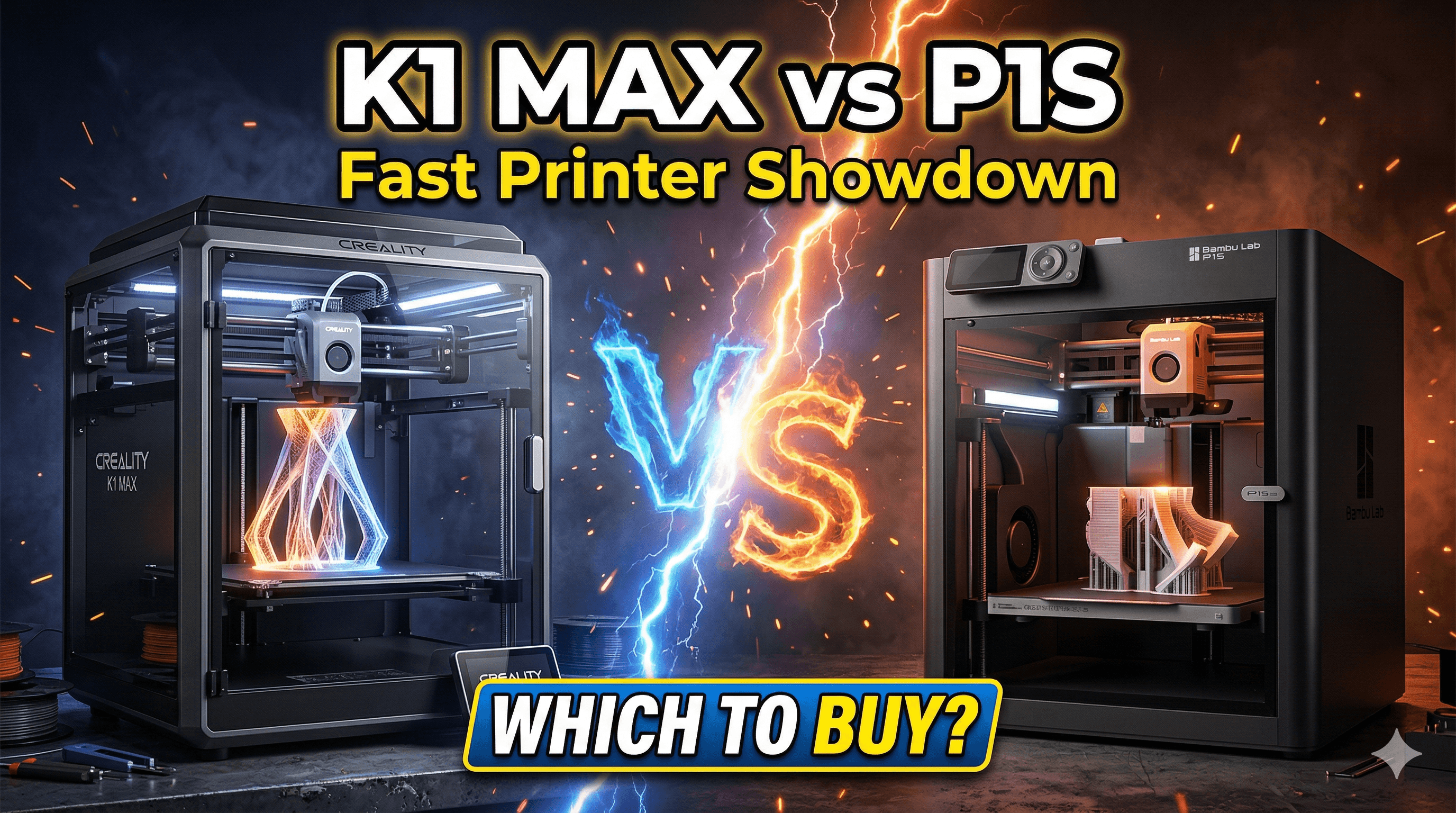
Creality K1 Max Enclosure Mods: Better ABS Printing on a Budget
Upgrade your Creality K1 Max for optimal ABS printing without spending a fortune. Explore easy-to-implement enclosure mods and practical tips to achieve warp-free, high-quality ABS prints every time.
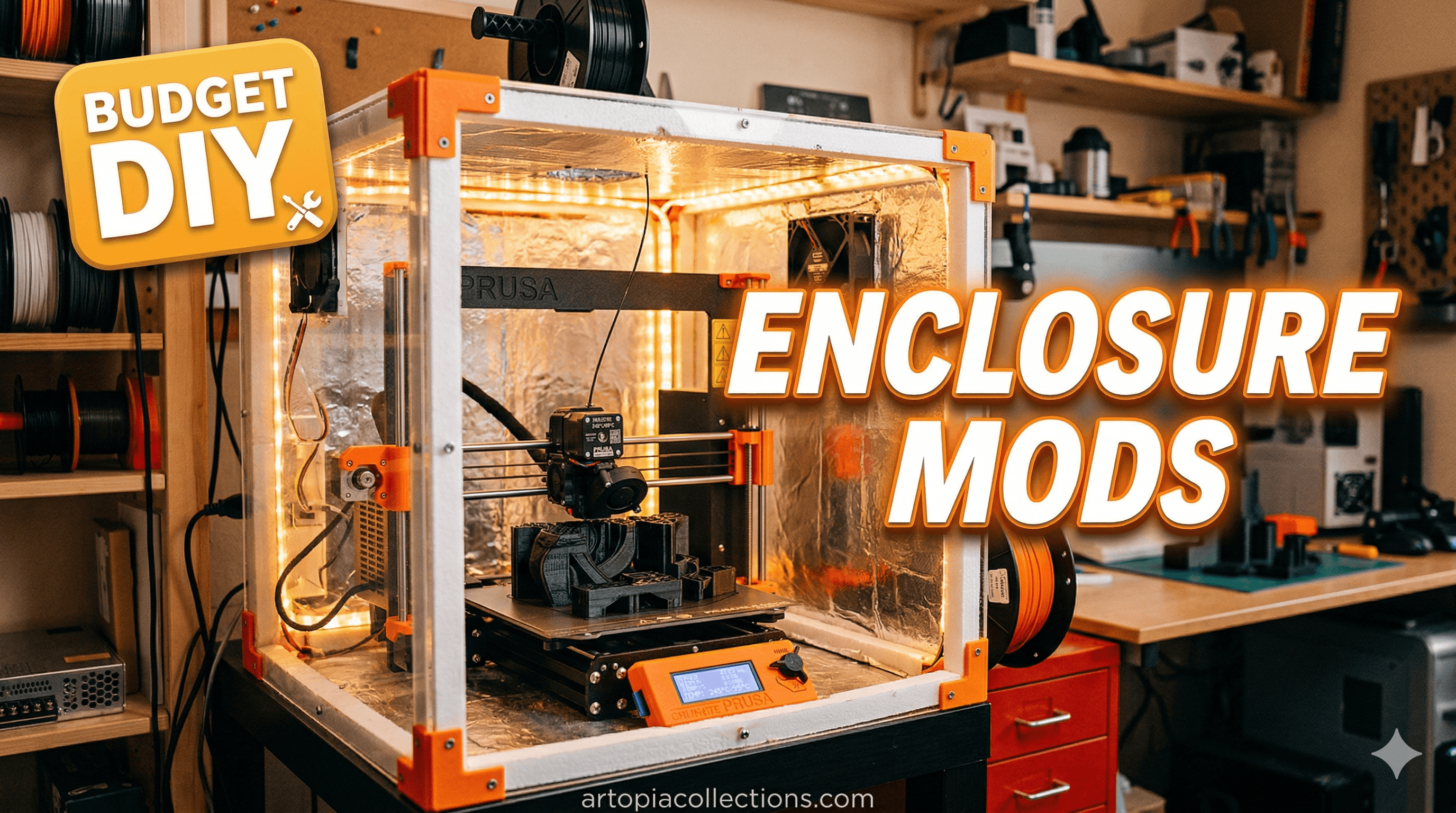
Let's be real, printing ABS reliably in India, especially when you're running a small business like mine, can feel like trying to catch a mosquito with chopsticks. You get excited, you start the print, everything looks great for the first hour, and then... poof! Warping, layer delamination, cracks appearing out of nowhere. It's enough to make you want to throw your printer out the window. And honestly, for a long time, that's exactly how I felt about ABS on my Creality K1 Max.
Don't get me wrong, the K1 Max is a fantastic machine straight out of the box. The speed, the quality for PLA and PETG – it's a beast! But Creality markets it as an 'enclosed' printer, suggesting it's ready for those trickier, high-temp filaments like ABS or ASA. The thing is, an enclosure isn't just about keeping dust out; it's about maintaining a stable, elevated ambient temperature around your print. And the K1 Max, in its stock form, just doesn't cut it for serious ABS work, especially here in India where the ambient temperature can fluctuate wildly depending on the season and whether my AC is on (which, let's be honest, for an entire print, is rarely). So, I took it upon myself to turn my K1 Max into an ABS printing powerhouse, all on a budget that won't make your accountant cry. Here's how I did it.
Why Even Bother with ABS, You Ask?
Good question! For a small business like Artopia Collections, offering robust, functional parts is essential. My clients often need prototypes, jigs, or end-use parts that can withstand a bit of heat, impact, or just general abuse. PLA is great, but it softens in the sun and isn't super durable. PETG is better, but ABS (and ASA, its UV-resistant cousin) offers superior mechanical properties, higher temperature resistance, and a nicer finish when vapor smoothed. It's a game-changer for parts that need to be tough. But getting those benefits means conquering the challenges of ABS.
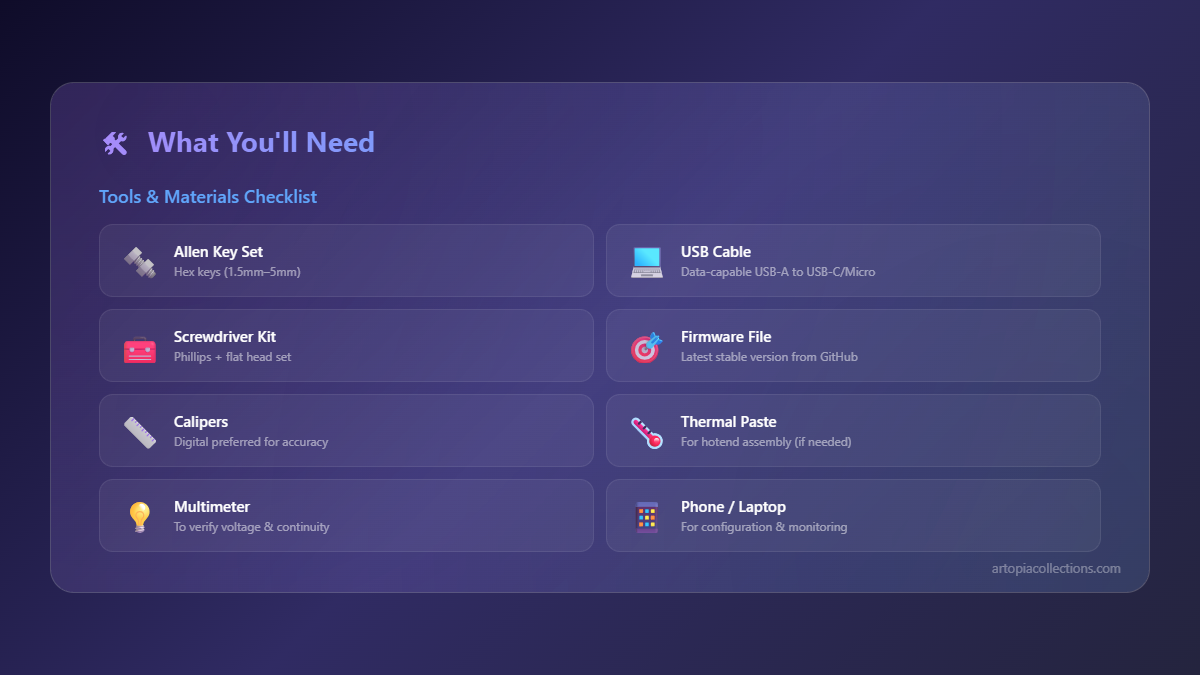
The main enemy of ABS printing is rapid, uneven cooling. As the hot plastic comes out of the nozzle, it cools and shrinks. If one part cools faster than another, you get internal stresses that lead to warping, cracking, and layer separation. A warm, stable print chamber minimizes this, allowing the part to cool more uniformly and slowly. My goal was to consistently hit chamber temperatures of 60-70°C, maybe even 80°C if I was feeling ambitious, without breaking the bank or making my printer look like it'd been hit by a truck.
Mod 1: Sealing the Top – The Obvious First Step
The K1 Max has that open lid design. Great for quick access, terrible for retaining heat. My first mod was ridiculously simple but made a huge difference. I just needed a solid lid. I went to a local acrylic shop in my city (Bengaluru has tons of them!) and got a 4mm thick clear acrylic sheet cut to size. I measured the top opening carefully – you'll want it to slightly overlap the existing frame. For the K1 Max, it's roughly 480mm x 480mm, but always measure your specific unit!
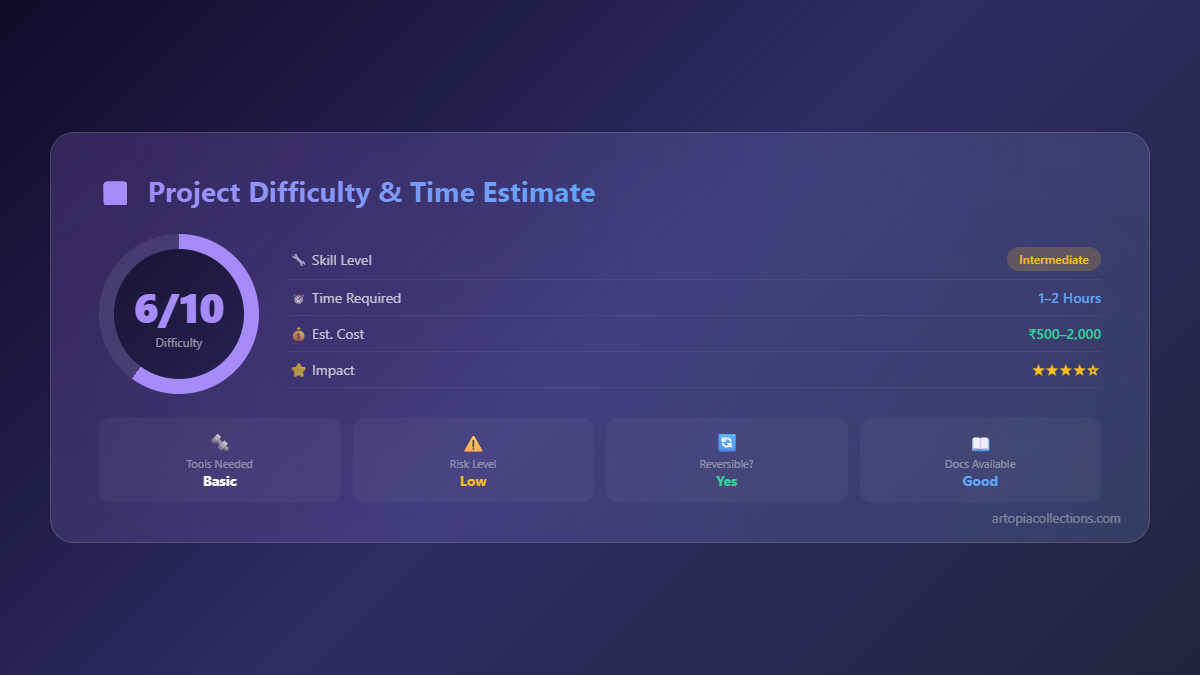
I paid about ₹700 for the sheet, custom cut. Now, you could just lay it on top, but I found hot air would still escape. So, I grabbed some simple foam weather stripping – the kind you use for doors and windows – from a hardware store. It was like ₹150 for a roll. I stuck it around the perimeter of the K1 Max's top frame, creating a nice seal for my acrylic lid. Some small binder clips or magnetic clips can hold the lid down securely if you want, but the weight of the acrylic usually does the job. This alone pushed my chamber temp up by a good 10-15°C, just by trapping that radiant heat from the print bed.
Mod 2: Better Door Sealing – Every Gap Counts!
Next up, the front door. While it latches well, there are still tiny gaps where cool air can sneak in, especially around the hinges and the edges. Again, more of that cheap foam weather stripping came to the rescue. I applied a thin strip along the inside edge of the door frame, making sure it compresses slightly when the door is closed. Don't go too thick, or the door won't close properly, but even a 3-5mm wide strip can do wonders. It cost me maybe another ₹50 from that same roll.
This mod, combined with the top lid, really sealed off the internal volume. It stopped those annoying drafts that would cause localized cooling, especially on taller prints. You might think these are minor, but when you're dealing with the finicky nature of ABS, every little bit of temperature stability helps. Plus, it makes the printer quieter, which is a bonus when it's running in my workshop all day.
Mod 3: Insulating the Sides – Going for the Sauna Effect
Alright, so with the top and door sealed, the next logical step was to insulate the side panels. The K1 Max has those sturdy metal panels, but metal is a good conductor of heat, meaning heat can still escape through them. I decided to use some reflective insulation foam. You can find this stuff in rolls at hardware stores, often used for plumbing or AC ducts. It's basically a layer of foam sandwiched between two layers of reflective foil.
I bought a small roll for about ₹300-₹400. I cut pieces to fit the side panels and the back, attaching them to the *outside* of the printer with strong double-sided tape. I was a bit hesitant to stick things directly inside the chamber due to potential off-gassing or fire hazards with some materials, so outside felt safer. This mod pushed the chamber temperature up by another 5-10°C. It really helps reflect that radiant heat back into the chamber. It might not look the prettiest, but functionality beats aesthetics for me when client orders are on the line!
A Quick Safety Note: If you *do* decide to insulate inside, ensure your chosen material is fire-retardant and can withstand high temperatures. ABS printing temperatures can be around 230-260°C, and the chamber will get warm. Better safe than sorry!
Mod 4: Active Chamber Heating – The "Nuclear" Option (with caution!)
Now, this is where things get a bit more advanced and require some common sense and safety precautions. If you really want to dial in those high chamber temperatures (like 70-80°C consistently), you'll need active heating. My solution? A small, low-wattage PTC heater element, coupled with a cheap temperature controller and a solid-state relay (SSR).
I sourced a small 100W 220V PTC heating element online for about ₹400-₹500. For the temperature controller, I used a basic W1209 controller (about ₹200-₹300) and an SSR (another ₹250-₹350) to handle the mains voltage safely. I built a small, well-ventilated enclosure for these components, keeping them away from the printer's electronics. The PTC heater itself I mounted securely to a non-flammable surface inside the chamber, making sure it wasn't near any moving parts or filament paths. I also added a small fan to help circulate the heated air. Powering this setup was done via an external power plug, completely separate from the K1 Max's power supply.
Seriously, be careful here. Working with mains voltage can be dangerous. If you're not comfortable with basic electronics and wiring, please skip this mod or get help from someone who is. I personally added an inline fuse for extra protection. I set my temperature controller to kick in the heater when the chamber dropped below 65°C and switch off at 70°C. This created a wonderfully stable thermal environment. This combination of mods took my K1 Max from "struggles with ABS" to "ABS is my new favourite."
You can find small PTC heaters on Amazon.in if you search for them, sometimes even with small fans attached. Here's a generic search link for a small 220V PTC heater that might get you started, but always check specifications and reviews carefully: Small PTC Heating Elements on Amazon.in
Mod 5: Air Filtration – Because Your Lungs Matter!
This isn't directly for print quality, but it's CRITICAL for your health when printing ABS. ABS fumes are nasty, let's just say that. They contain VOCs (Volatile Organic Compounds) and ultrafine particles that you absolutely do not want to be breathing in, especially in a confined workshop. After all this sealing and heating, those fumes are definitely concentrated inside the chamber.
I designed and printed a small fan enclosure that attaches to the back exhaust port of the K1 Max. Inside this enclosure, I placed a small computer fan (like an 80mm or 92mm fan, ₹150-₹250) and a filter cartridge filled with activated carbon pellets. You can buy activated carbon in bulk online (aquarium shops sometimes have it too) for maybe ₹200-₹300 a pack. I vent this directly out a window when printing ABS, or at least into a larger exhaust system if I can't. This ensures those harmful fumes are pulled out of my workspace.
Even if you don't do a full active vent, simply having an activated carbon filter inside the chamber or a small fan pulling air through a carbon filter is better than nothing. Your lungs will thank you. Here’s a general Amazon link for activated carbon filter material which is great for DIY filters: Activated Carbon Filter Material on Amazon.in
Beyond the Mods: ABS Printing Tips and Tricks
Even with a perfectly enclosed and heated chamber, a few other things help immensely:
- Bed Adhesion: A good glue stick (Elmer's Purple Glue Stick works wonders, easily available for ₹50-₹100) or an ABS slurry (dissolve some ABS scraps in acetone – but be careful, acetone is flammable and toxic!) is crucial. The textured PEI plate on the K1 Max is decent, but ABS loves to stick firmly.
- Filament Choice: I've had good luck with eSun ABS+ and Overture ABS, both readily available in India. Look for brands that explicitly state low warp. Local brands like Think3D or Divide by Zero also offer good quality ABS.
- Slicing Settings:
- Bed Temp: 100-110°C.
- Nozzle Temp: 245-260°C (depending on filament).
- Fan Speed: ABS hates cooling. Set part cooling fan to 0-5% for most of the print, maybe 10-15% for overhangs only.
- Brim/Skirt: Always use a brim, especially for parts with small footprints, to increase bed adhesion.
- Infill/Perimeters: Higher infill and more perimeters can help with part stability, but also increase print time.
- Slow Cooling: Once the print is done, don't just open the door immediately. Let the chamber cool down slowly with the door closed. This helps prevent thermal shock and cracking.
The Budget Breakdown (Estimates in INR)
Okay, so how much did all this cost me? Let's do a rough estimate:
- Acrylic Top Lid: ₹700
- Foam Weather Stripping: ₹200 (for plenty)
- Reflective Insulation Foam: ₹400
- PTC Heater, Controller, SSR (for active heating): ₹1000 - ₹1500 (depending on specifics)
- Small Fan for circulation/filtration: ₹200
- Activated Carbon: ₹300
- Miscellaneous (tape, wires, glue, etc.): ₹200-₹300
Total: Roughly ₹3000 - ₹3600. That's less than ₹4000 to transform my K1 Max into an ABS workhorse. Considering a dedicated high-temp printer can cost upwards of ₹1.5 - ₹2 Lakhs, this is an absolute steal for a small business owner like me.
The Results? Absolutely Worth It!
After these mods, my ABS printing success rate went from maybe 30% (and that's being generous) to a solid 90%+. I can now confidently print large, complex ABS parts without fear of warping or delamination. This means I can offer more durable, higher-quality products to my clients, expanding my business's capabilities. It's truly empowering to take a great printer and make it even better, tailored to your specific needs.
So, if you're pulling your hair out trying to print ABS on your K1 Max, or any "enclosed" printer that isn't quite cutting it, don't give up! These budget-friendly modifications can make a world of difference. It just takes a little bit of DIY spirit, some patience, and a willingness to experiment. Happy printing, everyone!