Creality K1 Max vs Bambu Lab P1S: Which Fast Printer Should You Buy?
Deciding between the Creality K1 Max and Bambu Lab P1S for your next fast 3D printer can be tough. This comprehensive comparison breaks down their speed, features, and value to help you make the best choice.
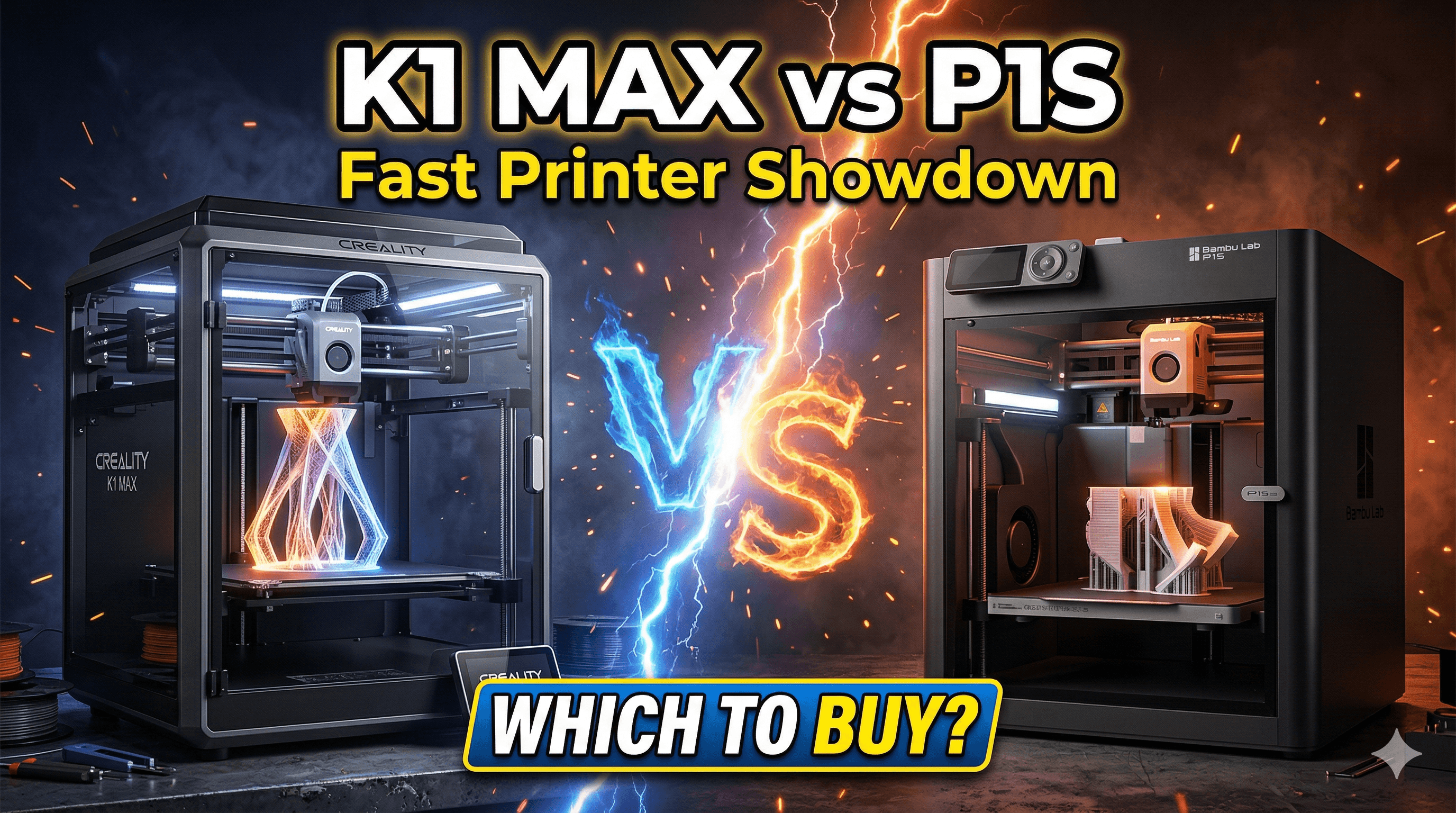
The Need for Speed: Creality K1 Max vs Bambu Lab P1S â My Honest Indian Take!
Alright, guys, let's cut to the chase. You're here because you've felt that familiar pang of impatience, that burning desire to see your print finish *now*, not hours from now. And you're probably wrestling with the same question I see buzzing around every Indian 3D printing group these days: "Should I go for the Creality K1 Max or the Bambu Lab P1S?" Honestly, it's a fantastic problem to have, because both of these machines are absolute game-changers, pushing the boundaries of what affordable, high-speed 3D printing can do. For us here in India, where time is money and good quality means happy clients (and even happier personal projects!), these printers aren't just gadgets; they're tools that can transform your workflow. I've spent a fair bit of time with both, tweaking settings, pushing limits, and even getting frustrated, so I figure I can give you a genuine, no-holds-barred perspective. LetâÂÂs dive in!I've been running ArtOpia Collections for a while now, and believe me, when you're taking on client orders, reliability and speed aren't just nice-to-haves; they're essential. I've seen printers come and go, from the ancient Ender 3s (which, bless their hearts, got me started!) to more exotic beasts. But the current crop of enclosed, high-speed CoreXY machines? They're different. They've democratized speed, making it accessible to us small businesses and hobbyists. When Bambu Lab burst onto the scene, it was like a meteor strike, and Creality, bless their giant heart, has been playing catch-up, and doing a pretty darn good job of it with the K1 series. So, which one should YOU throw your hard-earned rupees at?
First Impressions: The Unboxing & Setup Saga
Let's talk about that initial rush, you know? The moment the box arrives. With the Bambu Lab P1S, it's an experience. They've nailed the "it just works" vibe right from the start. Unboxing is a breeze, the setup instructions are crystal clear, and honestly, you can be printing within 15-20 minutes. No kidding. It's almost unsettlingly smooth. For someone who's spent countless hours tinkering with bed leveling and firmware updates on other printers, the P1S felt like magic. You plug it in, you connect to the app, you hit print. Done. It's incredibly user-friendly, and for a lot of people, especially those new to high-speed printing, that's a HUGE selling point.
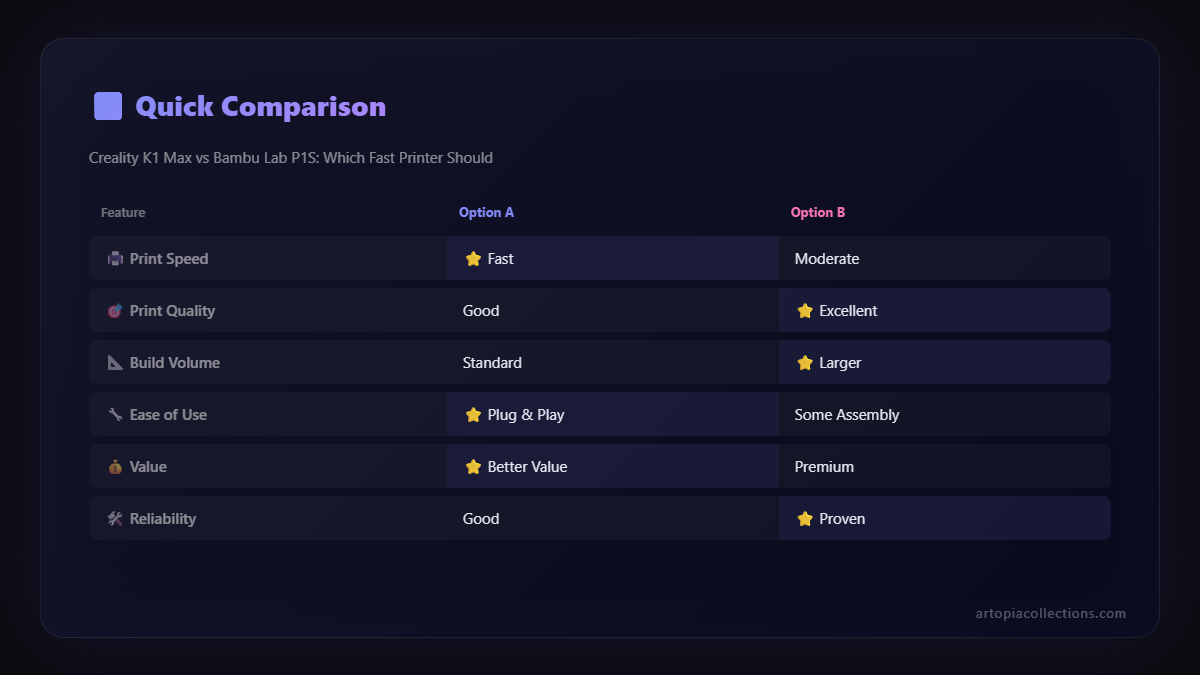
The Creality K1 Max, on the other hand, well, it's Creality. Not in a bad way, mind you, but in a more "roll up your sleeves a little bit" kind of way. It's still mostly pre-assembled, much more so than their older machines, but it feels a bit less polished on the software and initial setup front. You might spend a bit more time with the calibration, tweaking here and there. It's not difficult, but it's not quite the "Apple-esque" experience of the Bambu. For someone like me who enjoys a bit of tinkering and understands Klipper, it's perfectly fine. But if you're looking for absolute plug-and-play, the P1S has the edge here, no doubt.
Speed Demons: How Fast Are We Talking?
This is where both truly shine. Both printers boast incredible speeds, pushing past 500mm/s print speeds and insane accelerations. But here's the deal: raw speed numbers on paper don't always tell the full story. In my experience, both printers can fly. The K1 Max, with its large build volume, really benefits from this speed when you're printing massive parts that would take days on a conventional printer. A helmet or a large prop? What used to be a multi-day affair is now potentially an overnight job. It's exhilarating to watch.
The Bambu Lab P1S, while also incredibly fast, maintains a slightly more consistent print quality at those higher speeds, especially out of the box. BambuâÂÂs software and motion system are just incredibly well-tuned. You just load the filament, slice with their Bambu Studio, and hit print. It's like having a pro racing driver handle your prints every time. The K1 Max, running Klipper, offers more flexibility for advanced users to fine-tune and extract even more performance, but it requires a deeper understanding of the system. For my business, where consistency is key for client work like the custom items we sell at ArtOpia Collections, that out-of-the-box reliability from Bambu is a huge plus.
Build Volume: Size Matters, Sometimes
This is a pretty straightforward one. The Creality K1 Max, as the name suggests, has a significantly larger build volume: 300x300x300mm. The Bambu Lab P1S comes in at 256x256x256mm. For me, running a business that often involves larger prototypes, cosplay props, or bigger functional parts, that extra space on the K1 Max is invaluable. You can fit so much more on the build plate, which means fewer individual parts to print and assemble. If you're primarily printing smaller models, action figures, or functional parts that fit within the P1S's envelope, then this might not be a deal-breaker. But if you dream of printing that full-size Iron Man helmet in fewer pieces, the K1 Max is calling your name. That's why I also recommend getting a good selection of PLA filament from Amazon India, especially if you plan to print a lot, you'll need it!
The Ecosystem & User Experience: Bambu's Walled Garden vs. Creality's Open Field
Here's where the philosophical differences really kick in. Bambu Lab has built a complete ecosystem: proprietary slicer (Bambu Studio), a connected app, their own cloud services, and the AMS (Automatic Material System). It's incredibly cohesive and, dare I say, almost flawless in its execution. Everything just talks to everything else. The AMS is a masterpiece for multi-color printing or simply having multiple spools ready to go for seamless changes. You don't have to babysit filament swaps, and for my business, that saves a lot of time. It's a closed system, yes, but it works brilliantly.
Creality, on the other hand, runs Klipper. Now, Klipper is fantastic. It's powerful, it's open-source, and it gives you unparalleled control over every single aspect of your printer. You can tweak accelerations, input shaping, pressure advance â everything! For someone like me who loves to dig deep and optimize, it's a dream. However, it also means a slightly steeper learning curve. Creality has done a good job integrating it into the K1 Max, but it's not as "hand-holding" as Bambu's system. You'll likely use Creality Print (their slicer), or even Orca Slicer, which has fantastic Klipper integration. The Creality K1 Max also has an optional 'AMS-like' system called the Creality Filament Dry Box and Multi-Material Unit (CFDBMM), but it's not as integrated or polished as Bambu's AMS, at least not yet. If you're planning to stick to single-color prints for a while, this isn't a huge factor, but if you're craving multi-material madness, the Bambu Lab P1S with AMS is still the king.
Reliability & Maintenance: Set It and Forget It vs. Roll Up Your Sleeves
In my experience, the Bambu Lab P1S is incredibly reliable, almost to a fault. I've heard some occasional complaints about specific components, but generally, once it's set up, it just keeps churning out prints. Maintenance is straightforward, and parts are relatively easy to replace, though you're tied into their ecosystem for official spares. It's designed for minimal intervention.
The K1 Max is also a robust machine, but given Creality's history, there's a bit more expectation of potential tinkering or future upgrades. Initial batches had some teething issues, but Creality has been responsive with updates and fixes. Klipper's open-source nature means a massive community is ready to help troubleshoot and modify, which is a huge advantage for some. Plus, generic parts might be easier to source in the long run. If you're comfortable with a screwdriver and a little bit of DIY, the K1 Max won't scare you. If you just want to print and nothing else, the P1S might give you less headache. I always recommend having a good 3D printer tool kit on hand, regardless of which printer you choose!
The Price Tag: Indian Market Realities
Okay, let's talk brass tacks, the elephant in the room for us Indians: price. Both of these machines are premium products in our market, and rightly so. They offer performance that was unthinkable a few years ago. Now, prices fluctuate a bit, but generally, here's what you can expect:
- Bambu Lab P1S (without AMS): You're looking at roughly â¹55,000 to â¹60,000.
- Bambu Lab P1S (with AMS): This pushes it up significantly, typically in the range of â¹75,000 to â¹85,000.
- Creality K1 Max: This machine usually hovers around â¹70,000 to â¹80,000.
So, the K1 Max is often priced competitively with the P1S with AMS. If you don't need multi-color, the P1S (without AMS) is the most budget-friendly entry into this high-speed world. But if you want that enclosed, large-volume, high-speed experience, the K1 Max offers fantastic value for its price point. It really comes down to whether that multi-color capability and super polished ecosystem of the Bambu Lab is worth the extra premium for you, or if you prefer the sheer build volume and Klipper flexibility of the K1 Max at a similar price point to the AMS-equipped P1S.
Who Should Buy the Creality K1 Max?
Look, the K1 Max is a beast for certain users. I'd recommend it if:
- You primarily print large objects and that 300x300x300mm build volume is critical.
- You're comfortable with (or want to learn) Klipper and enjoy tinkering to get the absolute most out of your machine.
- You're coming from other Creality machines and are familiar with their ecosystem, or you're simply a fan of open-source flexibility.
- You want a fast, enclosed printer but perhaps don't need the multi-color capability of the AMS right away, or you're willing to wait for Creality's multi-material solution to mature.
Who Should Buy the Bambu Lab P1S?
The P1S is almost perfect for others, and a strong contender for anyone looking for reliability. Go for the P1S if:
- You want the most seamless, plug-and-play high-speed printing experience possible. Seriously, it's just so easy.
- Multi-color and multi-material printing is a big priority for you, and you appreciate the elegance of the AMS.
- You value an incredibly polished, integrated software and hardware ecosystem.
- You want a printer that just works, with minimal fuss and tinkering. Reliability is paramount.
My Final Thoughts â The ArtOpia Perspective
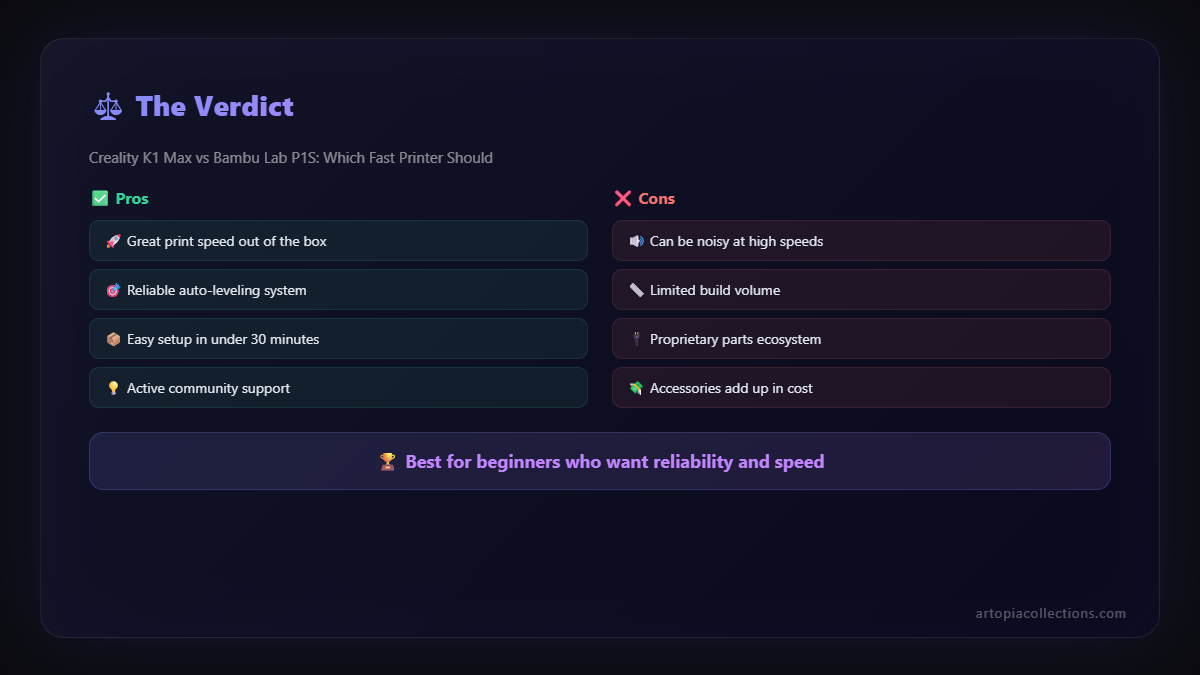
Honestly, both are incredible machines and a testament to how far 3D printing has come. For my business, ArtOpia Collections, where I often need both reliability for client work and the ability to print larger prototypes, it's a tough call. If I had to pick just *one* for pure versatility and pushing boundaries on size, the K1 Max's build volume is a huge draw. But if I needed absolute, consistent, "set it and forget it" multi-color production, the Bambu Lab P1S with AMS would be my go-to. The thing is, they're both fantastic tools.
Ultimately, it comes down to *your* specific needs, budget, and what kind of 3D printing journey you want. Do you want to be a race car driver (Bambu Lab P1S) with a perfectly tuned, high-performance machine that handles like a dream out of the box? Or do you want to be a master mechanic (Creality K1 Max) who can fine-tune every aspect of your powerful engine to truly make it your own? There's no wrong answer here, just different paths to incredibly fast, high-quality prints.
What do you guys think? Are you team K1 Max or team P1S? Have you had experiences with either? Drop your thoughts in the comments below! I'd love to hear from you!


