Creality Print vs Cura: Which Slicer Is Better for Creality Printers?
Choosing the right slicer for your Creality 3D printer can significantly impact print quality and user experience. This post breaks down the key differences between Creality Print and Cura, helping you decide which software is best suited for your needs.
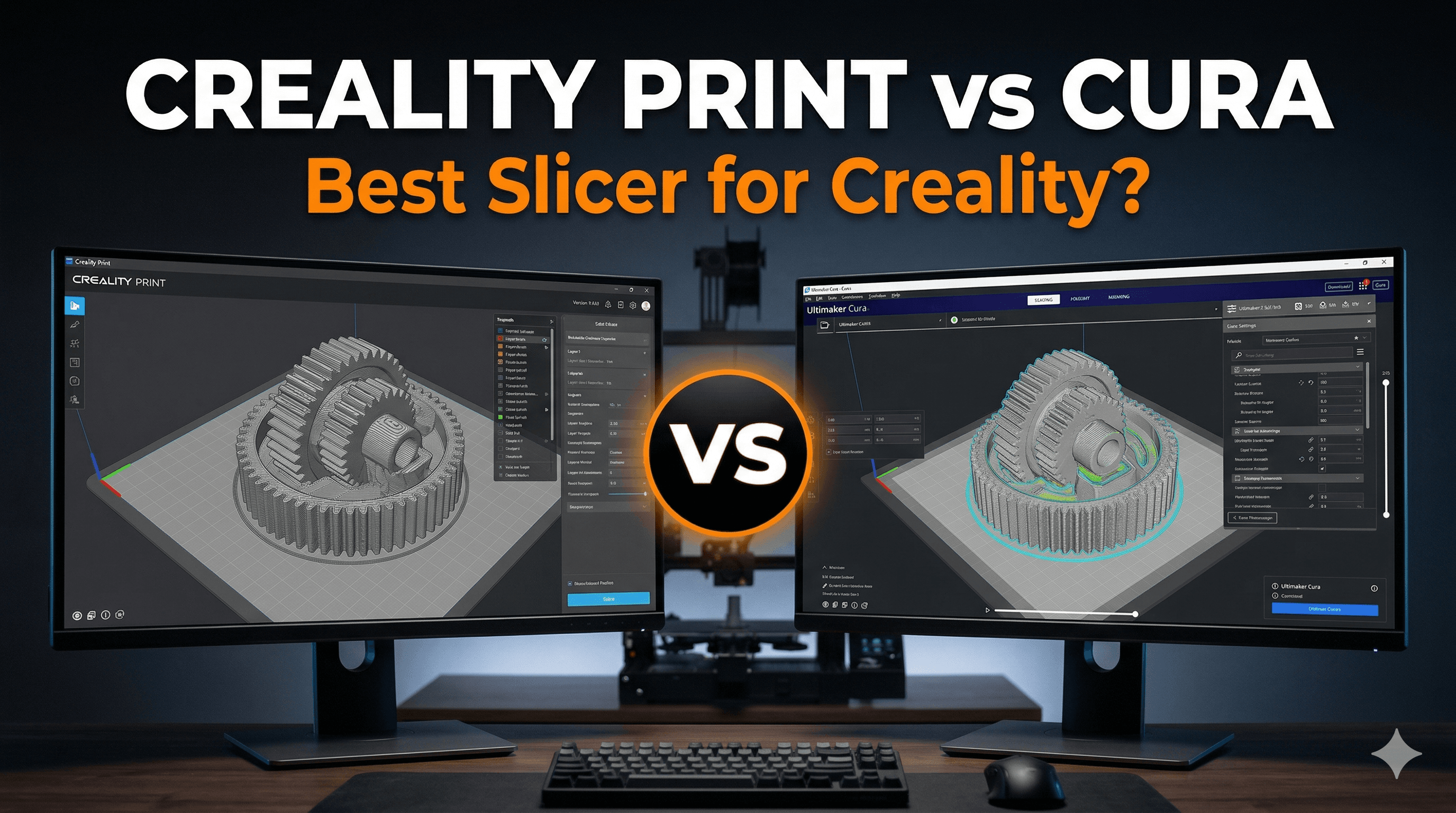
Oh man, let me tell you, there's nothing quite like the feeling of watching a print fail miserably halfway through, especially when it's for a client project. You know that gut-wrenching moment? The spaghetti monster reigning supreme on your print bed, a tangled mess of wasted filament, and your precious time just evaporated into thin air. Yeah, I've been there, more times than I care to admit. And often, often, the culprit isn't the printer itself, or even the filament (though a bad batch of local PLA can really mess things up, believe me). No, a lot of the time, the real villain lurking in the shadows is your slicer, or rather, how you've used it. It's the brain behind the brawn, dictating every move your printer makes. So, naturally, the question I get asked all the time, especially from folks who've just picked up their shiny new Creality machine, is: "Vidyut bhai, Creality Print ya Cura? Which one should I use?"
And honestly, that's a brilliant question, because it's not as simple as picking a favourite cricket team. Both are powerful tools, and in my small business, ArtHopia Collections, where every successful print means a happy customer and, well, some rupees in the bank, getting the slicing right is absolutely non-negotiable. I've spent countless hours, and probably a few thousand rupees worth of filament, experimenting, tweaking, and pulling my hair out with both. So, grab a chai, settle in, and let's dissect this, because I'm going to give you my no-holds-barred, real-world take on Creality Print versus the venerable Cura, especially when you're rocking a Creality printer like my trusty Ender 3 V2 or the speedy K1.
My Slicer Saga: A Journey of Filament and Frustration
When I first started ArtHopia, back when 3D printing was still this magical, slightly intimidating black art for most people in India, Cura was basically the default. Everyone used it. It was, and still is, the undisputed king of free slicers, right? I mean, it's open-source, backed by Ultimaker, and has a community larger than a Delhi wedding. So, naturally, I started there. My Ender 3 Pro came out of the box, and within minutes, I had Cura installed and was trying to figure out what all those hundreds of settings even meant. It felt like learning to fly a fighter jet when all I wanted to do was drive a car.
But here's the thing: Cura, despite its initial complexity, eventually became my bread and butter. It's like that old, slightly cranky but incredibly reliable mechanic you go to for everything. You trust it. You know its quirks. And it generally gets the job done. For years, it was my go-to for everything from intricate miniature designs to custom architectural models for clients. The level of control it offered was unparalleled, allowing me to fine-tune every single aspect of a print, which is crucial when you're trying to achieve specific tolerances or surface finishes for paying customers. I remember spending a whole weekend just dialing in the perfect support settings for a particularly tricky sculpture – something Cura, with its exhaustive options, truly shined at.
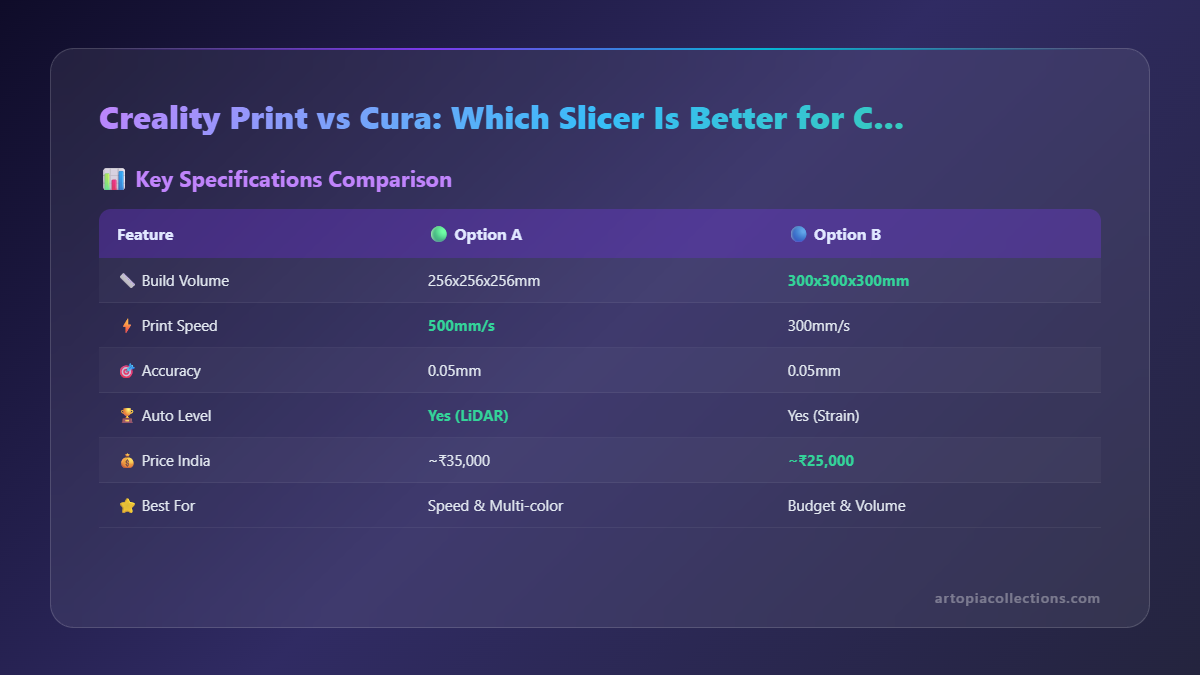
Then came Creality Print. It wasn't exactly an overnight sensation, but Creality, being the giant they are in the consumer 3D printer market, really started pushing it, especially with their newer machines like the K1 and K1 Max. And for a while, I was pretty skeptical. Another slicer? Do I really need to learn a whole new interface? My initial thought was, "Nah, it's probably just a re-skinned version of some other open-source slicer." And in many ways, it kind of is, borrowing heavily from PrusaSlicer (which in turn borrowed from Slic3r, it's a whole family tree, really). But as I started getting more involved with newer Creality hardware, particularly the K1, I realized I couldn't ignore it forever. Creality was making big promises about seamless integration, optimized profiles, and a more user-friendly experience.
Cura: The Swiss Army Knife of Slicers
Let’s talk about Cura first, because for most of you reading this, especially if you’ve been in the game for a bit, it’s probably your comfort zone. Or maybe it’s the daunting behemoth you’re trying to conquer. Either way, it’s a force to be reckoned with.
Pros of Cura:
- Unrivaled Customization: Look, this is where Cura truly shines. You can tweak absolutely everything. Wall thickness, infill patterns, print speed, retraction settings, cooling, support generation, brim, raft, skirt – you name it, Cura probably has ten different sub-settings for it. This is invaluable for experienced users who know exactly what they need to achieve perfect prints, especially with different filaments or tricky geometries. For my business, where I often print with specific engineering filaments like PETG or even some flexible TPUs (which are a nightmare, by the way!), that granular control is a lifesaver.
- Massive Community & Resources: If you run into a problem, chances are someone else has already faced it and posted a solution on a forum, Reddit, or YouTube. There are countless tutorials, custom profiles, and troubleshooting guides out there. This kind of support ecosystem is something Creality Print just can't match right now, purely due to its age.
- Broad Printer Support: While we're talking about Creality printers today, Cura supports practically every FDM printer under the sun. This is great if you have multiple brands of printers in your workshop (like I sometimes do, for testing) or if you ever decide to branch out from Creality.
- Plugin Ecosystem: Cura has a pretty robust marketplace for plugins that add extra functionality, from post-processing scripts to calibration tools.
Cons of Cura:
- Can Be Overwhelming: For a beginner, opening Cura for the first time can feel like being hit by a truckload of options. There are so many settings, and knowing which ones to touch and which ones to leave alone is a steep learning curve. I remember spending hours just trying to figure out why my first layer wasn't sticking, only to realize I had messed with the initial layer flow rate.
- Resource Intensive: Especially with complex models or high detail settings, Cura can be a bit of a resource hog. Slicing can take a while, and the interface can sometimes feel sluggish on older machines.
- Profile Management: While it has a lot of profiles, managing them across different printer models and filament types can sometimes feel clunky.
- Updates Can Be Hit or Miss: Sometimes a new version brings amazing features, other times it introduces new bugs or changes the UI in a way that breaks muscle memory.
Honestly, for most of my intricate, client-facing prints – think detailed prototypes, complex figurines, or functional parts where precision is key – Cura is still my weapon of choice. It gives me the confidence that I can dial in exactly what I need. If I'm using a premium filament, say, some e-Sun PLA+ (which costs around ₹1800-2000 per kg check it out on Amazon.in) or even some fancy silk PLA, I'm definitely running it through Cura to ensure I don't waste a single gram.
Creality Print: The Tailor-Made Experience (Mostly)
Now, let's talk about the challenger: Creality Print. This slicer, for a long time, was seen as an afterthought, maybe even unnecessary. But with their newer, faster machines like the Creality K1, it's really stepping up its game. It's no longer just a basic alternative; it's a pretty strong contender, especially if you're deep in the Creality ecosystem.
Pros of Creality Print:
- Optimized for Creality Printers: This is its biggest selling point. Creality Print often comes with pre-configured profiles that are specifically tuned for Creality's own machines. For instance, when I got my K1, the profiles in Creality Print were far more optimized for its speed and specific kinematics right out of the box than anything I could quickly find in Cura. This means less fiddling around for you, especially if you're new.
- Simpler Interface: Compared to Cura's sprawling options, Creality Print presents a much cleaner, more streamlined interface. For beginners, this is a huge win. You're not immediately overwhelmed by a million sliders and checkboxes. You can get a good print going much faster.
- Integration with Creality Cloud: If you're into cloud printing, remote monitoring, and using Creality's ecosystem, this is a big plus. It seamlessly integrates, allowing you to slice and send prints to your printer directly via Wi-Fi, often with a webcam feed. This is super convenient for my workshop when I need to monitor prints while I'm out getting supplies or delivering orders.
- Faster Slicing (Sometimes): I've noticed that for certain models, especially simpler ones, Creality Print can slice them noticeably faster than Cura. This isn't always the case, but when it happens, it's a nice time-saver.
Cons of Creality Print:
- Less Granular Control: While it's getting better, Creality Print still doesn't offer the sheer depth of customization that Cura does. For advanced users who need to fine-tune every micro-setting, it can feel restrictive. You might find yourself wishing for that one specific setting that only Cura seems to have.
- Smaller Community: The community around Creality Print is growing, but it's nowhere near the size of Cura's. If you run into a niche problem, finding a quick solution might be harder.
- Updates Can Be Less Frequent/Consistent: Being tied to a single manufacturer, its development pace and feature additions are dictated by Creality. While they are actively improving it, it might not always keep up with the rapid pace of open-source development.
- Less Universal: While it supports other printers, it truly shines with Creality's own machines. If you have, say, an Anycubic Kobra and an Ender 3, you might find Creality Print less ideal for the Anycubic, whereas Cura will handle both equally well.
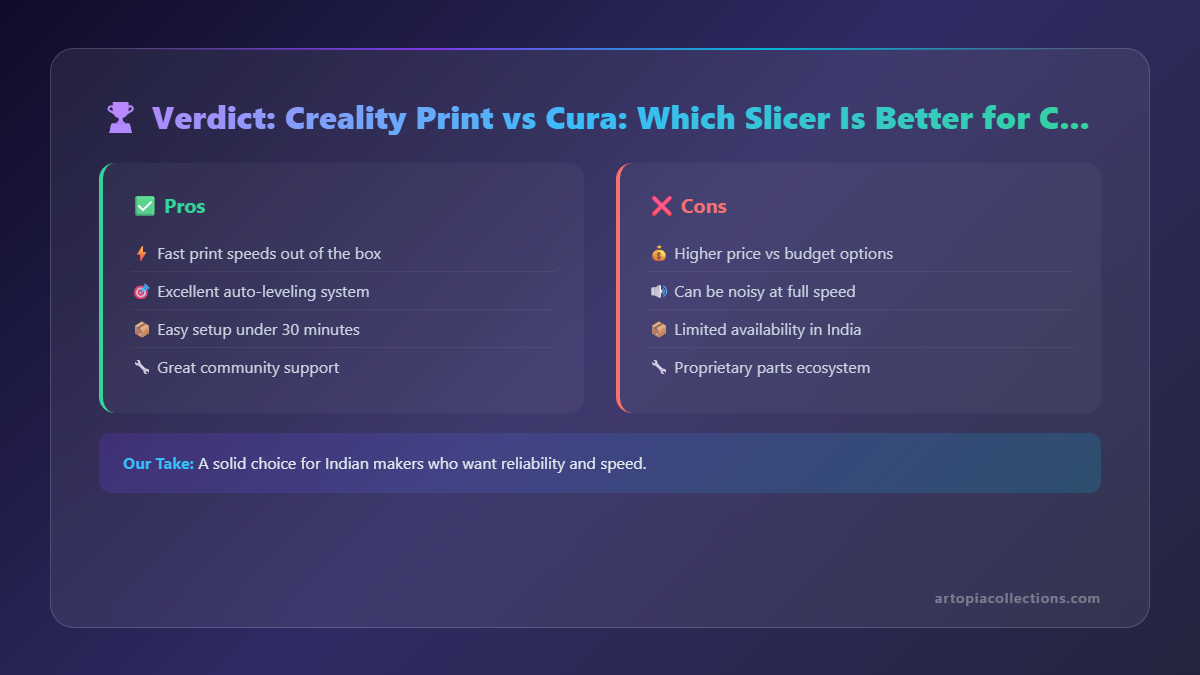
So, where does Creality Print fit into my workflow? Honestly, for quick prototypes, functional prints where aesthetics aren't paramount, or when I'm specifically using my K1 printer for its speed, Creality Print is often my first choice. It gets the job done quickly and efficiently. If a client just needs a basic enclosure or a simple bracket, and I'm printing with a standard PLA that costs around ₹800-1000 a roll like these options on Amazon.in, I'll often just use Creality Print and hit go. It’s perfect for those bread-and-butter orders.
The Slicer Showdown: Head-to-Head
Alright, let’s pit them directly against each other, based on my real-world experience here in my Indian workshop:
- Ease of Use for Beginners: Creality Print wins. No contest. Its streamlined interface and pre-configured profiles make it incredibly easy to get started, especially with a Creality printer.
- Features & Customization for Power Users: Cura wins. Hands down. If you need ultimate control and want to tweak every parameter, Cura is your champion. Creality Print is improving, but it’s still playing catch-up.
- Print Quality (on Creality Machines): This is a tricky one. With enough tweaking, both can produce excellent results. However, Creality Print often provides better "out-of-the-box" quality for newer Creality machines (like the K1) due to highly optimized default profiles. For older machines like the Ender 3 V2, if you've dialled in Cura well, it might edge out Creality Print in some cases. It really depends on your specific setup and how much effort you put into profiling.
- Slicing Speed: It's a mixed bag, but Creality Print can sometimes be faster for simpler models, especially on decent hardware. Cura can chug along on very complex meshes.
- Community Support & Resources: Cura is the clear winner here. The sheer volume of information, troubleshooting guides, and user-generated profiles available for Cura is unmatched.
- Updates & Development: Both are actively developed. Cura has a more transparent, community-driven development cycle, while Creality Print's updates are tied to Creality's product roadmap. No clear winner, just different approaches.
So, Which Slicer Should YOU Use for Your Creality Printer? My Honest Verdict.
Here’s the deal, and this might not be the definitive answer some of you are looking for, but it’s the honest truth from someone running a business: It's not an either/or situation. It's a matter of choosing the right tool for the right job.
- If you’ve just unboxed your shiny new Creality Ender 3 V2 (a fantastic starter printer, by the way!) or even a K1, and you're feeling overwhelmed, start with Creality Print. Get comfortable with the basics, learn how your printer responds, and enjoy relatively hassle-free prints. It's a great stepping stone.
- If you have a newer Creality machine like the K1, K1 Max, or CR-M4, and you want to leverage its high-speed capabilities with minimal fuss, Creality Print is often the best choice. Its optimized profiles really do make a difference.
- But if you’re like me, constantly pushing the boundaries of what your printer can do, experimenting with exotic filaments, or needing pinpoint accuracy for client work – basically, if you want ultimate control and don’t mind a steeper learning curve – then Cura is indispensable. It’s still my workhorse for critical, complex prints. I often use it to generate the G-code for the more intricate designs you see on my shop page at ArtHopia Collections.
In my own workshop, I have both installed. I flip between them depending on the project. For a quick draft of a new design idea, or a simple functional part for a client, Creality Print on the K1 is a no-brainer. But for that highly detailed, multi-part commission that needs to look absolutely perfect, or for printing with tricky materials, I'll fire up Cura on my more reliable Ender 3 V2 or even my CR-10. It’s like having a simple, reliable screwdriver for everyday tasks and a full, precision toolkit for specialized jobs.
My advice? Don't be afraid to try both. Download them, play around, and print some calibration cubes or a benchy. See which interface you prefer, and which one gives you the results you're looking for. You might be surprised. The important thing is to understand what each slicer offers and how it can help you get the best possible prints from your Creality machine.
What about you? Are you a Cura loyalist or a Creality Print convert? Or do you use a completely different slicer altogether? Drop a comment below, I'd love to hear your experiences and any tips you might have!