How to Choose Your First 3D Printer: The Only Guide You Need
Choosing your first 3D printer can feel overwhelming with so many options available. This guide breaks down all the essential factors, helping you confidently select the perfect machine to start your 3D printing journey.
So, youâÂÂve been bitten by the 3D printing bug, huh? I totally get it. That feeling of watching an idea in your head slowly, meticulously, materialize into a physical object right before your eyes? Man, thereâÂÂs nothing quite like it. ItâÂÂs pure magic, honestly. But then you start looking, right? You jump online, search "best 3D printer for beginners," and suddenly youâÂÂre drowning in a sea of acronyms, specs, and a thousand different models that all seem to do the same thing but also completely different things. ItâÂÂs overwhelming. Trust me, IâÂÂve been there. My inbox, my WhatsApp, my DMs â they're always full of folks asking, "Vidyut, which printer should I buy first?" Well, my friend, you've come to the right place. Consider this your personal, no-nonsense guide from someone who lives and breathes this stuff, right here in India.
I started Artopia Collections (yeah, thatâÂÂs my small business, a little passion project that got out of hand!) a few years ago with just one clunky Ender 3, tinkering away in a corner of my room. Today, IâÂÂve got a small farm of printers chugging along almost constantly, printing everything from intricate miniatures to functional prototypes for clients. IâÂÂve seen printers come and go, wrestled with countless calibration issues (and won, mostly!), and spent way too much time smelling hot plastic. So, yeah, I've picked up a thing or two, and IâÂÂm gonna share all that wisdom with you, without all the fancy jargon. Just like I'd tell a buddy over a cup of chai.
Why Even Get a 3D Printer in the First Place?
Before we dive into the nitty-gritty of choosing one, letâÂÂs quickly touch on why you might want one. Because the thing is, it's not just a hobby; it's a superpower. You want a custom hook for your headphones? Print it. A broken part on your mixer? Design a new one. Cool action figures, cosplay props, teaching aids for kids, unique gifts â the possibilities are truly endless. For me, it was the ability to bring imagination to life, to solve small problems around the house, and eventually, to create bespoke products for my customers. ItâÂÂs empowering, and frankly, itâÂÂs just super cool.
FDM vs. Resin: Your First Big Decision
Okay, this is the first fork in the road, and itâÂÂs a big one. When people talk about "3D printing" generally, they're usually referring to one of two main technologies for home users: FDM or Resin (SLA/DLP).
FDM (Fused Deposition Modeling) Printers: The Workhorses
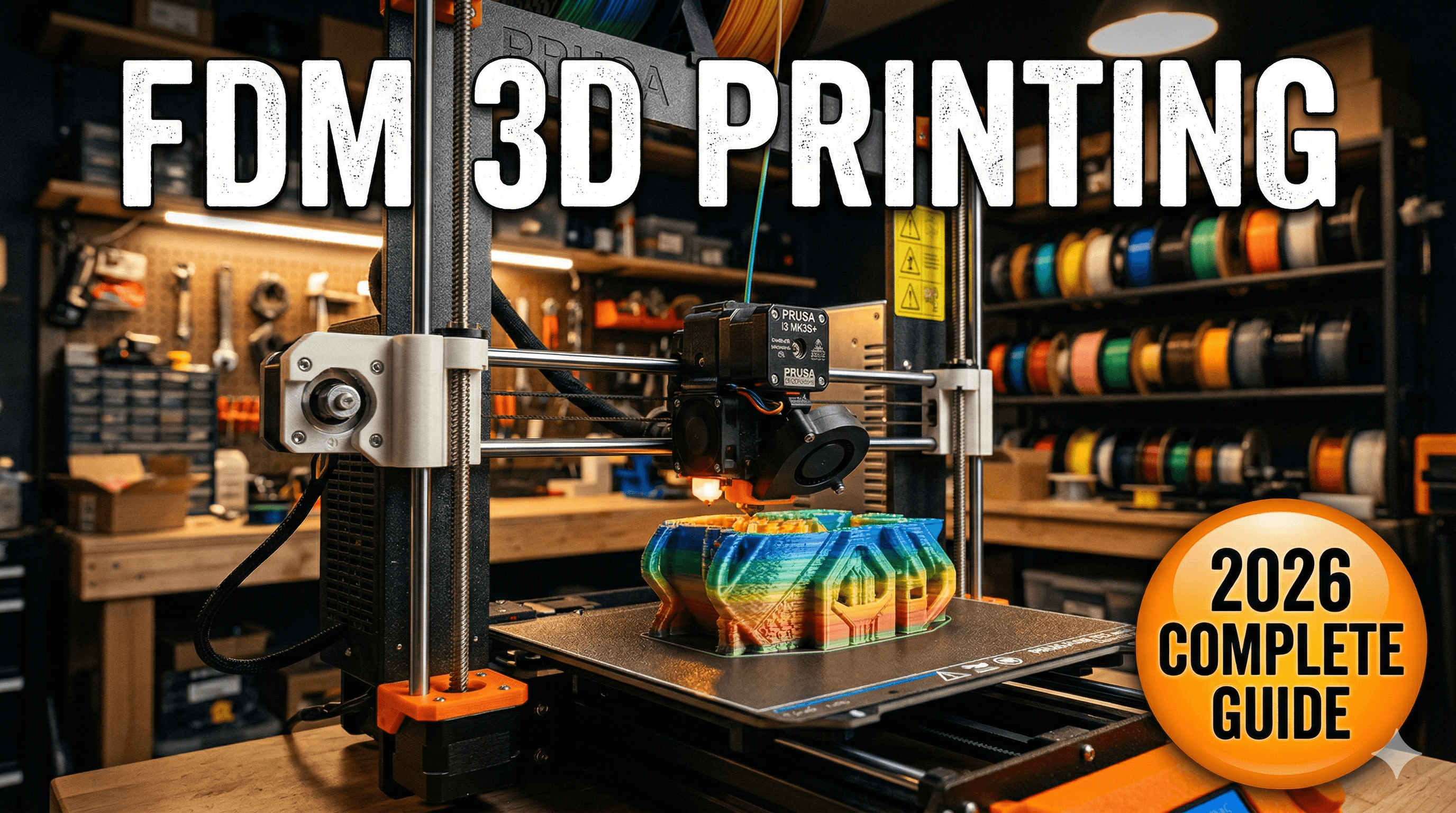
This is what you probably picture: a nozzle spitting out melted plastic filament, layer by tiny layer, to build an object from the bottom up. Think of it like a hot glue gun that's incredibly precise. FDM printers use spools of plastic called "filament" â usually PLA, PETG, ABS, etc. These are, by far, what I recommend for your first printer.
- Pros:
- More affordable upfront (typically).
- Filament is cheaper and comes in a huge variety of colors and materials.
- Safer to operate (less hazardous fumes and chemicals).
- Prints tend to be more durable and suitable for functional parts.
- Larger build volumes are common.
- Cons:
- Visible layer lines (the "stairs" effect) can be apparent.
- Can struggle with very fine details and intricate miniatures.
- Requires more tinkering and calibration initially.
Resin (SLA/DLP) Printers: The Detail Kings
These printers work by using a UV light to cure liquid resin, layer by layer, in a vat. Imagine pulling an object out of a goopy pool. They are fantastic for highly detailed prints, like miniatures, jewelry prototypes, or artistic models where surface finish is paramount.
- Pros:
- Incredible detail and smooth surface finish, almost no visible layer lines.
- Great for tiny, intricate objects.
- Cons:
- More expensive, both the printer and the resin.
- Resin is messy, toxic, and requires careful handling (gloves, ventilation, safety glasses are a must).
- Prints need post-processing: washing in alcohol and UV curing.
- Smaller build volumes generally.
- Resin fumes can be strong, so ventilation is critical.
My Honest Recommendation for Your First Printer: Go FDM. Seriously. It's less intimidating, less messy, and gives you a much broader introduction to the basics of 3D printing without diving headfirst into hazardous chemicals. Once you master FDM, then you can consider adding a resin printer to your arsenal if your projects demand that insane level of detail.
Okay, So I'm Going FDM. Now What? Key Factors to Consider!
Alright, now we're talking! HereâÂÂs what you absolutely NEED to think about when picking out your first FDM machine:
1. Your Budget (The Big One)
Let's be real, this is often the deciding factor, especially here in India. The good news is, 3D printers have become incredibly affordable in recent years. You can get a decent starter machine for less than a new smartphone. But remember, the printer itself isn't the *only* cost. You'll need filament, maybe some tools, and potentially upgrades down the line.
- Entry-Level (â¹18,000 - â¹30,000): This is where most beginners start. You'll find machines that require a bit of assembly (but it's getting easier!) and some basic calibration. Print quality can be excellent with a bit of tuning. Think Creality Ender series, Anycubic Kobra series.
- Mid-Range (â¹30,000 - â¹60,000): These often offer more features like auto-bed leveling, faster speeds, direct drive extruders, and better build quality right out of the box. Less tinkering, more printing.
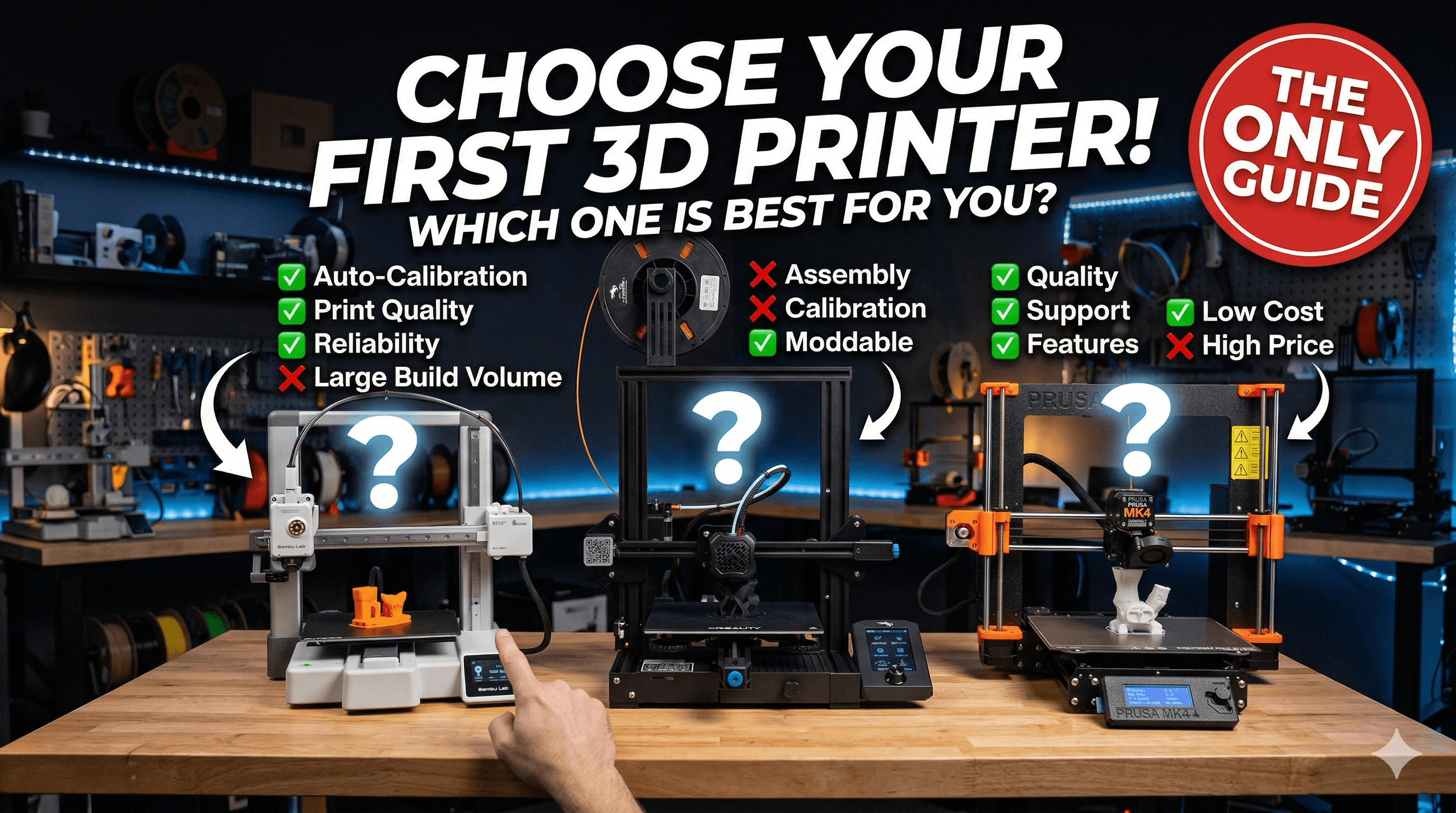
- High-End (â¹60,000+): These are usually super fast, fully enclosed, incredibly reliable, and require minimal user input. We're talking Bambu Lab P1P/P1S, Prusa i3 MK4. Fantastic machines, but a big jump for a first-timer unless you're absolutely sure you're committed and have the funds.
For your absolute first printer, I'd strongly suggest sticking to the entry-level or lower-end of the mid-range. You don't need to break the bank to get started.
2. Ease of Use & Assembly (Do You Like Lego or IKEA?)
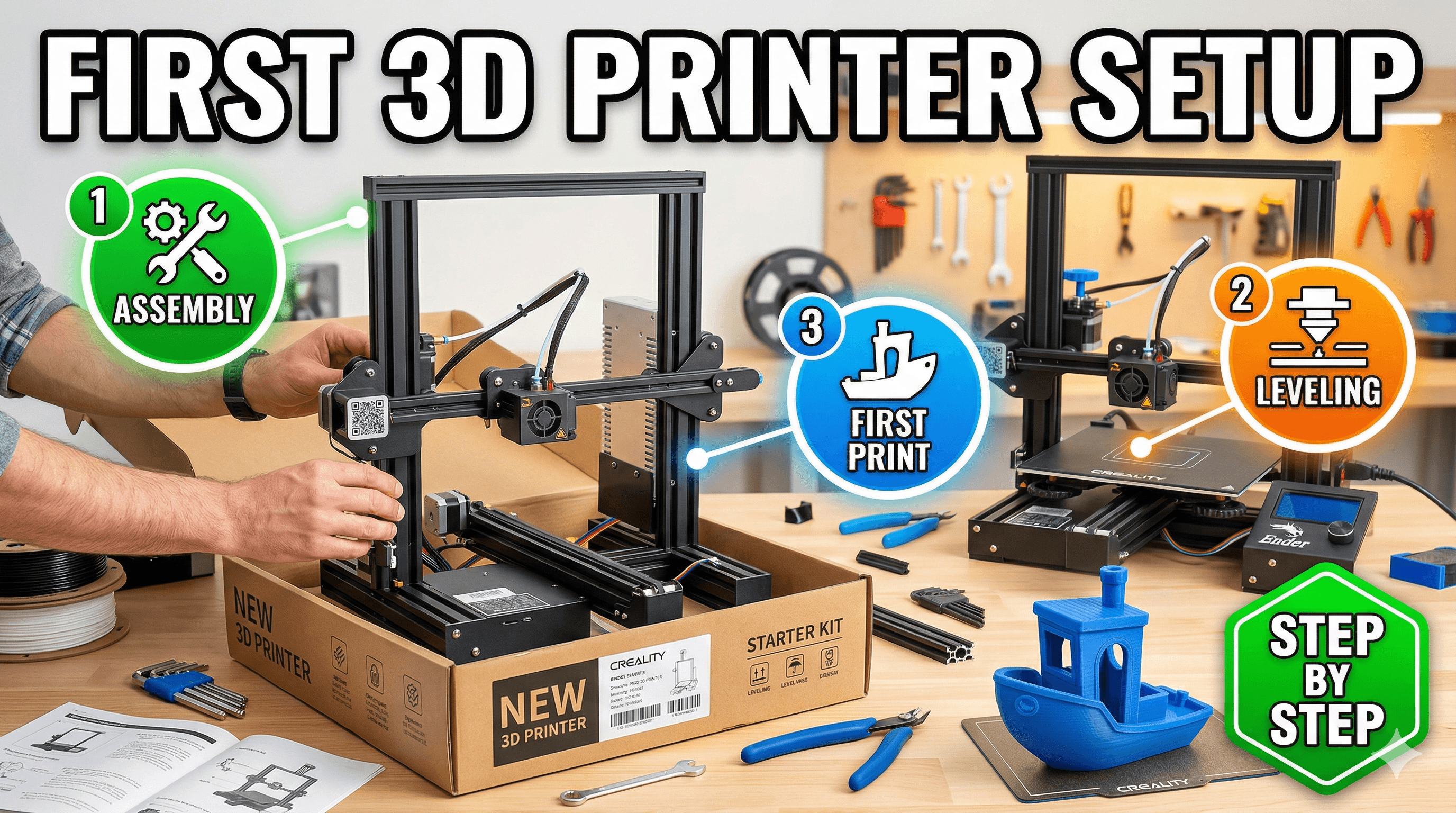
Some printers come almost fully assembled, ready to print in minutes after unboxing. Others are kits that require an hour or two (or sometimes more, speaking from experience!) of putting things together. Assembling a printer can be a great way to understand how it works, but it can also be frustrating if you just want to print. Look for features like "auto-bed leveling" â this is a HUGE time-saver and stress-reducer for beginners. Manual bed leveling can be a real headache.
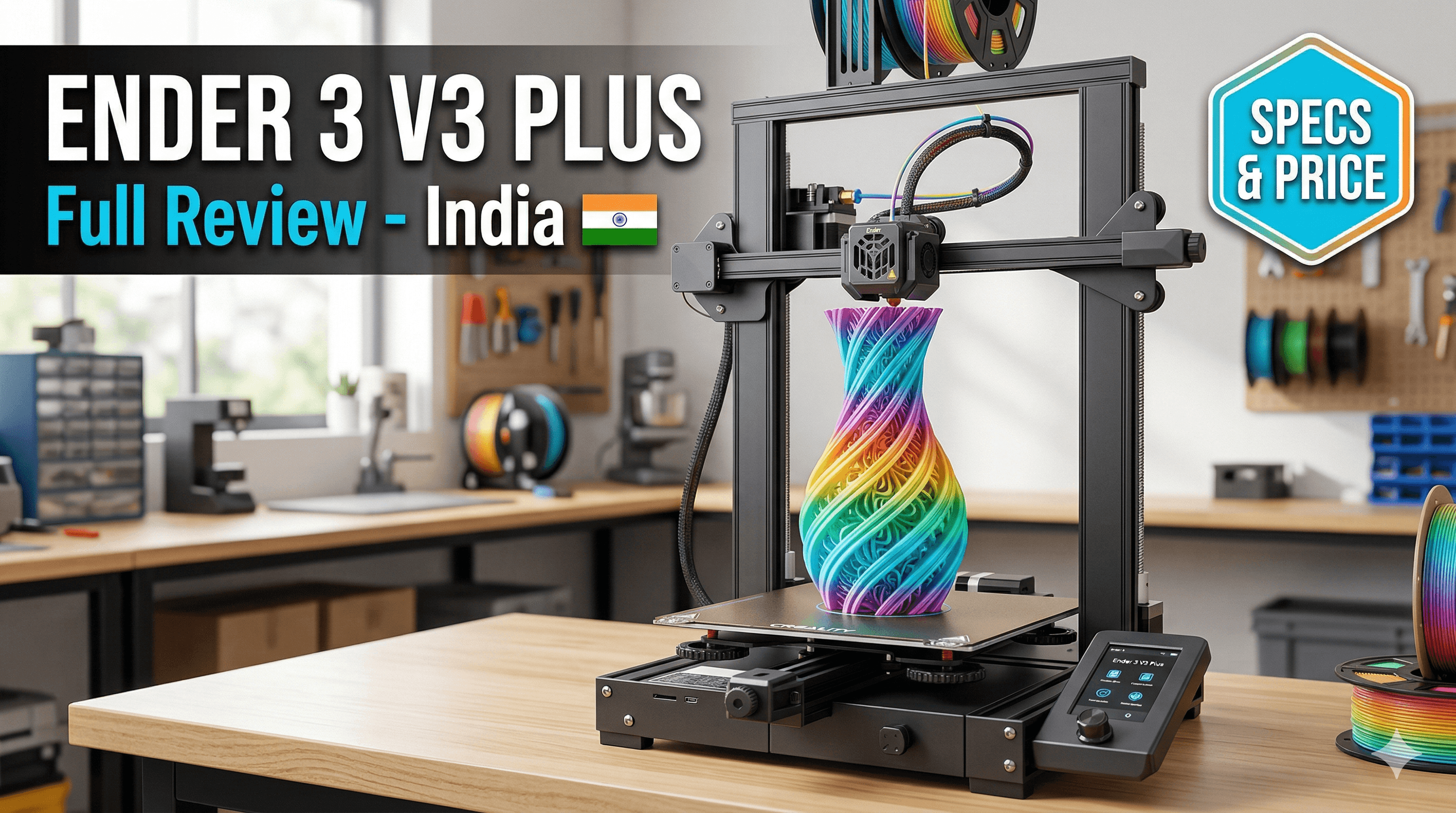
My first Ender 3 was a kit, and while it taught me a lot, I also spent hours cursing at it. Newer models like the Creality Ender 3 V3 SE or the Anycubic Kobra 2 Neo are much, much easier to get going, often with assembly taking less than 30 minutes. ThatâÂÂs a game-changer.
3. Build Volume (How Big Do You Wanna Print?)
This refers to the maximum size of an object you can print. Most entry-level printers offer a build volume of around 220x220x250mm, which is perfectly adequate for 90% of projects. Unless you have a specific project in mind that requires something massive, don't overthink this. Bigger isn't always better, especially for a first printer, as larger prints take longer and consume more filament. A standard build volume is a good starting point.
4. Print Quality & Speed (The Everlasting Balance)
Everyone wants high-quality prints, fast. But often, it's a trade-off. Faster prints can sometimes mean slightly reduced quality or more issues if the printer isn't tuned properly. Modern printers are getting impressively fast while maintaining quality. The key is finding a balance. For your first printer, consistency and reliability are often more important than blistering speed.
Look for printers with good reviews regarding consistent quality rather than just focusing on their advertised max speed. Honestly, you'll spend more time designing and less time waiting once you get the hang of it.
5. Community & Support (Your Lifeline)
This is probably one of the most UNDERRATED factors. When you inevitably run into an issue (and you WILL, it's part of the journey!), having a strong, active community to turn to is invaluable. Brands like Creality and Anycubic have massive global communities, with tons of forums, Facebook groups, and YouTube tutorials. You can almost always find someone who's had the same problem as you and found a solution.
Local Indian groups are also popping up everywhere. I'm part of a few on Telegram, and they're brilliant for quick fixes or finding local filament suppliers. Choose a printer that isn't some obscure, no-name brand, or you'll be on your own when things go sideways.
6. Open-Source vs. Proprietary (Tinker or Plug & Play?)
Most entry-level FDM printers are largely open-source, especially Creality. This means you have a lot of freedom to modify, upgrade, and repair them with widely available parts. Firmware can be flashed, hotends can be swapped â it's a tinkerer's paradise. Brands like Bambu Lab, while fantastic, tend to be more proprietary, meaning you're often tied to their ecosystem for parts and software. For a beginner, open-source offers more learning opportunities, but proprietary offers more 'it just works' convenience (at a higher price). I personally prefer open-source for learning, but I do appreciate the ease of use of proprietary systems for business.
My Top Picks for Your First 3D Printer (Based on Real-World Use!)
Alright, enough theory. Here are some models I genuinely recommend, keeping the Indian market and beginner experience in mind. Prices are approximate and can fluctuate, but theyâÂÂll give you a good idea.
1. Creality Ender 3 V3 SE
This is arguably the best entry-level FDM printer right now, if you ask me. It's the spiritual successor to the OG Ender 3 that I started with, but it's lightyears ahead in terms of user-friendliness. It comes 95% pre-assembled, boasts auto-bed leveling, a direct drive extruder (better for flexible filaments), and a respectable print speed. It's a fantastic value for money and has a massive community. You can find it on Amazon.in typically in the â¹20,000 - â¹25,000 range.
2. Anycubic Kobra 2 Neo
Anycubic is another big player, and their Kobra series is excellent. The Kobra 2 Neo is a direct competitor to the Ender 3 V3 SE, offering similar features like auto-bed leveling and a direct drive. It's also super easy to set up and very reliable. Print quality is usually great right out of the box. You'll find this one in a similar price bracket, usually â¹22,000 - â¹28,000.
3. Bambu Lab P1P (If Your Budget Allows for a Mid-Range Jump)
Okay, this one is a bit of a splurge for a "first" printer, but if your budget is closer to â¹50,000-â¹65,000 and you want something that just works, *really* fast, and with minimal fuss, the Bambu Lab P1P is hard to beat. ItâÂÂs an absolute beast in terms of speed and reliability. The setup is incredibly quick, and itâÂÂs known for producing amazing prints with almost no user intervention. It's more of a "appliance" than a "kit," which some beginners might prefer if they just want to print and not tinker. ItâÂÂs a significant investment, but it will spoil you.
Beyond the Printer: What Else You'll Need (Don't Forget These!)
Buying the printer is just the first step! HereâÂÂs a quick list of other essentials:
- Filament: You can't print without plastic! Start with PLA (Polylactic Acid). It's easy to print, biodegradable (ish), and comes in a zillion colors. Look for reputable brands like eSun, Overture, or local Indian suppliers. Expect to pay â¹1200 - â¹2500 for a 1kg spool. Always buy a fresh, sealed spool. Humidity is the enemy of filament! You can find a good selection of PLA filament on Amazon.in.
- A Spatula/Scraper: To get your prints off the build plate without damaging either.
- Flush Cutters/Snips: For trimming filament and supports.
- Digital Calipers: Super useful for measuring parts, checking dimensions, and calibration.
- Rubbing Alcohol/IPA: For cleaning your print bed. A clean bed is a happy bed, trust me.
- Slicer Software: This is a program that takes your 3D model (an STL file) and "slices" it into layers, creating instructions (G-code) for your printer. Popular free options include Ultimaker Cura, PrusaSlicer, and Orca Slicer. They all have their quirks, but you'll find one that clicks with you.
- A Dedicated Workspace: A stable, level surface, away from drafts and direct sunlight. While FDM fumes are generally safe, good ventilation is always a plus.
My Personal Advice and Some Pro Tips for Beginners
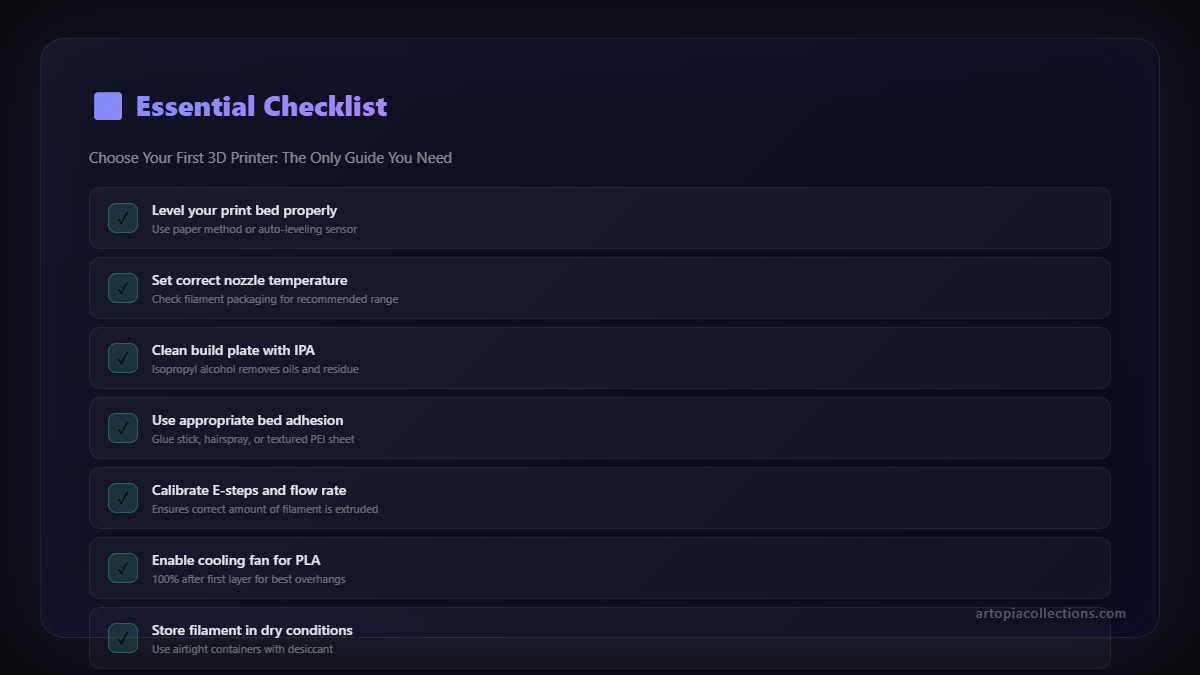
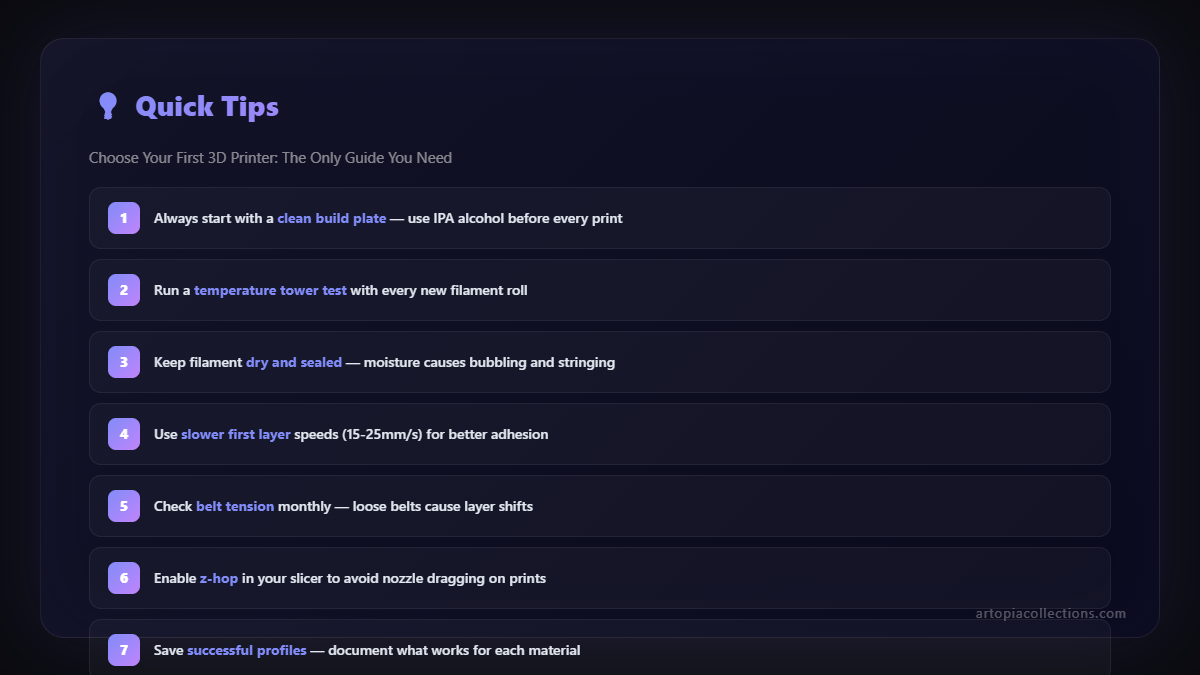
- Don't Be Afraid to Fail: Your first few prints might fail. They might be stringy, or gloopy, or just plain messy. THAT'S NORMAL. It's part of the learning curve. Every failed print teaches you something. Embrace it!
- Join Communities: I cannot stress this enough. Find Facebook groups, Reddit forums (r/3Dprinting is huge), or Telegram channels specific to your printer model or just general 3D printing. The community is incredibly helpful.
- Start Simple: Don't try to print a 20-hour, super-complex model as your first print. Start with calibration cubes, benchies (the little boat), or simple functional prints. Get comfortable with the basics first.
- Learn to Calibrate: Understanding bed leveling, extruder calibration, and temperature settings will elevate your prints dramatically. YouTube is your best friend here.
- Maintenance is Key: Keep your printer clean. Lubricate the moving parts. Check belts. A little bit of regular maintenance goes a long way in preventing headaches.
- Be Patient: 3D printing is not an instant gratification hobby. Some prints take hours, even days. Learn to enjoy the process!
Look, choosing your first 3D printer is a big step, but it's an incredibly rewarding one. This guide should give you a solid foundation, helping you cut through the noise and make an informed decision. Don't stress too much; almost any modern entry-level FDM printer will get you started on this amazing journey. Just pick one, unbox it, and start printing!
And hey, once you're comfortable and churning out awesome stuff, don't forget to check out some of the cool, unique pieces we're creating over at Artopia Collections. Maybe itâÂÂll spark some ideas for your next project!
Happy Printing, my friends!