What Is FDM 3D Printing? A Complete Beginner's Guide for 2026
Ever wondered how FDM 3D printing works? This comprehensive 2026 guide breaks down fused deposition modeling into easy-to-understand concepts, perfect for anyone new to the world of 3D printing.
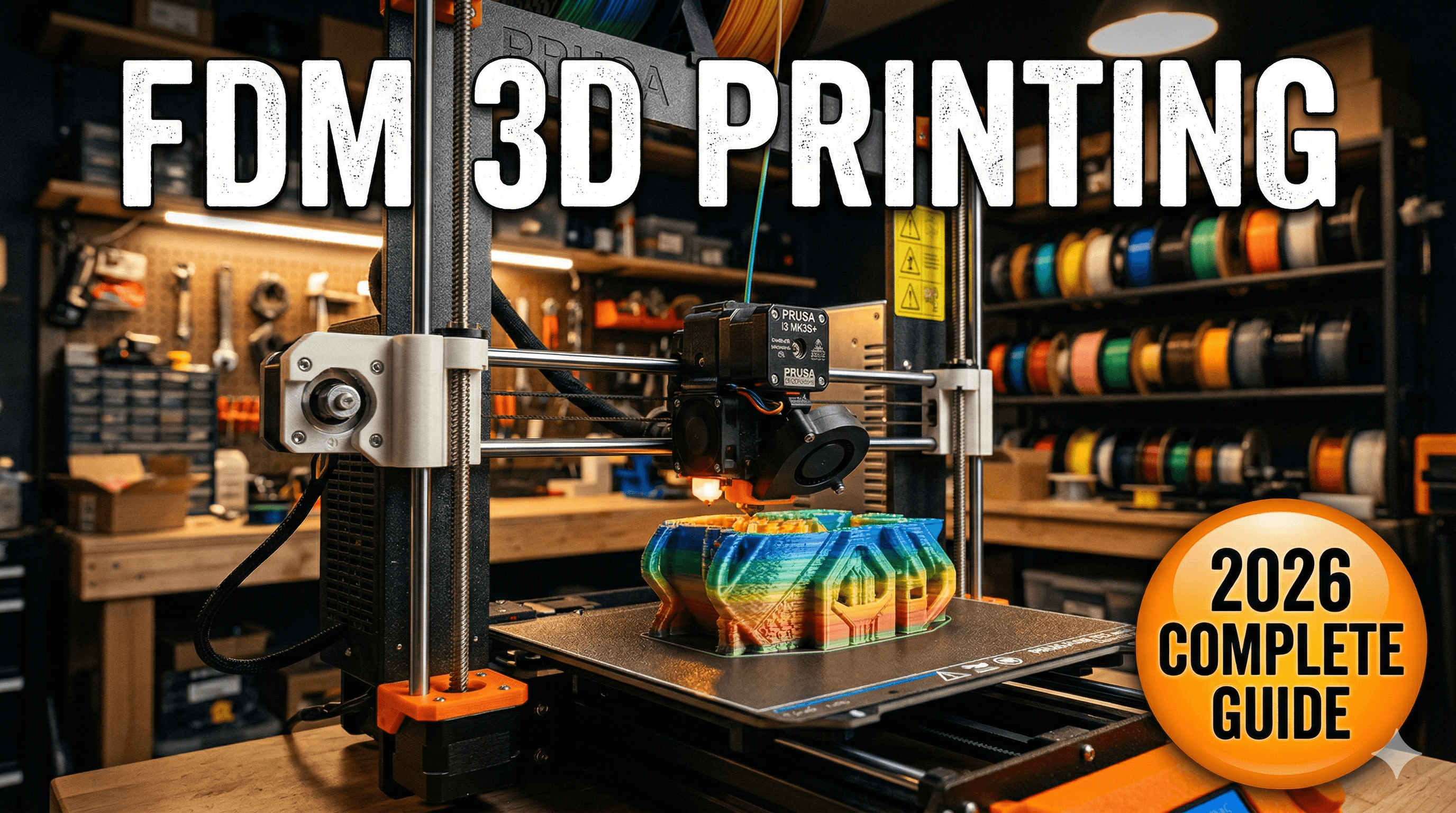
Chalo, let's talk about something truly magical, something thatâÂÂs not just a hobby for me but my absolute passion and, honestly, my bread and butter here in India: 3D printing. Specifically, FDM 3D printing. If you've been hearing whispers about printers that build objects out of plastic, or seeing those cool custom-made gifts pop up online, and you're thinking, "What on earth is that, and can I do it?", then you've landed in the right spot. This isn't just a guide; it's me, Vidyut, from Artopia Collections, sharing everything I wish someone had told me back when I first tumbled down this rabbit hole.
And when I say "2026," I'm not just picking a random year. It's about looking forward. The tech has come so far, so fast, that what was a complex, expensive dream a few years ago is now incredibly accessible. So, letâÂÂs demystify FDM 3D printing for you, the complete beginner, right here, right now.
What Even IS FDM 3D Printing? The Super Simple Version.
Okay, imagine this: you know how a hot glue gun works, right? You push a stick of solid glue in, it melts, and you can draw with the molten glue? FDM â which stands for Fused Deposition Modeling â is basically a super precise, super fancy version of that. Instead of glue, it uses a special plastic filament. And instead of you drawing freehand, a computer tells it exactly where to draw, layer by tiny layer, until a solid 3D object emerges. Seriously, itâÂÂs like magic. But itâÂÂs not! ItâÂÂs engineering, and itâÂÂs brilliant.
The core idea is pretty straightforward: you take a digital 3D model (like a design you make on a computer, or download from the internet), slice it into hundreds, sometimes thousands, of super thin horizontal layers, and then the FDM printer builds that object from the ground up, one layer at a time, until itâÂÂs finished. Simple, right? Well, the concept is. The execution? That's where the fun begins.
How Does an FDM Printer Actually Pull This Off?
Let's break it down a bit, without getting too technical, because honestly, you don't need a PhD to get started. Just curiosity.

- The Filament: Your Building Material. The journey starts with a spool of plastic filament â it looks like thick fishing line, but itâÂÂs plastic. Common ones are PLA, PETG, ABS, and they come in every colour you can imagine. I mostly use PLA for prototypes and decorative stuff because itâÂÂs easy to work with.
- The Extruder: The Heartbeat. This is the part of the printer that does the heavy lifting. It has a motor that pulls the filament from the spool and pushes it through a heated nozzle.
- The Nozzle: The Drawing Pen. This tiny metal tip heats up to melting temperature (for PLA, it's usually around 200-220ðC). As the molten plastic gets pushed out, itâÂÂs deposited onto a build plate.
- Layer by Layer Magic: The nozzle moves across the build plate, drawing the first layer of your object. Once that layer is done, the build plate usually moves down a tiny fraction (or the nozzle moves up, depending on the printer), and the next layer is drawn directly on top of the previous one. This repeats, layer after layer after layer, until your object is complete.
- Cooling Down: As the plastic exits the hot nozzle, it cools and solidifies almost instantly. Many printers have small fans aimed at the nozzle to speed up this cooling, which is crucial for getting good, crisp details.
And that's it, in a nutshell. ItâÂÂs like watching a sculpture slowly appear out of thin air, only itâÂÂs out of molten plastic. It's mesmerizing, trust me. I still stand there sometimes, just watching my machines work, even after years of doing this.
Why FDM is YOUR Go-To for Starting in 2026
Okay, so there are other 3D printing technologies out there â SLA, SLS, and a bunch of other acronyms. But FDM, especially for beginners and small businesses like mine, is king. And hereâÂÂs why:
- Affordability: This is a big one, especially here in India. You can get a really decent entry-level FDM printer for as low as â¹15,000-â¹20,000 today. Think about a Creality Ender 3 V3 SE, or an Anycubic Kobra 2 Neo â these are fantastic machines that didn't even exist in this price bracket a few years ago. And the filament? A 1kg spool of good quality PLA costs around â¹900-â¹1500. So, itâÂÂs not going to break the bank to just jump in.
- Versatility: FDM printers can handle a surprising range of materials. While PLA is super easy, you can also print with PETG (more durable, great for outdoor stuff), ABS (strong, but a bit trickier), flexible filaments (for phone cases, gaskets), and even some exotic ones infused with wood or metal particles.
- Ease of Learning: While there's a learning curve â and trust me, there is â FDM is generally considered the easiest 3D printing technology to get into. The principles are simpler, troubleshooting is more visual, and the community support is HUGE.
- Huge Community and Resources: This is probably one of the biggest advantages. If you run into a problem, chances are someone else has already faced it and posted a solution on YouTube, Reddit, or a forum. There are countless tutorials, forums, and Facebook groups dedicated to FDM printing. ItâÂÂs like having a global support team at your fingertips.
- Safety (Relatively): Compared to resin printers (SLA), FDM printers use non-toxic plastics (especially PLA) and don't involve messy, skin-irritating liquid resins. This makes them much more suitable for home environments, or even a small office setup like mine.
Alright, I'm Hooked! What Do I Need to Get Started?
So, youâÂÂre ready to dive in? Excellent! HereâÂÂs your basic shopping list for your FDM journey:
1. The 3D Printer Itself
This is obviously the star of the show. For beginners in 2026, I'd strongly recommend something like the Creality Ender 3 V3 KE or the Anycubic Kobra 2 Neo. They're affordable, reliable, and have features like auto-bed leveling that make life so much easier for newbies. You can find them on Amazon.in, usually for around â¹18,000-â¹25,000. Look, if youâÂÂre serious, invest a tiny bit more for something that has features like a direct drive extruder and auto-bed leveling â itâÂÂll save you so much headache down the line. Trust me on this one. My first printer was an absolute pain to level manually.
Want to check out some options? Take a peek at some entry-level 3D printers on Amazon.in: Beginner FDM 3D Printers
2. Filament â Your Raw Material
Start with PLA (Polylactic Acid). It's derived from renewable resources like corn starch, it's non-toxic, and it's the easiest to print with. Brands like eSUN, Overture, Eryone are pretty good and readily available here. You can get a 1kg spool of good quality PLA for around â¹900-â¹1500. Pick a basic colour like white, black, or grey for your first few prints. And always store your filament in a dry place, because it absorbs moisture from the air, which can cause print quality issues.
Find some good PLA filament on Amazon.in: eSUN PLA+ Filament (This is a solid choice, in my experience, gives fewer issues)
3. Slicer Software
This is super important! Your 3D printer canâÂÂt understand a raw 3D model file (like an STL or OBJ). It needs instructions on how to print it, layer by layer. ThatâÂÂs what a "slicer" does. It takes your 3D model, lets you adjust settings like temperature, print speed, infill, and then "slices" it into G-code â the language your printer understands. Cura (from Ultimaker) and PrusaSlicer are two of the most popular, powerful, and FREE slicers out there. They're both fantastic for beginners.
4. 3D Models
You don't need to be a CAD expert to start! There are tons of websites where you can download free 3D models. Thingiverse, Printables, and MyMiniFactory are great places to start. You can find everything from functional hooks and spare parts to cool miniatures and decorative items. Eventually, you might want to try designing your own stuff. Tinkercad is an excellent, free, browser-based tool for absolute beginners to start designing.
5. Basic Tools & Accessories
- Spatula/Scraper: For carefully prying your finished prints off the build plate.
- Side Cutters/Nippers: For trimming filament and cleaning up prints.
- A Good Leveling Tool (if your printer isn't auto-leveling): Although, honestly, in 2026, most decent beginner printers will have some form of auto-leveling. Thank goodness for that!
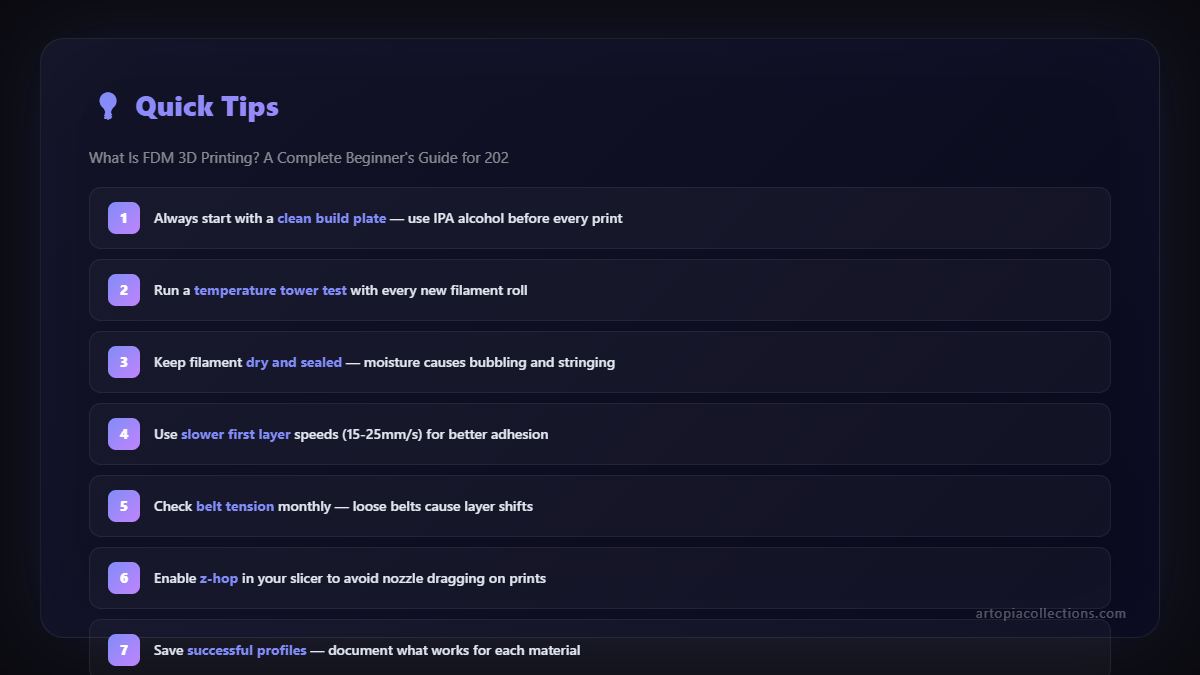
- Rubbing Alcohol (IPA): For cleaning your build plate. A clean build plate is half the battle for good prints.
- A Notebook and Pen: To jot down settings, observations, and successes (or failures). Learning is all about iterating!
Common Beginner Headaches & My Advice (Learned the Hard Way!)
Look, it's not always smooth sailing. There will be failed prints. There will be moments where you want to throw your printer out the window. It's part of the process! Here are a few common issues and quick tips:
- Prints Not Sticking to the Bed (Bed Adhesion): This is probably the most common issue. Make sure your print bed is spotless clean (IPA is your friend!). Ensure your nozzle is at the right height â not too far, not too close. A thin, even first layer is crucial. Sometimes, a little glue stick (yes, the school kind!) on the bed works wonders.
- "Spaghetti" Prints: This happens when a print detaches from the bed or something goes wrong, and the printer keeps extruding plastic into thin air, creating a tangled mess. Usually, it's a bed adhesion problem. Or sometimes, the filament spool got tangled.
- Warping: When the edges of your print curl up from the build plate. This is often due to uneven cooling. Try printing with a "brim" (an extra flat layer around your print that helps it stick) in your slicer settings, or if you have an enclosure, use it.
- Clogging: When the nozzle gets blocked. This can be due to dusty filament, filament that's absorbed too much moisture, or printing at too low a temperature. Sometimes, a "cold pull" or using a fine cleaning needle can clear it.
My biggest advice? Don't get discouraged! Every single 3D printer owner has faced these issues. Take a deep breath, Google the problem, watch a YouTube video, and try again. It's a journey of learning.
What Can You Actually Make with FDM? The Sky's the Limit!
This is where it gets exciting! With an FDM printer, you can make an incredible variety of things. For me, running Artopia Collections, it's everything from custom prototypes for clients to unique home decor pieces. We also create a lot of personalized gifts, like customized lithophanes (those amazing photos that only show up when backlit) and bespoke functional parts for people's homes or offices.
But beyond a business, for a beginner, you can make:
- Functional Parts: Broken knob on your washing machine? Print a new one! Need a custom bracket for your shelf? Design and print it!
- Tools and Organizers: Custom storage solutions for your workshop, unique desk organizers, cable clips.
- Toys and Games: Action figures, board game pieces, fidget toys.
- Art and Decor: Vases, sculptures, plant pots, cool little desk trinkets.
- Prototypes: If you're an inventor or designer, it's an incredibly cheap and fast way to test out your ideas in the real world.
Seriously, go check out some of the cool stuff we make and offer at Artopia Collections Products â itâÂÂs all made with FDM, and it might give you some ideas for whatâÂÂs possible!
Is FDM for You in 2026? A Resounding YES!
If you're reading this in 2026, you're in an amazing position. FDM 3D printing has evolved from a niche, expensive, and often frustrating technology into something genuinely accessible, reliable, and incredibly powerful for individuals and small businesses. The printers are better, the software is smarter, and the community is stronger than ever.
Whether you're looking for a new hobby that sparks creativity, a tool to make practical solutions for your home, or even the foundation for a small business right here in India, FDM 3D printing is an absolute game-changer. It's not just about making plastic objects; it's about turning ideas into reality, about learning, iterating, and constantly being amazed by what you can achieve.
So, take the leap. Get yourself a printer, load up some filament, and start printing. The future is literally in your hands. And trust me, itâÂÂs going to be a fun, challenging, and incredibly rewarding journey. If I can do it, starting from scratch, so can you!


