How to Design Compliant Mechanisms for 3D Printing in Fusion 360
Explore the fascinating world of compliant mechanisms and learn how to design them effectively for 3D printing. This guide provides step-by-step instructions and essential tips using Fusion 360.
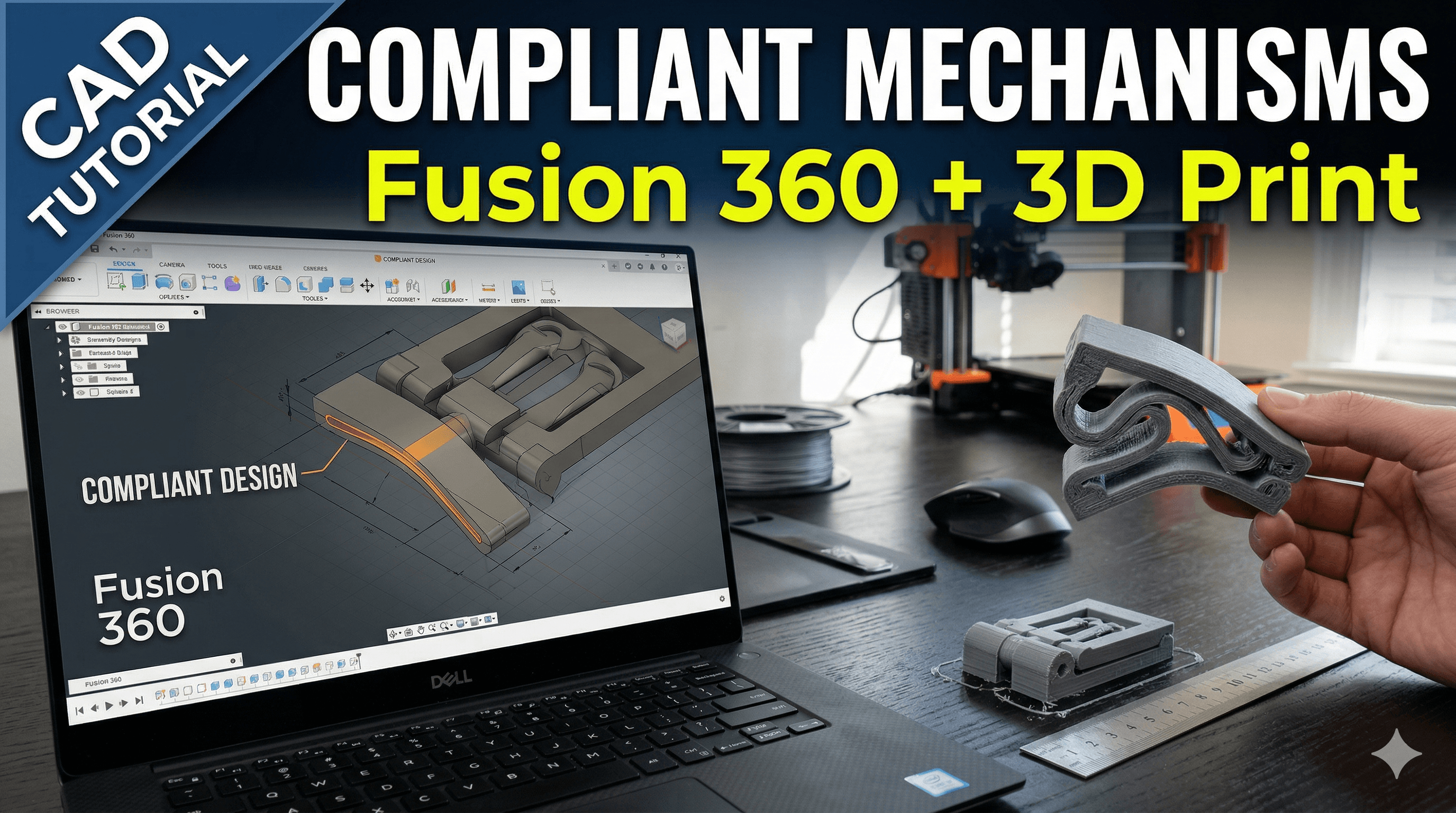
Cracking the Flex Code: Designing Compliant Mechanisms for 3D Printing in Fusion 360
You know that feeling, right? When you’re fiddling with a design, trying to make something move, snap, or bend, and you’re just piling on more and more tiny springs, hinges, and pins? Ugh. It's a pain. Not just to design, but to assemble, and let's not even talk about when one of those minuscule parts inevitably decides to escape into the abyss of your workshop floor. Been there, done that, probably still have a few rogue springs under my desk. But what if I told you there’s a smarter way? A way to design parts that *flex* and *move* without any separate hinges or complex assemblies? Yeah, we’re talking about compliant mechanisms, and trust me, once you dive into this world, you'll wonder how you ever lived without them for your 3D printing projects.
Here at Artopia Collections, my little 3D printing venture based right here in India, we're always looking for ways to make things better, stronger, and honestly, just plain cooler. And compliant mechanisms? They fit that bill perfectly. They've been a game-changer for me, letting me create intricate designs that are stronger, lighter, and often much more cost-effective to produce. So, grab a cup of chai, settle in, because we're going to demystify designing these awesome flexi-parts using Fusion 360, my go-to software.
What Exactly Are Compliant Mechanisms? (And Why Should You Care?)
Okay, so let’s get the jargon out of the way first, but in a super simple way. Basically, a compliant mechanism is a single-piece structure that achieves motion through the elastic deformation of its material. Think of it like a living hinge – that thin bit of plastic connecting two rigid parts of a bottle cap, allowing it to open and close over and over again. Instead of a pin and two separate parts rotating around it, the material itself bends and flexes to create that motion.
Why should you care? Well, for 3D printing, it's a huge deal.
- Reduced Part Count: Fewer parts mean simpler designs, less assembly time (or no assembly at all!), and fewer things to break.
- Lower Manufacturing Cost: Printing one complex part is often cheaper than printing multiple parts and then spending time assembling them.
- No Wear and Tear on Joints: Since there are no traditional joints, there's no friction between moving surfaces (or minimal at least), leading to longer life cycles for your products.
- Compactness: You can integrate complex motion into incredibly small spaces.
- Customization: With 3D printing, you can tailor these mechanisms precisely to your needs, something that's super hard with traditional manufacturing.
I mean, think about it. If you're designing a snap-fit lid, a flexible gripper, or even a fancy desk organiser with moving parts, going compliant can save you so much headache and money. Especially for a small business like mine, where every rupee counts, this is gold. No need to buy separate hinges that might cost you ₹5-₹10 a piece when you can just print it right into your design!
Why Fusion 360 is Your Best Friend for Compliant Design
Honestly, when I started out, I messed around with a few different CAD programs. But for parametric design, ease of use, and its robust set of tools for both solid modelling and simulation (even if we're just scratching the surface today), Fusion 360 is just fantastic. And it’s free for hobbyists and small startups (under a certain revenue threshold), which is a huge plus when you're just getting started in India!
Its ability to handle direct modelling alongside parametric features means you can iterate really quickly, which is crucial when you're experimenting with flexure geometry. You can quickly change a dimension and see how it affects the entire design, which is, dare I say, almost magical when you’re fine-tuning a living hinge.
The Nitty-Gritty: Core Design Principles for Compliant Mechanisms
Alright, let’s get down to brass tacks. Designing compliant mechanisms isn't just about making something thin and hoping it bends. There's a bit of science and a lot of common sense involved. It's an art, really.
1. Material Matters, Big Time!
This is probably the single most important factor. The elasticity of your chosen filament dictates *everything*.
- PLA: It's stiff, pretty brittle, and not ideal for high-cycle compliant mechanisms. It'll work for a one-off bend, but repeated flexing? Nah. It'll snap. But it's cheap, around ₹800-₹1200 for a 1kg spool from brands like eSUN or Overture, which you can easily find on Amazon.in.
- PETG: This is my usual go-to for anything that needs a bit of flex and durability. It’s much less brittle than PLA, offers good layer adhesion, and can handle more cycles. A 1kg spool will set you back around ₹1000-₹1500. It's a great all-rounder for functional parts.
- TPU (Flexible Filaments): Now *this* is where the magic truly happens for compliant mechanisms needing significant deflection. TPU is incredibly flexible and resilient. You can bend it, twist it, and it just springs back. Brands like Overture, eSUN, and even some local Indian suppliers offer good TPU. It's a bit pricier, maybe ₹1500-₹2500 per kg, and trickier to print (slower speeds, direct drive extruders help), but the results are worth it for things like flexible grippers or seals. Trust me on this one. If you’re serious about compliant parts, you’ll want some good TPU in your arsenal. You can check out some options here: TPU Filaments on Amazon.in.
Also, remember the term 'anisotropy'. In 3D printing, a part isn't equally strong in all directions. The layer lines are generally the weakest points. For compliant mechanisms, you want the flex to happen *along* the layer lines, not across them, where it's more likely to delaminate.
2. Flexure Geometry is Key (Not Just Thinness)
It’s not just about making a part super thin. The shape of the flexing element, or "flexure," is critical for distributing stress evenly and allowing for predictable movement.
- Living Hinges: These are the simplest. A thin section connecting two thicker sections. The thinner the section, the less force required to bend it. Too thin, and it'll break. Too thick, and it won't flex enough. Typical thicknesses range from 0.4mm (for very thin, small parts) to 1.5mm (for more robust, larger parts), depending on the material.
- Leaf Springs / Cantilever Beams: These are common. A beam fixed at one end and free to move at the other. You can control its stiffness by changing its length, width, and thickness. Longer, narrower, thinner beams are more flexible.
- Circular / Serpentine Flexures: For more complex motions or where you need to absorb a lot of deflection in a small space, curved or "S"-shaped flexures work wonders. They distribute stress more evenly over a larger length, reducing stress concentrations.
- Fillets, Fillets, Fillets! This is huge. Wherever a thin flexure meets a thicker, rigid part, you *must* add large fillets (rounded corners). Sharp corners are massive stress concentrators and will be the first place your part fails. I personally aim for fillets of at least 2mm radius, but often go larger depending on the scale of the part.
3. Thickness & Length Ratios
This is where Fusion 360's parametric capabilities truly shine. You'll want to play with the ratio of the flexure's length to its thickness. Generally, a longer, thinner flexure will provide more deflection with less force. But there’s a sweet spot. Too long and thin, and it might buckle; too short and thick, and it won’t move enough. I often use user parameters in Fusion 360 so I can quickly tweak the "flex_thickness" or "flex_length" and watch the whole model update.
Designing Your First Compliant Mechanism in Fusion 360: A Mini-Guide
Let's walk through a basic example, say, a simple snap-fit clip. I won't go into every single click, but highlight the key steps.
- Start with a Sketch: Imagine your desired motion. For a clip, you need a body and a latch that flexes to snap into place. Sketch the main profile of your clip.
- Extrude the Base: Extrude your main sketch to create the solid body of the clip.
- Define the Flexure Area: Now, on one side of your clip, sketch the profile for your compliant latch. This will be the part that bends. Think about its length and where it needs to pivot.
- Extrude the Flexure: Extrude this sketch. Here’s the trick: make the flexure *thinner* than the main body. If your main body is 3mm thick, maybe start with 0.8mm for the flexure. This is where your material choice comes in. If it’s PETG, 0.8mm might be a good starting point. For TPU, you could go a bit thicker, maybe 1.2mm, and still get incredible flexibility.
- Add Fillets (CRITICAL!): Go to the Modify tab, select "Fillet." Select the edges where your thin flexure meets the thicker main body. Apply a generous radius. This is non-negotiable. Seriously, don't skip this! I've had so many designs fail because I was lazy with my fillets.
- Add User Parameters: This is a pro-tip. Go to "Modify" -> "Change Parameters." Create new user parameters for things like "flex_thickness", "flex_length", and "fillet_radius." Then, when you're defining your extrusions or fillets, use these parameters instead of fixed numbers. This lets you quickly iterate and tune your design without having to edit individual features every time. It’s a lifesaver, especially if you need to print a few prototypes with slightly different flexes.
- Test & Iterate: Print a small prototype. See how it performs. Does it flex enough? Too much? Does it snap back? Does it break? Adjust your parameters in Fusion 360, print again. This iterative process is the core of successful compliant mechanism design. Don't be afraid to burn a bit of filament for testing; it's cheaper than finding out your final product fails!
- (Optional but Recommended) Fusion 360 Simulation: For advanced users, Fusion 360 has a "Simulate" workspace where you can run stress analysis. You can apply forces and see how your material deforms and where stress concentrations occur. This helps you refine your design *before* you even print, potentially saving you a lot of filament and time. It's a bit more advanced, but trust me, it’s worth learning for complex designs.
Printing Your Compliant Wonders
So you’ve got your design dialed in. Now, how do you print it for the best results?
- Orientation: This is crucial. Remember anisotropy? You generally want the flexure to bend *parallel* to the layer lines, not perpendicular. If your flexure is a beam, orient it flat on the build plate if possible, so the layer lines run along its length. If you're using a Prusa Mini or a Creality Ender 3 (super common printers in India, you can get an Ender 3 Pro for around ₹16,000-₹18,000, sometimes even less on sale: Creality Ender 3 Pro on Amazon.in), make sure your bed adhesion is good!
- Layer Height: Finer layer heights (e.g., 0.12mm, 0.16mm) usually lead to smoother surfaces and potentially better flexibility, as the individual "steps" between layers are smaller. However, for robust functional parts, 0.2mm is often a good balance.
- Infill: For the flexing parts themselves, 100% infill is often best to ensure consistent mechanical properties. For the rigid parts, you can use a lower infill (20-30% rectilinear or cubic) to save material and time.
- No Supports on Flexures: Try to design your flexures so they don't need supports, or if they do, ensure the supports are easy to remove without damaging the delicate flexure. Supports can leave rough surfaces that compromise flexibility and introduce weak points.
- Slow Down: Especially with PETG or TPU, slower print speeds help with layer adhesion and overall print quality, which directly impacts the strength and reliability of your compliant mechanism.
Real-World Applications & My Own Journey
Honestly, the possibilities are endless. I've used compliant mechanisms for everything from simple snap-fit boxes to more complex enclosures for electronics that need a little bit of give. We even have some products in our Artopia Collections store that use subtle compliant features for better fit and function – though not always explicitly called out, they're definitely there! Imagine creating custom bottle openers where the cap gripping mechanism is a single flexible piece, or phone stands that adjust simply by flexing. It's truly amazing.
When I first started dabbling, it was a lot of trial and error. I remember trying to make a simple living hinge for a small box, and it just kept snapping after a few bends. Frustrating, right? But with each failure, I learned something new – the importance of fillets, the right material, or simply turning the part 90 degrees on the print bed. That's the thing about 3D printing and design; it's a journey of continuous learning and experimentation.
Go Forth and Flex!
So, there you have it – a crash course on designing compliant mechanisms for 3D printing in Fusion 360. It might seem a bit daunting at first, with all the talk of materials and geometry, but trust me, once you start experimenting, it becomes incredibly intuitive. It's such a powerful tool in a designer's arsenal, allowing for simpler, stronger, and more elegant solutions to mechanical problems.
Don't be afraid to experiment! Start simple, maybe with a basic living hinge or a small snap-fit, and then gradually work your way up to more complex designs. Play with those user parameters in Fusion 360, see how a small change in thickness or length totally transforms the feel of your mechanism. The satisfaction you get when a single 3D printed part moves exactly as you envisioned, without any extra assembly, is just…immense. Happy printing, folks!


