How to Fix Bambu Lab AMS Filament Feeding Issues
Frustrated with your Bambu Lab AMS filament feeding issues? This guide covers common causes and provides simple, effective DIY fixes to get your 3D printer back on track.
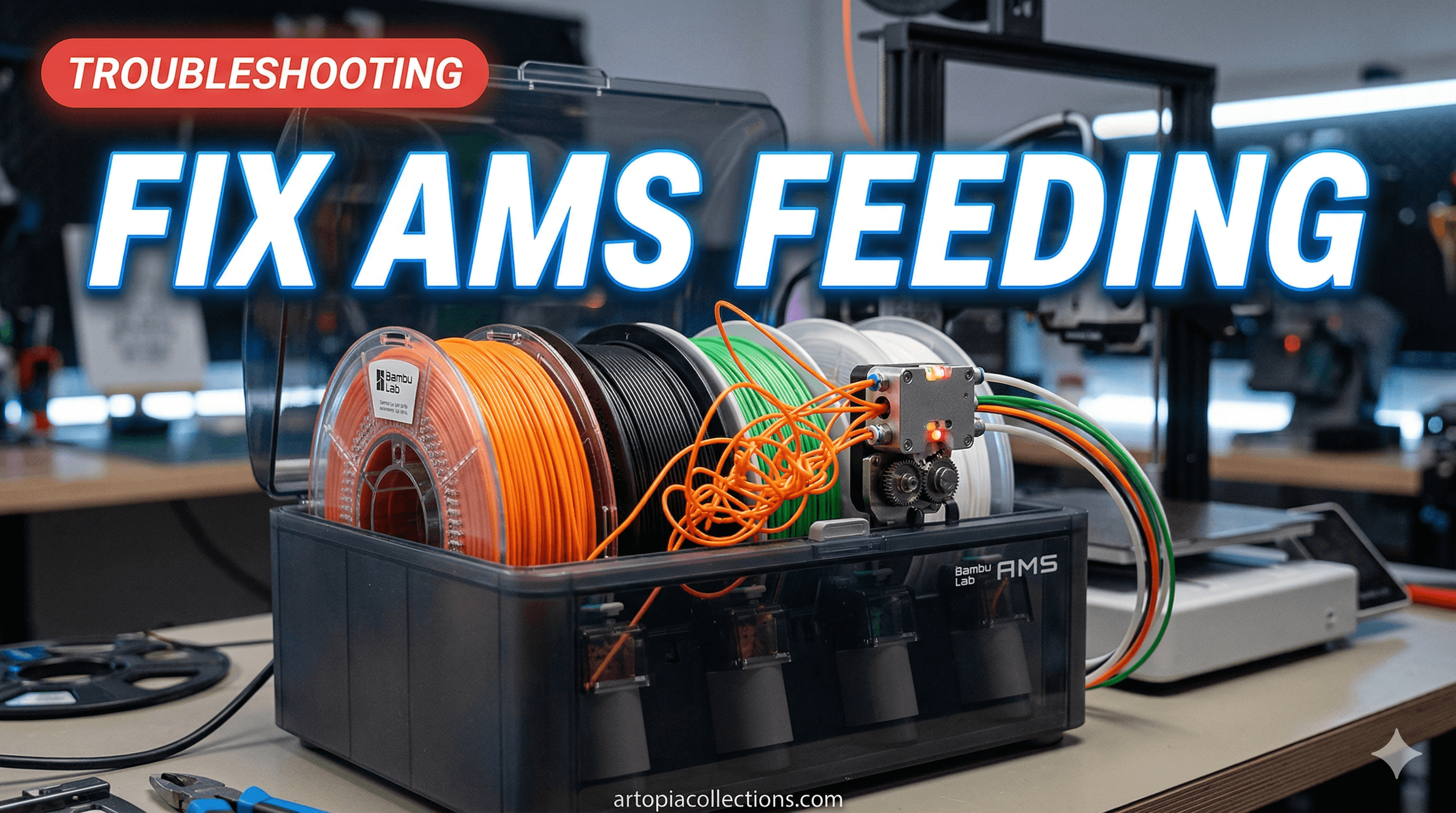
You know that feeling, right? You've got a killer design ready, your Bambu Lab printer is humming, and the AMS is supposed to be this magical filament-swapping wizard. You hit print, grab a chai, and expect perfection. But then... *thunk*. "Filament not loaded." Or worse, "Filament cutter failed." Your heart sinks faster than a poorly printed overhang. That's been me, my friend, more times than I care to admit, especially during a big order for my custom 3D prints. It’s frustrating, right? Especially when you've invested good money, say ₹60,000 to ₹1,00,000 (or more, depending on the model like an X1C) in a top-tier machine, and a tiny piece of plastic or a finicky sensor decides to play spoilsport. But don't you worry, because as an Indian maker running a small business right here, I've faced these AMS feeding nightmares head-on, battled them, and honestly, I've got a pretty good playbook now. So, pull up a chair, let's talk about fixing your Bambu Lab AMS filament feeding issues, because we've got prints to make!
The Love-Hate Relationship with the Bambu Lab AMS
Let's be real, the Bambu Lab AMS (Automatic Material System) is, for the most part, a game-changer. Being able to run multi-color prints, switch between different materials effortlessly, or just have your printer automatically grab a new spool when one runs out? Pure bliss! It's why many of us, myself included, jumped on the Bambu Lab bandwagon. I remember getting my P1S and thinking, "Finally, no more manually swapping spools for a 12-hour print!" It promised to save time, reduce waste, and generally make my life easier, especially with the humid climate we often deal with here in India, where keeping filaments dry is a constant battle. The convenience it offers for a small business like mine, churning out everything from miniatures to functional parts, is priceless. It lets me focus on design and customer service, not constantly baby-sitting a single spool.
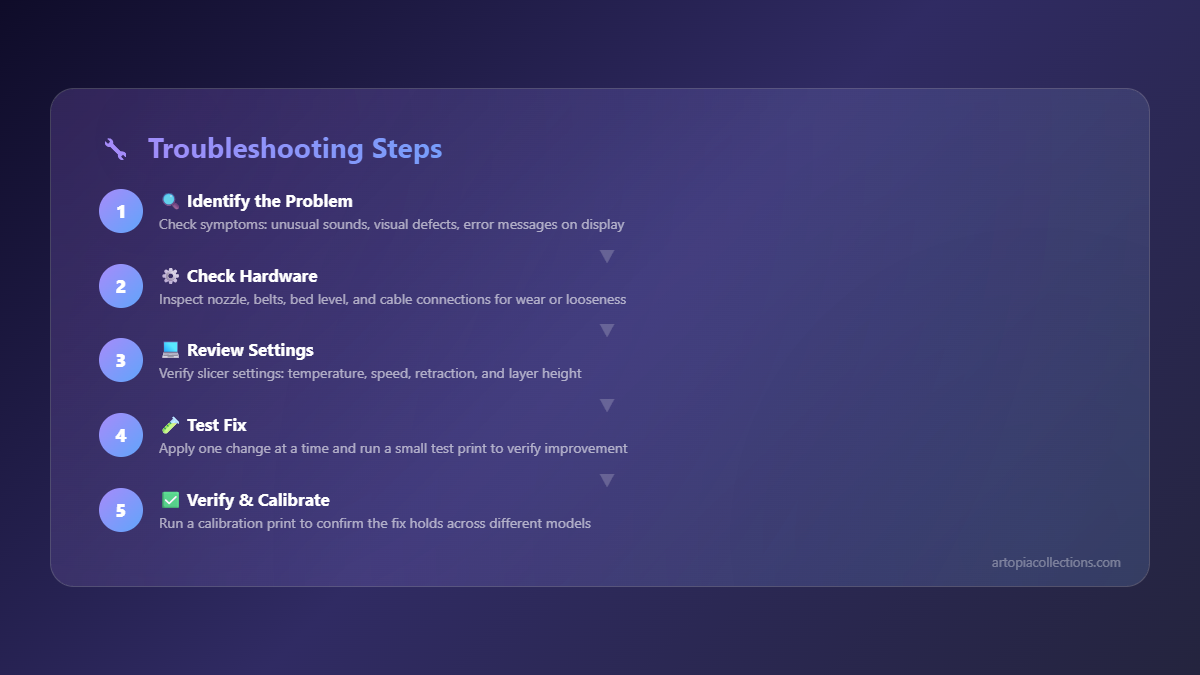
But and it's a big "but" sometimes the AMS can be... temperamental. Like a Bollywood superstar with a specific demand for their green room, it needs everything just so. And when it doesn't get it, oh boy, does it let you know with various error messages, grinding sounds, or just plain stubborn refusal to load filament. My most recent battle involved a gorgeous batch of eSUN PLA+ in different shades for a client order, and the AMS just would *not* pull the orange spool. I was literally pulling my hair out, thinking, "What now?!" It felt like every 5th print, something would go wrong. So, after countless hours of troubleshooting, a few choice words under my breath, and a fair bit of tinkering, I've gathered some solid strategies. And I'm sharing them all with you.
Common Filament Feeding Gremlins and How to Banish Them
Okay, let's break down the typical problems we see with the AMS. In my experience, most issues boil down to a few key areas:
- Filament not loading: The AMS tries to pull the filament, but it just doesn't make it to the extruder.
- Filament not ejecting: After a color change, the old filament gets stuck and won't retract fully.
- Filament getting stuck inside the PTFE tubes or buffer: Kinks, dust, or worn tubes can cause blockages.
- AMS error codes: Like "Filament not cut," or sensor errors.
Let's dive into some practical fixes.
1. The Spool Itself: The Often Overlooked Culprit
Honestly, this is where most of my AMS headaches originate. It's not always the fancy electronics; sometimes it's just the basic spool. And in India, where we get all sorts of filament brands – from the premium Prusament (if you can get your hands on it at a decent price, maybe ₹3000-₹4000 a kilo) to local brands like Makebot or 3D Print Zone (which are great for ₹800-₹1500 a kilo but can be inconsistent) – spool design varies wildly.
- Spool Dimensions: The Bambu Lab AMS is pretty specific about spool dimensions. Many third-party spools are either too wide, too narrow, or have an inner diameter that's too small or too large for the AMS rollers. If your spool feels like it's dragging or catching, it probably is. I've had to transfer countless spools of eSUN PLA+ (a personal favorite, widely available for about ₹1800-₹2200 per kg) onto reusable Bambu Lab spools or print adapters. It's a hassle, but it's often the cheapest and most effective fix. You can find printable adapters online, but sometimes just using a Bambu Lab reusable spool is the easiest.
- Cardboard Spools: Oh, the bane of my existence! Brands like Overture often use cardboard spools. While eco-friendly, they shed dust, especially in our often-dusty Indian environment. This dust gets into the AMS rollers, sensors, and PTFE tubes, causing friction and blockages. If you *must* use cardboard spools, consider printing a rim cover or, better yet, transfer the filament to a plastic spool. And periodically blast the AMS with some compressed air, especially the areas around the rollers.
- Filament Tangling/Overlapping: This happens. A lot. Especially if you're not careful when unspooling a bit of filament or if the factory winding wasn't perfect. A tangle means the AMS literally can't pull the filament, leading to a "Filament not loaded" error. Visually inspect the spool for any overlaps or knots before putting it in the AMS.
2. Humidity: The Silent Filament Killer (Especially in India!)
Look, we live in India. We know humidity. But what we might not always realize is just how much it affects filament. Hydrated filament becomes brittle and can snap inside the PTFE tubes or, even worse, swell up and create a jam. This is particularly true for PLA, PETG, and especially Nylon or PVA.
- Drying Your Filament: This is non-negotiable. If you're having intermittent issues, especially snapping filament, humidity is likely the culprit. I use a dedicated filament dryer (you can find decent ones for ₹3000-₹6000 on Amazon.in: check them out here). Run your filament through it for 4-6 hours (or even overnight for very wet spools) before putting it in the AMS. Some people even print directly from the dryer! It's a game-changer, trust me.
- Desiccants: Keep plenty of silica gel packets in your AMS, and change them regularly. I buy large packs of rechargeable silica gel beads (you can get a kilo for about ₹500-₹800) and pop them in the AMS slots. When they turn pink, I bake them in the oven to dry them out again. It’s an ongoing battle, but worth it.
3. The AMS Unit Itself: Rollers, Sensors, and Cutters
The AMS has a lot of moving parts and sensors that need to be in tip-top shape. This is where things can get a bit more technical, but it's still manageable.
- Dirty Rollers: The little rollers inside each AMS slot that grip and push the filament can get gunked up with filament dust, especially from cardboard spools. Use a cotton swab with a tiny bit of isopropyl alcohol to clean them gently. Make sure they spin freely.
- Filament Sensors: Each slot has a sensor that detects the presence of filament. If it's blocked by dust or a tiny piece of snapped filament, it won't register the filament, leading to a "Filament not loaded" error. Shine a light in there and see if anything is obstructing the path. Sometimes, just pushing a fresh piece of filament through manually can dislodge the debris.
- Internal PTFE Tubes: Inside the AMS, there are short PTFE tubes that guide the filament. These can wear out, get kinked, or accumulate debris. If a specific slot is repeatedly giving you trouble, try replacing these short tubes. It's fiddly, but often solves the problem. You can usually buy a PTFE tube replacement kit for the AMS for around ₹500-₹1000.
- The Cutter: If you're getting "Filament not cut" errors, the problem is usually closer to the extruder, but sometimes the AMS cutter can be the issue. It's rare, but if it's dull or misaligned, it might not cut cleanly. You usually need to disassemble the AMS unit partially to get to this, so only attempt this if you're comfortable with repairs or if it's a persistent error for *all* slots. Most times, the issue is further down the line.
4. The PTFE Tubing and Buffer System
This is the highway for your filament from the AMS to the printer. Any bumps in this road can cause major traffic jams.
- External PTFE Tubes: Check the entire length of the external PTFE tube from the AMS to the buffer, and from the buffer to the printer. Look for kinks, sharp bends, or visible damage. A kink can create enough resistance to stop the filament dead in its tracks. Replace any damaged sections immediately. Good quality PTFE tubing is crucial. I usually get a roll of Capricorn-style tubing (around ₹1000-₹1500 for a 1-meter length) because it's smoother inside and resists wear better. You can find replacement PTFE tubes on Amazon.in: browse here.
- The Buffer: The buffer (that little box usually mounted on the back of your printer) is critical. It manages the filament retraction and loading. Make sure the PTFE tubes are securely seated in the buffer's connectors. If they're loose, filament can get caught on the edges. Also, ensure the buffer itself isn't obstructed or pressed against anything that could restrict its internal mechanism. Sometimes, just reseating all the PTFE tubes firmly into the buffer and the AMS connections can work wonders. I've had situations where a tube was just *barely* loose, causing intermittent "Filament not loaded" errors that drove me insane for hours!
5. The Printer's Extruder and Hotend
Sometimes the AMS is doing its job perfectly, but the filament can't get past the printer's end.
- Nozzle Clogs: A partially or fully clogged nozzle will prevent new filament from being pushed through. This usually manifests as under-extrusion or no extrusion at all, not necessarily an AMS error directly. However, if the AMS *tries* to load and pushes against a clog, it can cause the filament to buckle or grind, leading to issues. Do a cold pull or replace the nozzle if you suspect a clog. (Replacing a nozzle can be a bit tricky, but it's a good skill to learn. A pack of 3-5 nozzles usually costs around ₹1000-₹2000.)
- Extruder Gear Issues: Check if the extruder gears are clean and free of filament bits. If they're dirty, they can't grip the filament effectively. Again, a small brush and some compressed air work wonders here.
My Personal Tips and Tricks (The Desi Maker Edition!)
Here are a few things I've learned the hard way that might just save you some grief:
- Label Everything: I use a permanent marker to label my PTFE tubes at the AMS and buffer end (e.g., "AMS 1 to Buffer 1"). When you're troubleshooting late at night, you don't want to accidentally swap tubes!
- Keep Spool Holders Lubed: A tiny drop of light oil (like sewing machine oil) on the spool holder axles can make a world of difference, especially for those slightly heavier spools or if your rollers feel a bit sticky. Just a tiny, tiny amount.
- The "Push-Pull" Method: When a filament is stubborn and won't load, sometimes gently assisting it by pushing it manually into the AMS entry point while the AMS tries to load it, then letting it go, can help. This often gets it past a minor sticky spot. But be gentle! You don't want to force it and snap something.
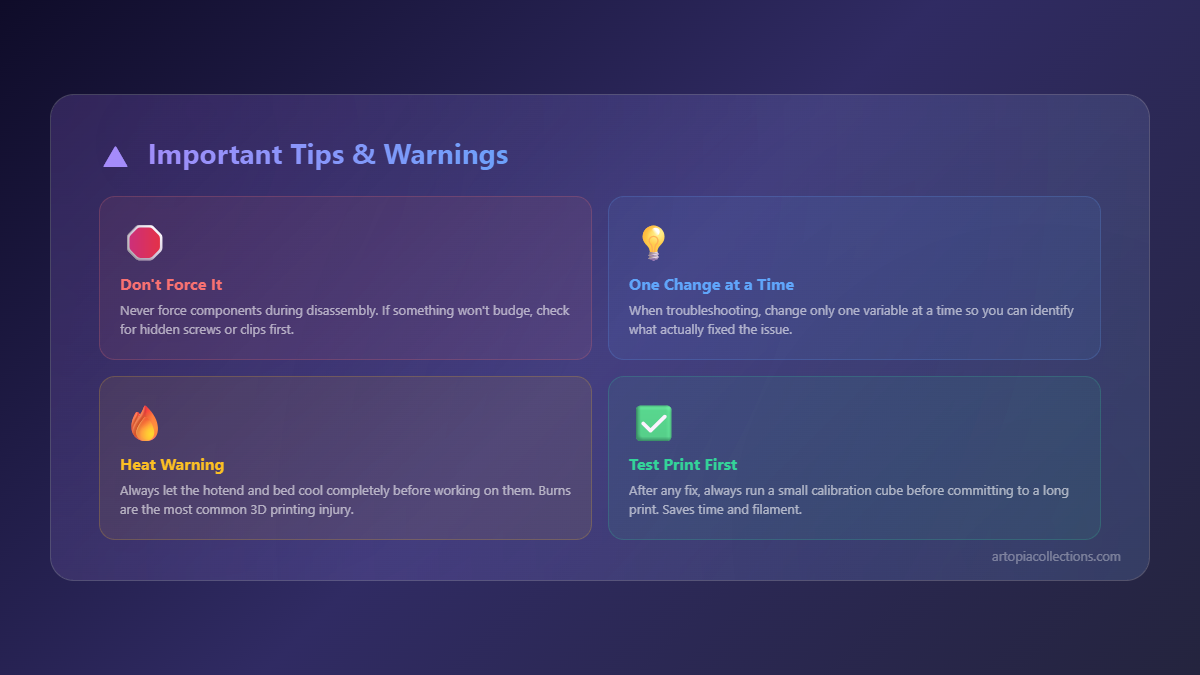
- Print a Calibration Cube First: Before a critical multi-color print, especially after making changes or using new filament, I always print a small calibration cube. It's a quick way to ensure all filaments load, extrude, and purge correctly without wasting hours on a big print that might fail.
- Don't Be Afraid to Open It Up (Carefully!): Bambu Lab's Wiki has great guides. Don't be scared to follow them to inspect the internals of the AMS or buffer. Just take pictures as you go, and keep track of screws. I've had to open my AMS a couple of times to clear a stubbornly stuck piece of filament, and while intimidating at first, it's totally doable.
Final Thoughts: Patience, My Friend
The thing is, the Bambu Lab AMS is an incredible piece of engineering, but like any complex machine, it needs a bit of love, maintenance, and understanding. Don't get disheartened if you run into issues. Every single maker, myself included, has faced these problems. The key is to be methodical, check the simplest things first, and work your way through the system. And honestly, once you nail down the common culprits and get into a routine of preventative maintenance – especially regarding humidity and spool management here in India – your AMS will sing! I've gone from constant "Filament not loaded" errors to weeks of smooth, uninterrupted multi-color printing, and it feels awesome.
So, go forth, my fellow maker! Troubleshoot, tinker, and get those amazing prints rolling. And if you're ever looking for some inspiration or need custom 3D printed items, definitely check out my products at Arttopia Collections – maybe you'll even spot something printed with a successfully fed, multi-color filament! Happy printing!