Revopoint Range 2 vs Pop 3: Which 3D Scanner for Indian Makers?
Deciding between Revopoint Range 2 and Pop 3? This post compares these popular 3D scanners, highlighting their features and suitability for Indian makers to help you make an informed choice.

Revopoint Range 2 vs Pop 3: The Ultimate Showdown for Indian 3D Printing Enthusiasts!
Alright folks, gather 'round! If you're anything like me, you've probably spent countless hours staring at your monitor, imagining how to bring that cool real-world object into your digital realm, ready for some 3D printing magic. And let's be real, hand-modeling everything from scratch? Nah, my hands get tired just thinking about it. That's where 3D scanners come in, and boy, have they become more accessible for us makers here in India! But with so many options popping up, especially from Revopoint, how do you choose? Today, we're diving deep into a battle royale: the Revopoint Range 2 versus the Revopoint Pop 3. Which one's going to earn its spot on your workbench, especially when every rupee counts?
As you know, I run ArtOpia Collections, my small 3D printing business right here in the bustling heart of India. We do everything from custom prototypes for local businesses to creating unique art pieces, and even some intricate miniatures that end up on our product page. And honestly, having a reliable 3D scanner isn't just a luxury for me anymore; it's a fundamental tool. I've been hands-on with pretty much every piece of kit you can imagine, from budget FDM printers like my trusty Creality Ender 3 (which I've practically rebuilt a dozen times, mind you) to resin printers that churn out incredible detail. So, when it comes to scanners, I've got some opinions, and more importantly, some real-world experience to share.
The Revopoint Pop 3: The Detail Dynamo
Let's kick things off with the Revopoint Pop 3. This little guy is, in my humble opinion, a marvel of engineering for its size and price point. I picked one up not too long ago because I needed something that could capture fine details on smaller objects – things like intricate figurines, small mechanical parts for repair, or even some of the more elaborate jewellery designs we sometimes prototype. And it delivers, oh boy, does it deliver!
What I love about the Pop 3:
- Pin-Sharp Accuracy: We're talking 0.05mm accuracy here, which for a handheld scanner in this category is just phenomenal. You can truly capture those tiny textures and edges.
- Vibrant Colour Capture: The Pop 3 boasts a pretty impressive RGB camera, making colour scanning a real joy. If you're doing anything where texture mapping is critical for visual appeal, like scanning an antique vase or a colourful sculpture, this thing shines.
- Smooth Tracking: Honestly, the tracking on the Pop 3 is surprisingly robust. Even with slightly featureless objects, it generally holds its position well, especially if you're patient and use a good turntable.
- Portability: It's small, it's light, and it's easy to pack up and take with you. I've even used it for on-site scans a couple of times.
But it's not all sunshine and roses, right? Here's where the Pop 3 has its limitations:
- Small Scan Volume: The sweet spot for the Pop 3 is definitely small to medium-sized objects. Trying to scan something larger than, say, a shoe, starts to become a bit of a challenge. You can do it, but it requires more stitching, more patience, and often more markers.
- Reflective/Dark Surfaces: Like most structured light scanners, highly reflective or very dark surfaces can be a pain. You'll often need to use scanning spray or matte powder to get a decent scan, which adds an extra step and cost.
- Price: While it's fantastic for what it does, the Pop 3 isn't exactly cheap. You're looking at something in the range of ₹55,000 to ₹70,000 for a standard kit here in India, depending on where you snag it from and what accessories are bundled. That's a significant investment for many hobbyists.
In my experience, if you're into miniature design, product prototyping for smaller items, or even trying to replicate intricate heirlooms, the Pop 3 is an absolute workhorse. I've used it to scan old broken plastic parts so I can 3D print replacements using a durable material like Overture PETG – it saved a client a ton of money on a specialty part! It's a precise instrument for precise jobs.
The Revopoint Range 2: The Big Game Hunter
 Now, let's talk about the new kid on the block, the Revopoint Range 2. This scanner is built for a completely different purpose, and it makes that very clear from the moment you pick it up. Where the Pop 3 is about exquisite detail on a small scale, the Range 2 is about capturing big objects, quickly and efficiently.
I got my hands on a demo unit of the Range 2 recently, and man, it's a beast. My first thought was, "Okay, this is for when you want to scan a whole person, or a car door, or maybe even a piece of furniture for a digital twin project." And that's exactly what it excels at.
Why the Range 2 is a game-changer for large objects:
- Massive Scan Volume: This is its superpower. You can scan objects from about 50mm all the way up to 4 meters! That's incredible. If you're trying to replicate a statue, scan a car part, or even get a full-body scan for a custom cosplay suit, the Range 2 is your go-to.
- Blazing Fast: With a scanning speed of up to 16fps, you can get a decent scan of a large object in minutes, not hours. This is crucial for me because time is money, especially when I'm on a tight deadline for a client.
- Good Accuracy for its Scale: While not as microscopically precise as the Pop 3 for tiny details, its 0.1mm accuracy is more than sufficient for large objects. For example, if you're scanning a fender, you don't need 0.05mm accuracy on a bolt head; you need accurate overall dimensions.
- Fantastic for Human Body Scans: Its tracking, speed, and large volume make it ideal for scanning people. Imagine scanning yourself or a client for a custom-fit piece of armour – the possibilities are endless!
- User-Friendly Software: Both scanners use Revo Scan, which I've found to be quite intuitive after a bit of a learning curve. But the Range 2's specific calibration for larger objects just feels very natural.
Of course, nothing's perfect. Here are the Range 2's potential drawbacks:
- Less Detail on Small Objects: This is the flip side of its large scan volume. If you try to scan something tiny and intricate, the Range 2 simply won't give you the same level of detail as the Pop 3. It's not designed for that.
- Larger and Heavier: It's not as pocketable as the Pop 3. While still portable, it's definitely a bigger piece of kit.
- Higher Price Tag: Being the newer, more specialized scanner for large volumes, the Range 2 commands a higher price. You're probably looking at somewhere in the range of ₹1,00,000 to ₹1,30,000 for a standard kit, again, depending on vendor and bundles. This puts it squarely in the professional tool category for many.
I can totally see the Range 2 being invaluable for architectural prototyping, custom automotive parts, or even for capturing large sculptures for digital archival. We've had a few inquiries about scanning furniture for virtual tours, and honestly, the Range 2 would be perfect for that kind of project.
The Head-to-Head: Range 2 vs Pop 3 – Which One for YOUR Indian Workshop?
So, here's the deal, the big question: which one should you choose? It honestly boils down to your primary use case, your budget, and what kind of projects get you excited. Let's break it down:
- Scan Volume & Detail: This is the absolute biggest differentiator.
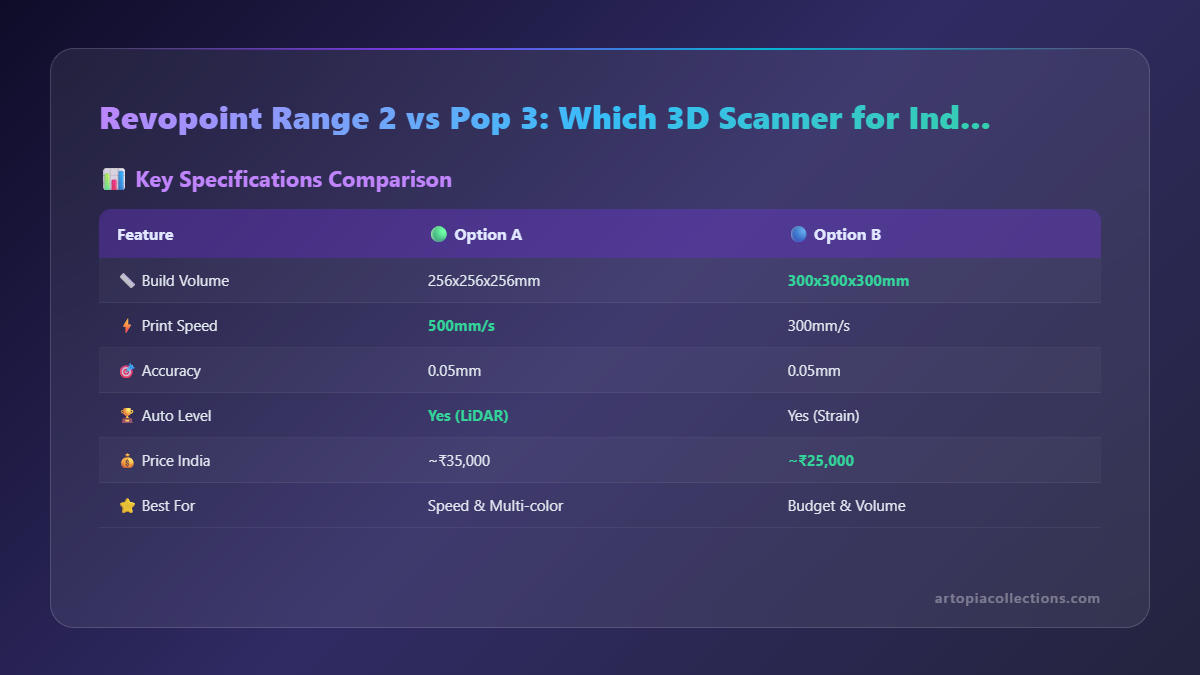
- Pop 3: Excellent for small, highly detailed objects (think 10mm to 300mm). If your world revolves around intricate miniatures, jewellery, small prototypes, or precise component reverse-engineering, the Pop 3 is your best friend.
- Range 2: Built for large objects (50mm up to 4m) and rapid scanning. If you're scanning people, furniture, car parts, large art installations, or anything where overall shape and form are more critical than sub-millimeter texture, the Range 2 will save you a ton of time and effort.
- Accuracy:
- Pop 3: 0.05mm. Unbeatable for fine details.
- Range 2: 0.1mm. Very good for large objects, but not for micro-details.
- Speed:
- Pop 3: Good for its class, but for larger objects, it can feel slow due to needing more scans/stitching.
- Range 2: Much faster, up to 16fps. You'll appreciate this when scanning big, complex shapes.
- Colour & Texture: Both have good RGB cameras, but the Pop 3 generally shines a bit more on texture capture due to its higher detail capabilities on smaller objects.
- Price Point:
- Pop 3: Around ₹55,000 - ₹70,000.
- Range 2: Around ₹1,00,000 - ₹1,30,000.
This is a big one. The Range 2 is a significant step up in investment. You really need to justify that extra spend with your specific business or hobby needs.
My Personal Take:
If you're an Indian maker primarily focused on detailed work, perhaps designing custom components for drones, creating intricate scale models, or even scanning small artefacts for digital preservation, the Pop 3 is probably where you should start. It offers incredible value for its precision. You can pair it with some excellent Indian-available filaments like eSUN PLA+ or even something tougher from Overture. Check out some good options for your 3D printer filament on Amazon.in.
However, if your projects involve larger scales – like scanning entire motorcycle parts for a custom modification, doing full-body scans for fashion design, or reverse-engineering industrial components – then the Range 2 is the clear winner, despite the higher price. It's designed for that kind of work, and trying to do it with a Pop 3 would be like trying to hammer a nail with a screwdriver; you might eventually get there, but it won't be fun or efficient. Plus, having a good, robust 3D printer that can handle larger builds like a Creality K1 or an Anycubic Kobra 2 Pro would be the perfect companion for the Range 2. You can browse some Creality 3D printers on Amazon.in to see what I mean.
Can you get both? If your budget allows, having both the Pop 3 and the Range 2 would make an incredibly versatile scanning arsenal. You'd be able to tackle pretty much any object, big or small, with the right tool for the job. But for most of us, especially when starting out or running a small business where every investment needs to show clear ROI, you'll likely pick one.
Final Thoughts from Your Friendly Neighbourhood 3D Printing Guy
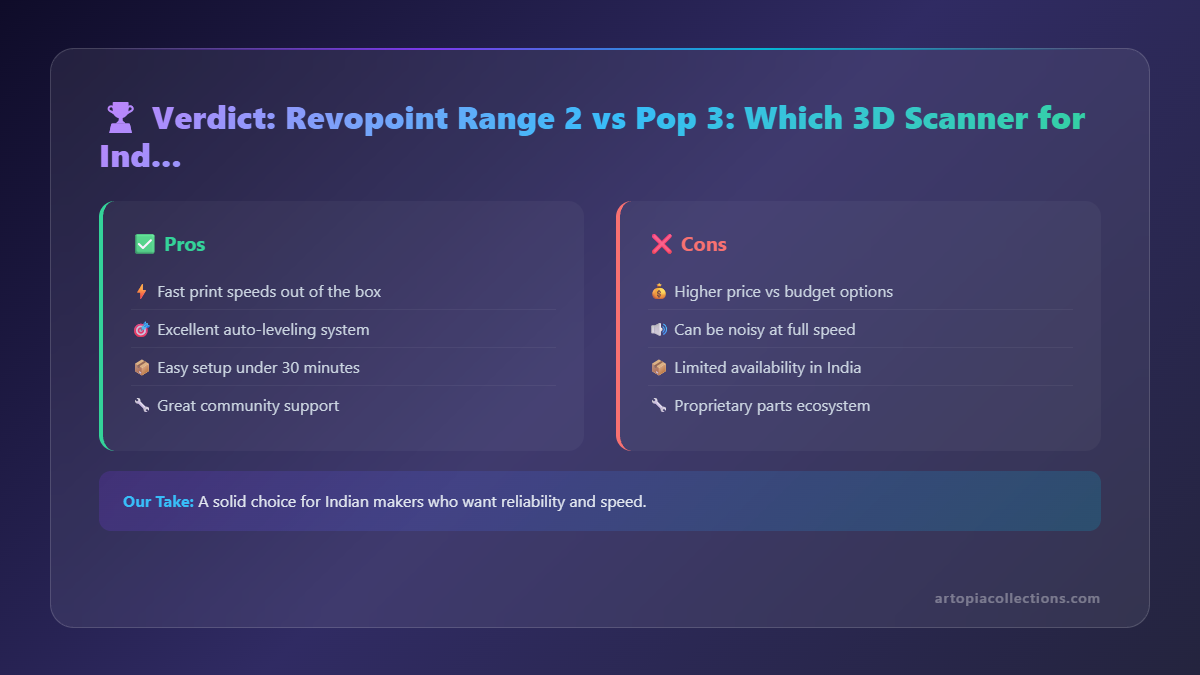 At the end of the day, both the Revopoint Range 2 and the Pop 3 are fantastic pieces of technology. Revopoint has really shaken up the affordable 3D scanner market, making professional-grade tools accessible to a wider audience, including us passionate makers here in India. Choosing between them isn't about which one is "better" overall, but which one is "better for you." Think about your most frequent projects, the size of objects you typically work with, and what kind of detail is non-negotiable for your workflow.
I've loved sharing my thoughts on these two incredible scanners. The world of 3D printing and scanning is constantly evolving, and it's exhilarating to be a part of it. If you've used either of these, or have other recommendations, drop a comment below! Let's keep the conversation going. Happy scanning, my friends!